Amazon S3
ToolJet can connect to Amazon S3 buckets and perform various operations on them.
Connection
To establish a connection with the Amazon S3 data source, you can either click on the + Add new Data source button located on the query panel or navigate to the Data Sources page from the ToolJet dashboard.
ToolJet supports connecting to AWS S3 using IAM Access Keys, AWS Instance Credentials, AWS ARN Role or even Default Credential Provider Chain.
IAM Access Keys
If you are using IAM Access Keys, you will need to provide the following details:
- Region
- Bucket
- Access key
- Secret key
Note: It is recommended to create a new IAM user for the database so that you can control the access levels of ToolJet.
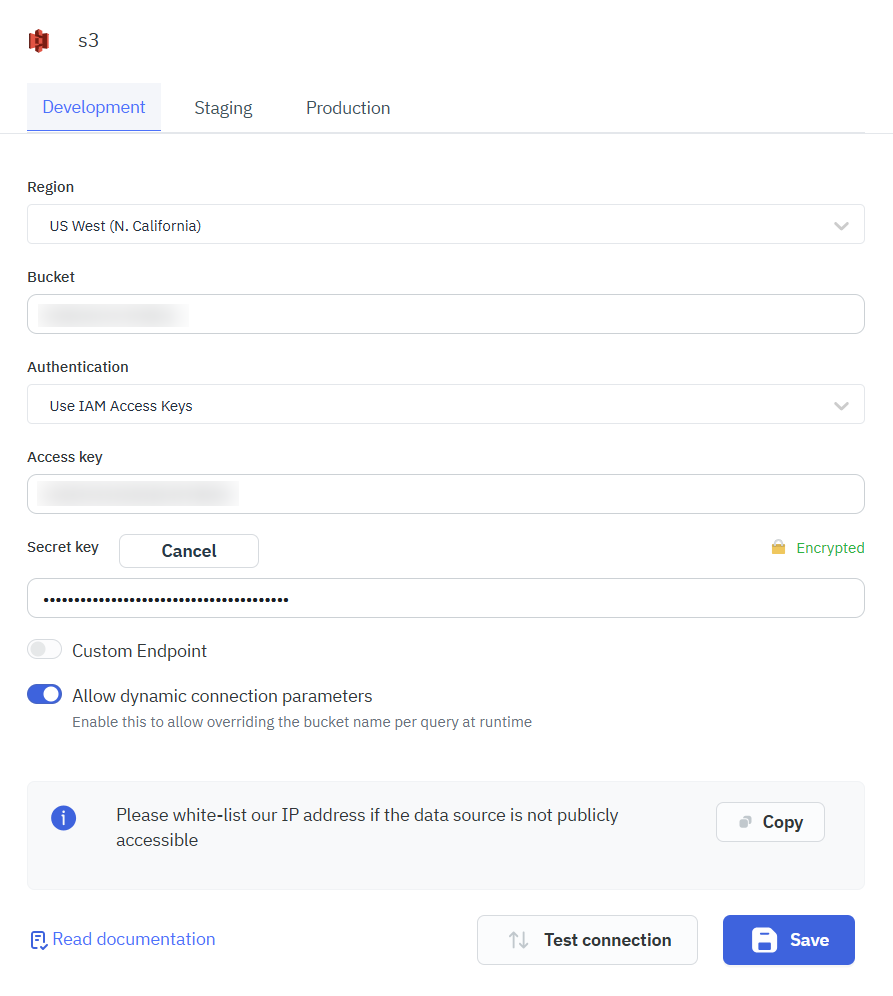
ToolJet supports overriding AWS S3 connection parameters at query runtime when dynamic connection parameters are enabled for the datasource.
Once enabled, the bucket parameter becomes configurable directly within the query builder, allowing bucket values to be supplied dynamically at execution time instead of being statically defined in the datasource configuration. This eliminates the need to create separate datasource configurations for each bucket when the connection credentials remain the same, making queries more reusable and easier to maintain.
AWS Instance Credentials
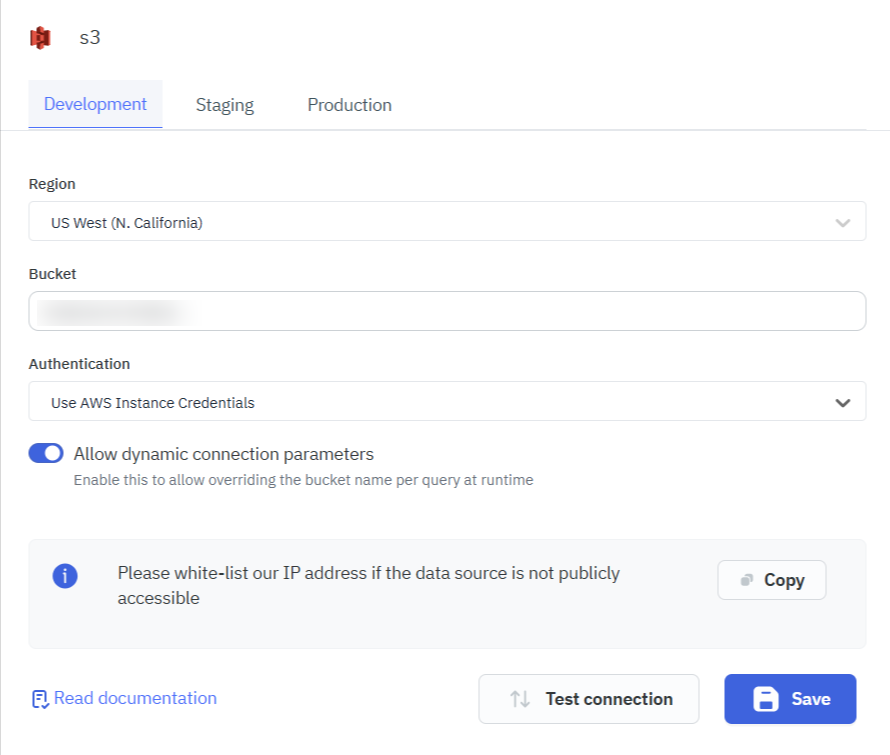
To connect to AWS S3 using AWS Instance Credentials, select the Use AWS Instance Credentials. This will use the IAM role attached to the EC2 instance where ToolJet is running.
To access the metadata service of an ECS container and the EC2 instance, we use the WebIdentityToken parameter which is obtained from a successful login with an identity provider.
AWS ARN Role
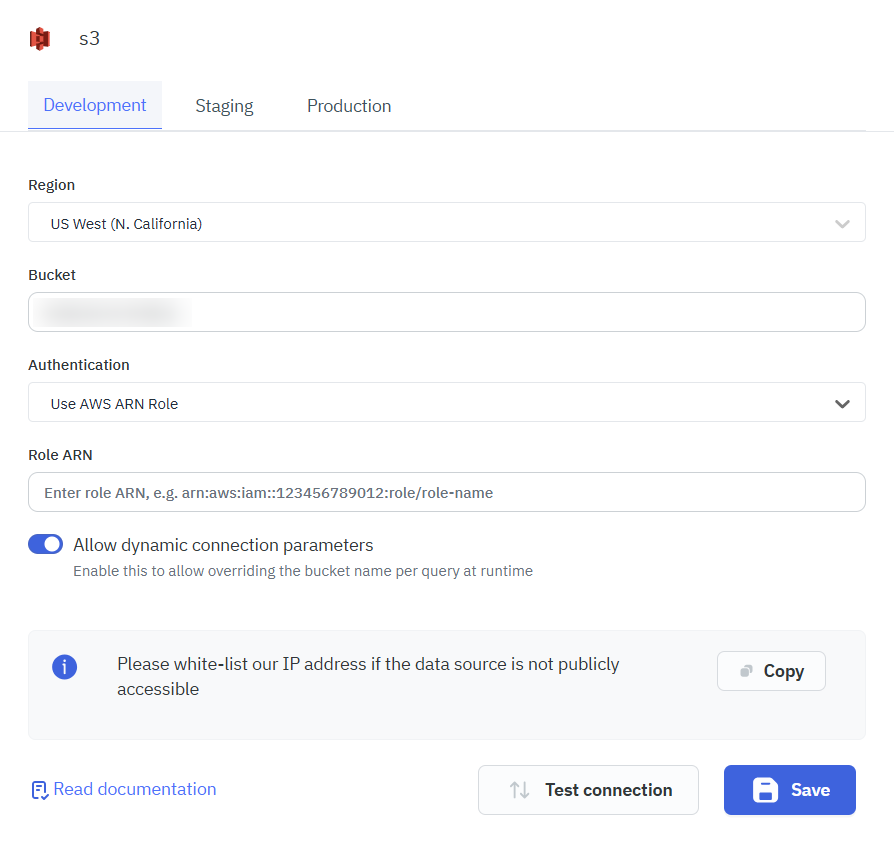
If you are using AWS ARN Role, you will need to provide the following details:
- Region
- Bucket
- Role ARN
Default Credential Provider Chain
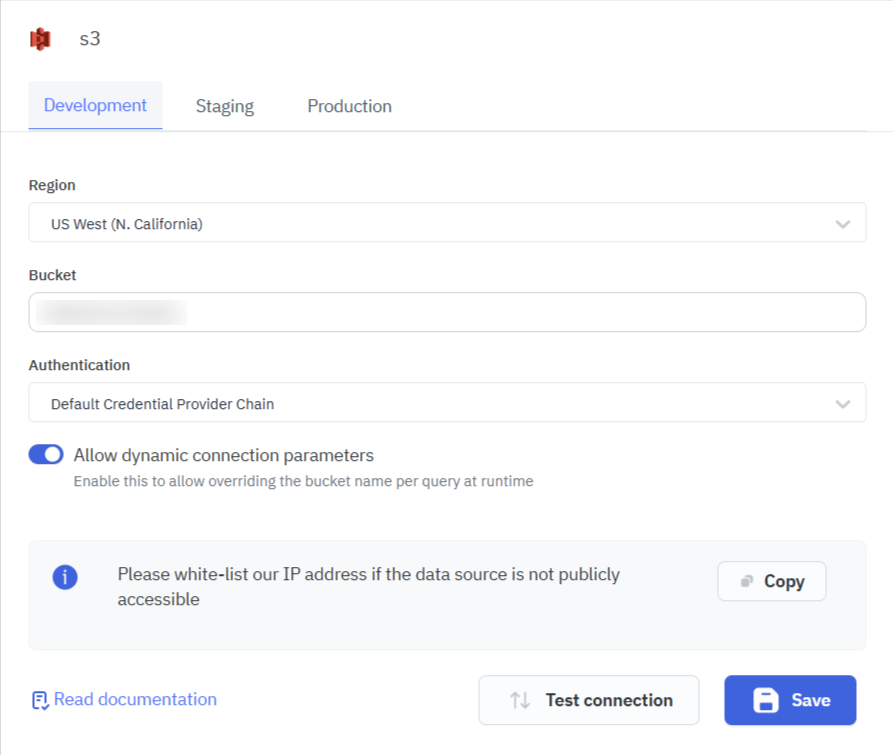
You can also use Default Credential Provider Chain, for the connectivity.
You can now connect to different S3 Hosts using custom endpoints.
Querying AWS S3
- Click on + Add button of the query manager at the bottom panel of the editor.
- Select the Amazon AWS S3 datasource added in previous step.
- Select the desired operation from the dropdown and enter the required parameters.
- Click on the Preview button to preview the output or Click on the Run button to trigger the query.
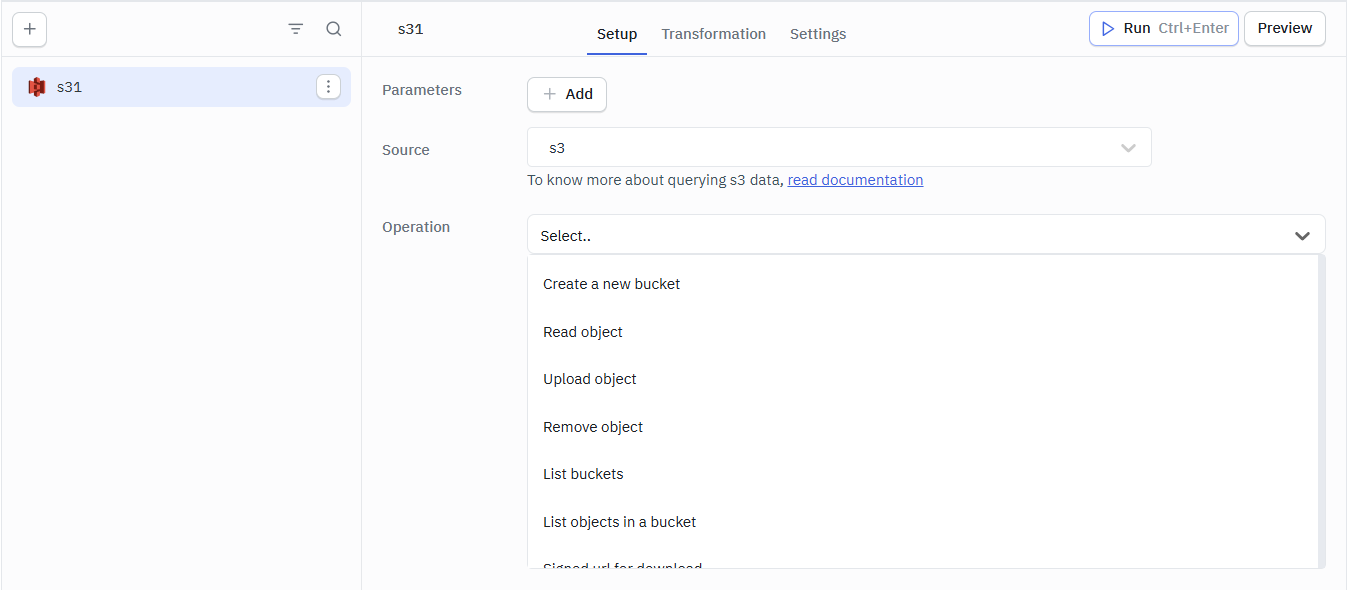
Query results can be transformed using transformations. Read our transformations documentation.
Supported Operations
You can create query for AWS S3 data source to perform several actions such as:
- Create a new bucket
- Read object
- Upload object
- Remove object
- List buckets
- List objects in a bucket
- Signed URL for download
- Signed URL for upload
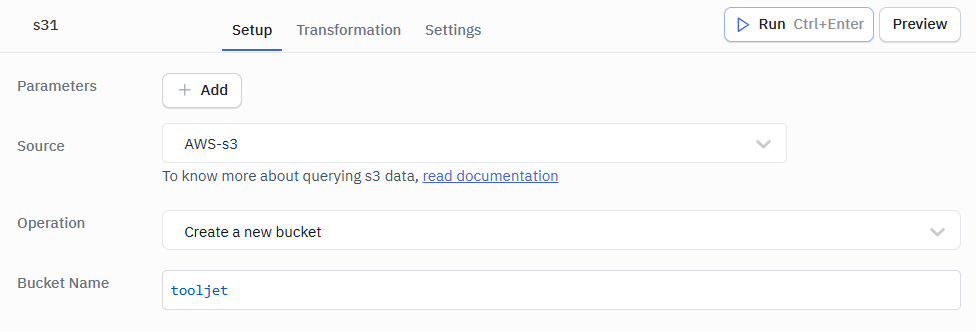
Create a New Bucket
You can create a new bucket in your S3 by using this operation.
Required Parameter
- Bucket Name
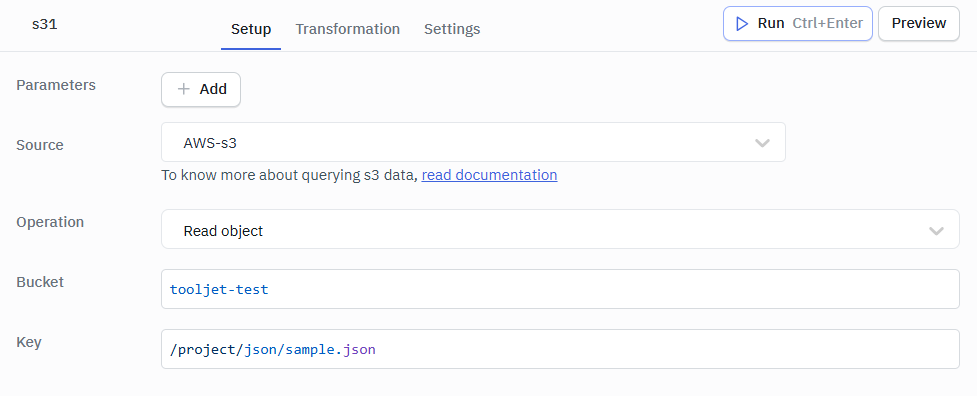
Read Object
You can read an object in a bucket by using this operation.
Required Parameters
- Bucket
- Key
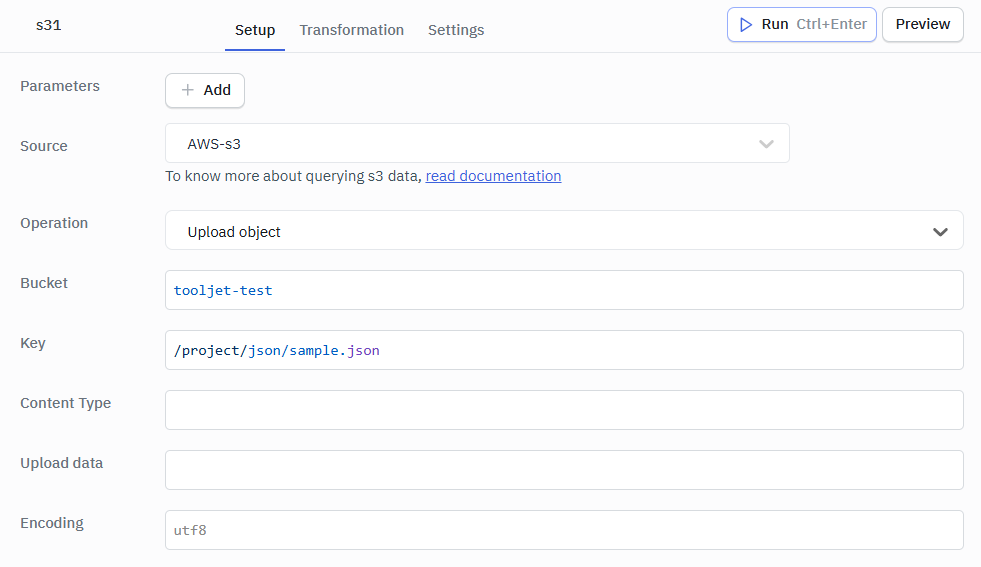
Upload Object
You can use this operation to upload objects(files) to your S3 bucket.
Required Parameters
- Bucket
- Key
- Upload data
Optional Parameters
- Content Type
- Encoding
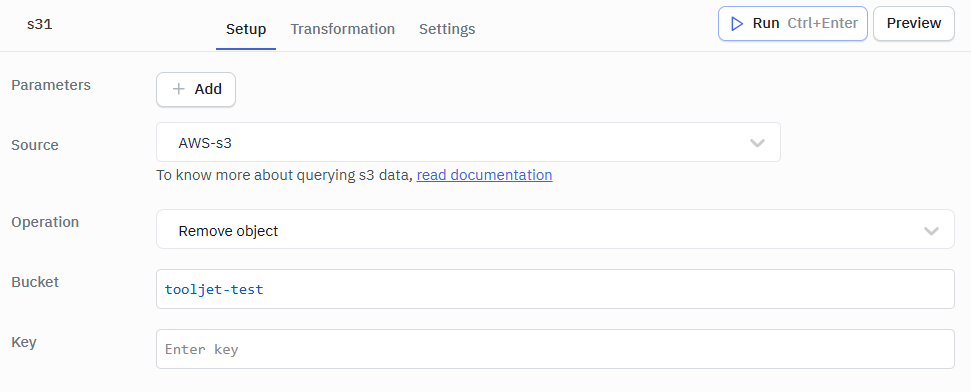
Remove Object
You can use this operation to remove an object from your S3 bucket.
Required Parameters
- Bucket
- Key
List Buckets
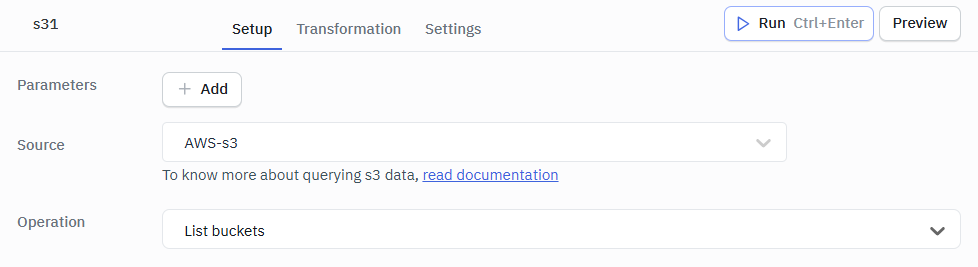
This operation will list all the buckets in your S3. This does not require any parameter.
List Objects in a Bucket
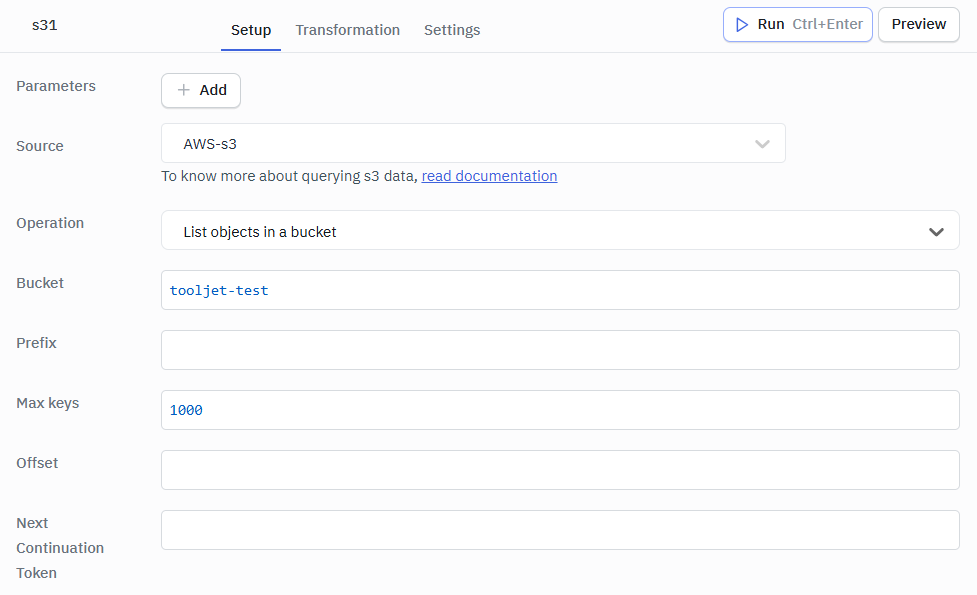
This operation will fetch the list of all the files in your bucket. It requires the following parameters:
Required Parameter
- Bucket
Optional Parameters
- Prefix
- Max keys
- Offset
- Next Continuation Token
Next Continuation Token
For listing a bucket for objects that begin with a specific character or a prefix, then use the Offset parameter. For example, if you want to list all the objects that begin with a, then set the Offset parameter to a. Similarly, if you want to list all the objects that begin with ab, then set the Offset parameter to ab.
The Next Continuation Token is used to list the next set of objects in a bucket. It is returned by the API when the response is truncated. The results will contain Next Continuation Token if there are more keys in the bucket that satisfy the list query. To get the next set of objects, set the Next Continuation Token parameter and run the query again.
The results will continue from where the last listing finished.
Signed URL for Download
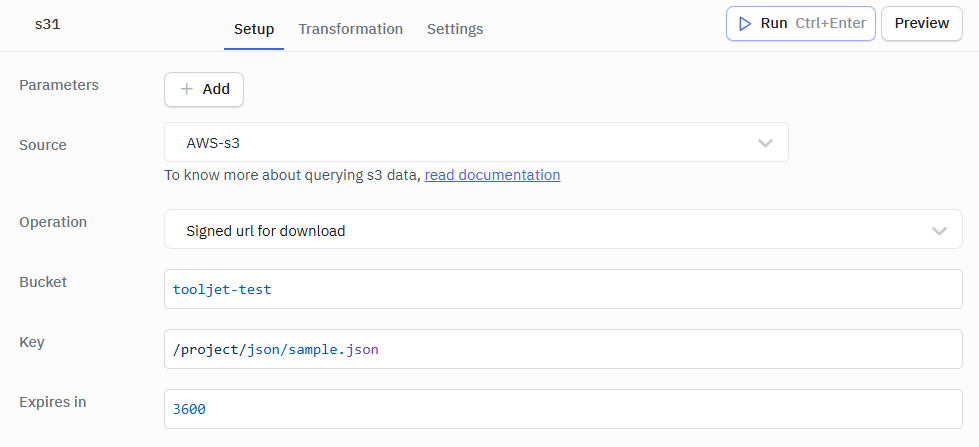
The object owner can optionally share objects with others by creating a presigned URL, using their own security credentials, to grant time-limited permission to download the objects.
Required Parameters
- Bucket
- Key
- Expires in
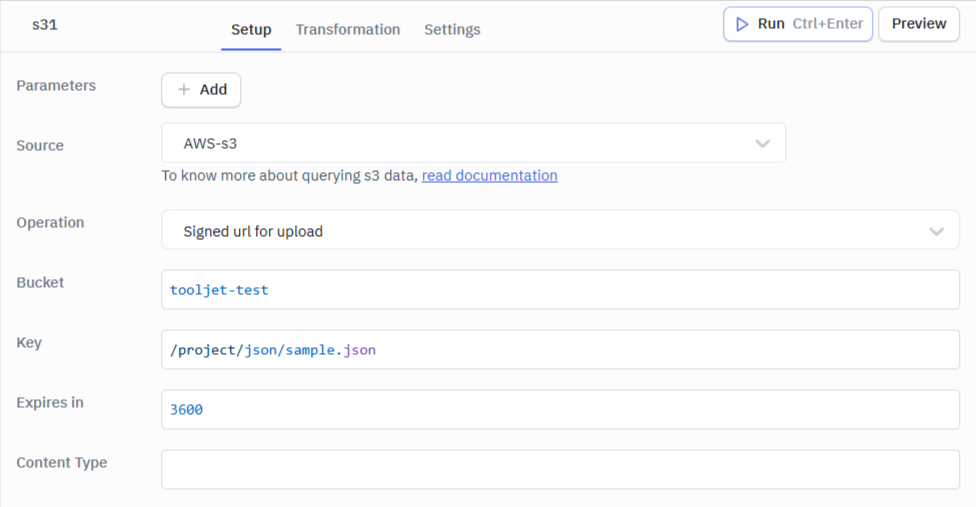
Signed URL for Upload
The presigned URLs are useful if you want your user/customer to be able to upload a specific object to your bucket, but you don't require them to have AWS security credentials or permissions.
Required Parameters
- Bucket
- Key
- Expires in
- Content Type
We built an app to view and upload files to AWS S3 buckets. Check out the complete tutorial here.