Bring Your Own Key (BYOK)
Bring Your Own Key (BYOK) allows you to configure an API key from a supported LLM provider directly within ToolJet's settings. Instead of routing AI requests through ToolJet's managed credentials and consuming ToolJet AI credits, ToolJet will authenticate all AI requests using your own key.
This is useful when you want direct control over your AI usage and costs. Since the API key belongs to your LLM provider account, you get full visibility into consumption, can set your own rate limits and spending caps, and are billed directly by the provider, independently of your ToolJet subscription.
BYOK does not require any infrastructure changes. Requests continue to be processed via ToolJet AI Cloud, with the only difference being the credentials used to authenticate them.
AI requests still route through ToolJet AI Cloud when using BYOK. If your organization requires that no data leaves your own infrastructure, refer to ToolJet AI Enterprise.
This means:
- Cost control: Usage is billed directly to your LLM provider account. ToolJet does not charge ToolJet AI credits for these requests.
- Visibility: You can monitor usage and set spending limits through your LLM provider's dashboard.
- Compatibility: BYOK works on both ToolJet Cloud and Self-hosted deployments; no infrastructure changes are required on your end.
Prerequisites
Anthropic
To use Anthropic as your LLM provider, an Anthropic API key is required. You can follow the official Anthropic documentation to generate the API key.
Google Gemini
To use Google Gemini as your LLM provider, Vertex AI service account credentials are required. You can follow the official documentation to generate the credentials.
To configure the Google Gemini via environment variables, you will need to generate a base64 string for your JSON.
Configuring Your API Key via UI
- Navigate to Workspace Settings → LLM Key in your ToolJet workspace.
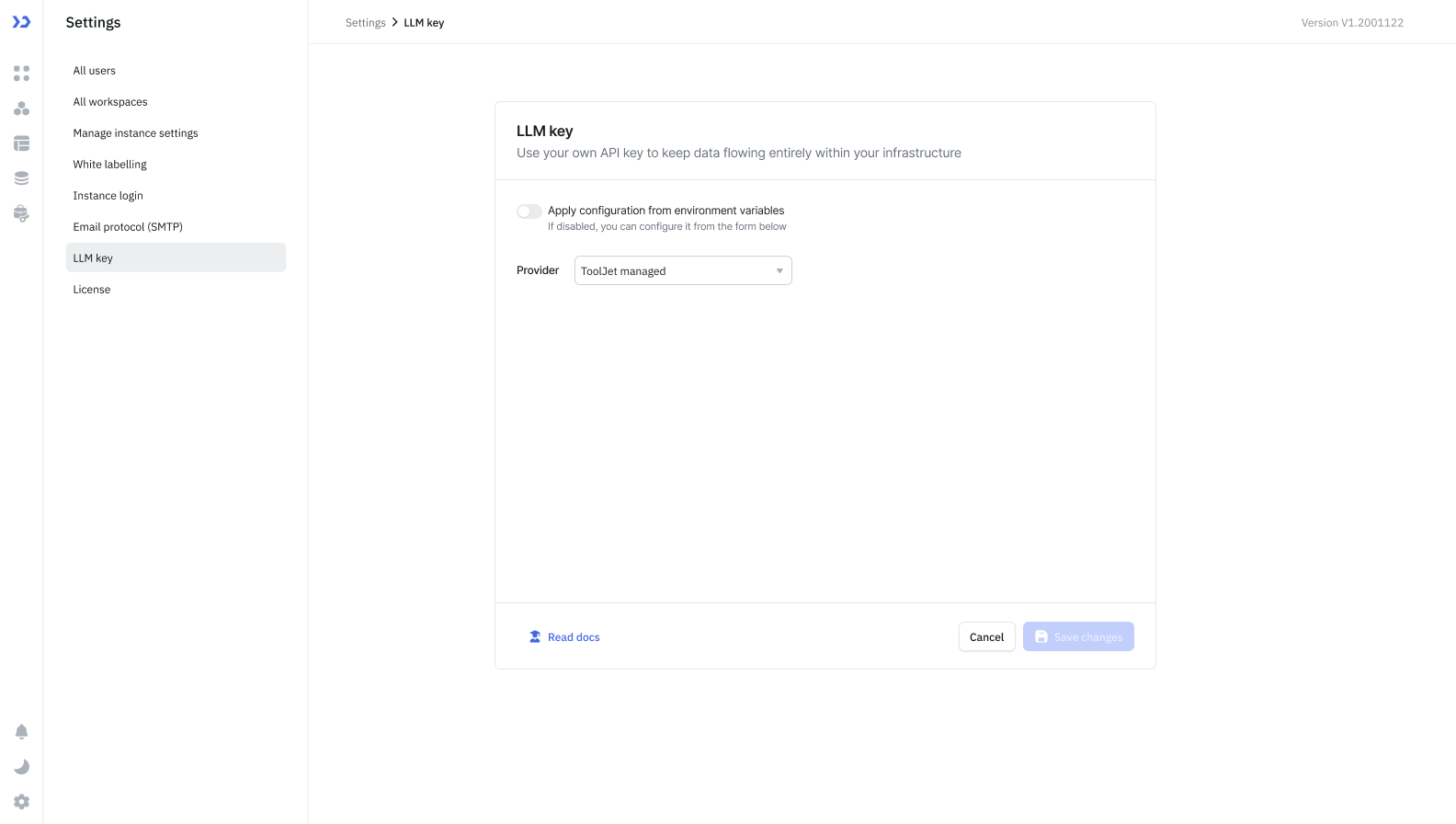
- Select the provider you want to use. By default "ToolJet managed" will be selected which utilizes the ToolJet AI Credits.
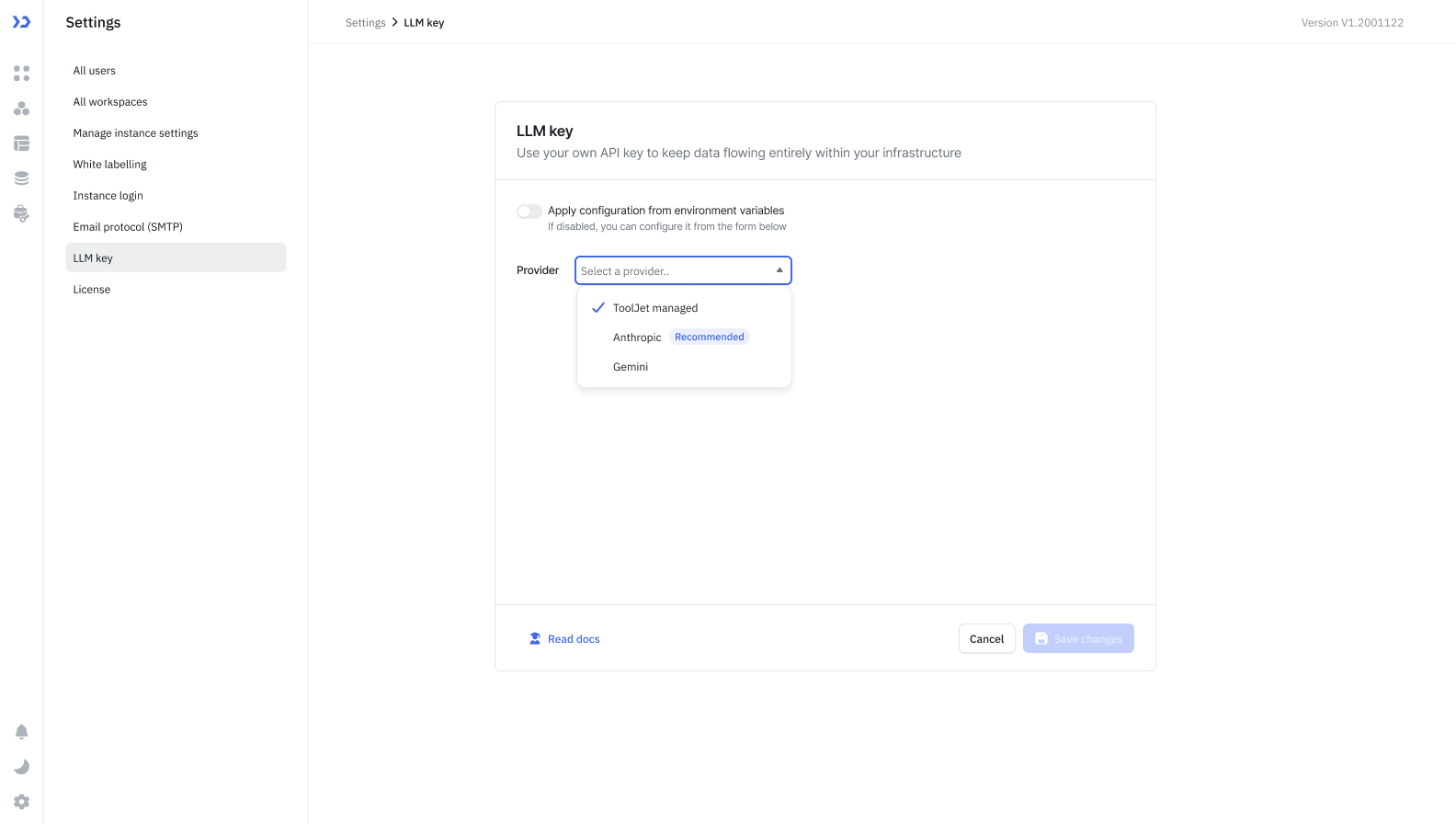
- After that, enter your API key from your LLM provider (e.g., your Anthropic API key from console.anthropic.com).
- Click Save changes.
ToolJet will use your key to authenticate requests sent to your LLM provider.
Configuring Your API Key via Environment Variables
- Configure the following environment variables:
LLM_PROVIDER: You can set your LLM Provider using this variable.Value When to use anthropicWhen you want to use Anthropic API Key geminiWhen you want to use Gemini API Key tooljet_managedWhen you want to use ToolJet Managed AI Credits. - Set the following variable according to which LLM Provider you are using:
ANTHROPIC_API_KEY=<your-api-key>: If you are using Anthropic.GEMINI_API_KEY=<base64-string-of-your-JSON>: If you are using Gemini.
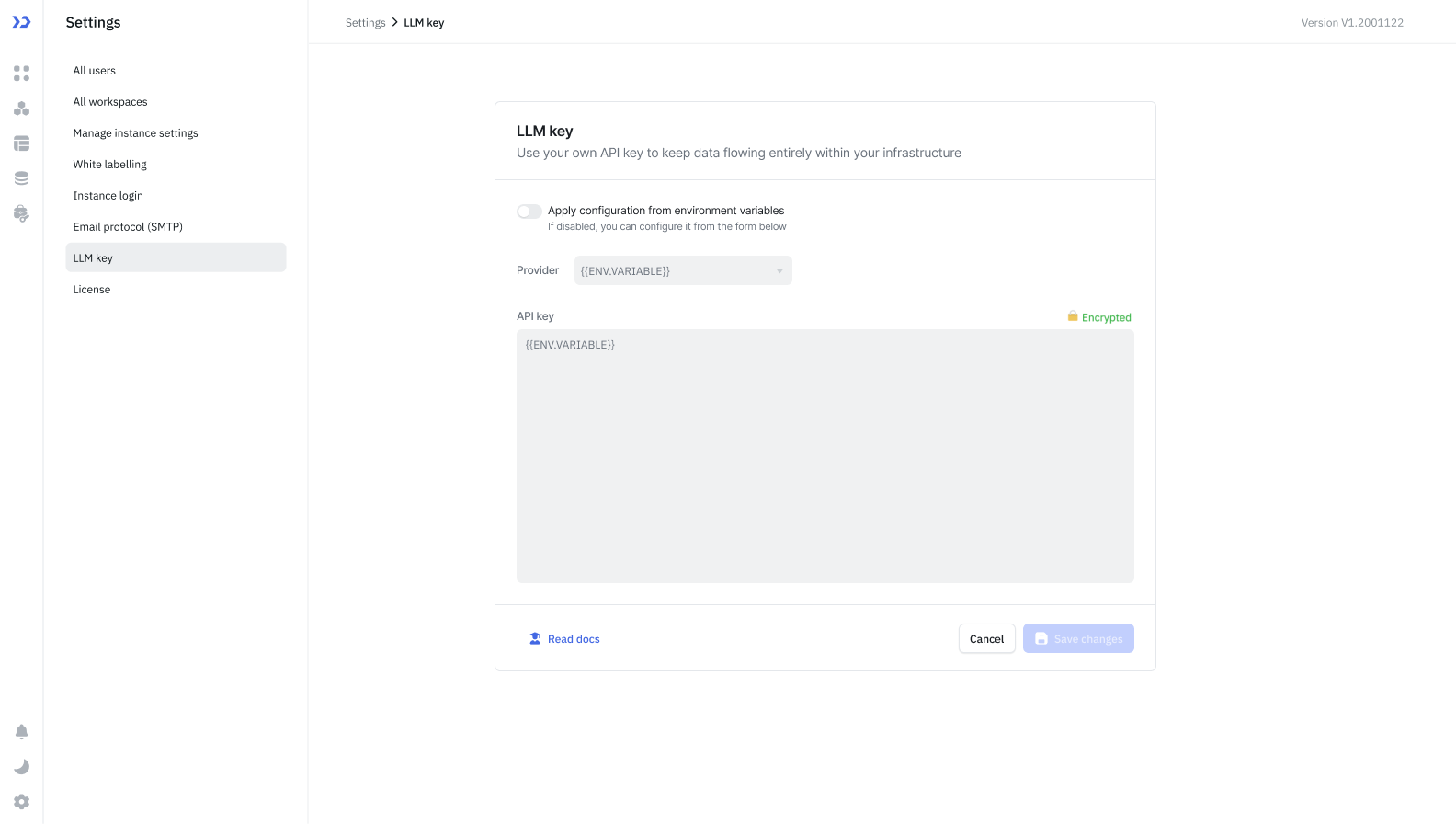
- Once you have configured the above variables, navigate to Workspace Settings → LLM Key in your ToolJet workspace and turn on the "Apply configuration from environment variable" toggle.
Supported Providers
Currently, only Anthropic and Google Gemini (Vertex AI) are supported. Support for additional LLM providers is planned for future releases.
Frequently Asked Questions
Will I still be charged ToolJet AI credits after configuring BYOK?
No. Once a valid API key is configured, all AI requests are authenticated using your key and billed directly to your LLM provider account. ToolJet AI credits are not consumed.
Does my API key get stored by ToolJet?
Your API key is stored securely within your ToolJet workspace settings. It is used solely to authenticate AI requests on your behalf.
Does BYOK work if I am using ToolJet Cloud?
Yes. BYOK is compatible with both ToolJet Cloud and self-hosted deployments.
Can I switch back to ToolJet AI credits after configuring BYOK?
Yes. You can remove your API key from Workspace Settings → LLM Key at any time to revert to ToolJet AI credits.
What happens if my API key is invalid or expires?
AI-powered features will fail to execute until a valid key is provided. You will need to update the key in Workspace Settings → LLM Key.