@mention in AI Chat
When working with the AI chat in ToolJet, you can use @ to reference specific components and queries in your app. This lets the AI precisely target what you want to create or modify, instead of inferring it from context alone.
Ways to Reference App Resources
Typing @ in Chat
Type @ directly in the AI chat input to bring up a list of components and queries available in your app. Select the one you want, and it will be pinned to your message. The AI then scopes its action to that exact component or query.
- Components: Reference a button, table, form, or any other component to ask the AI to update it.
- Queries: Reference a specific query to ask the AI to modify it or build on top of it.
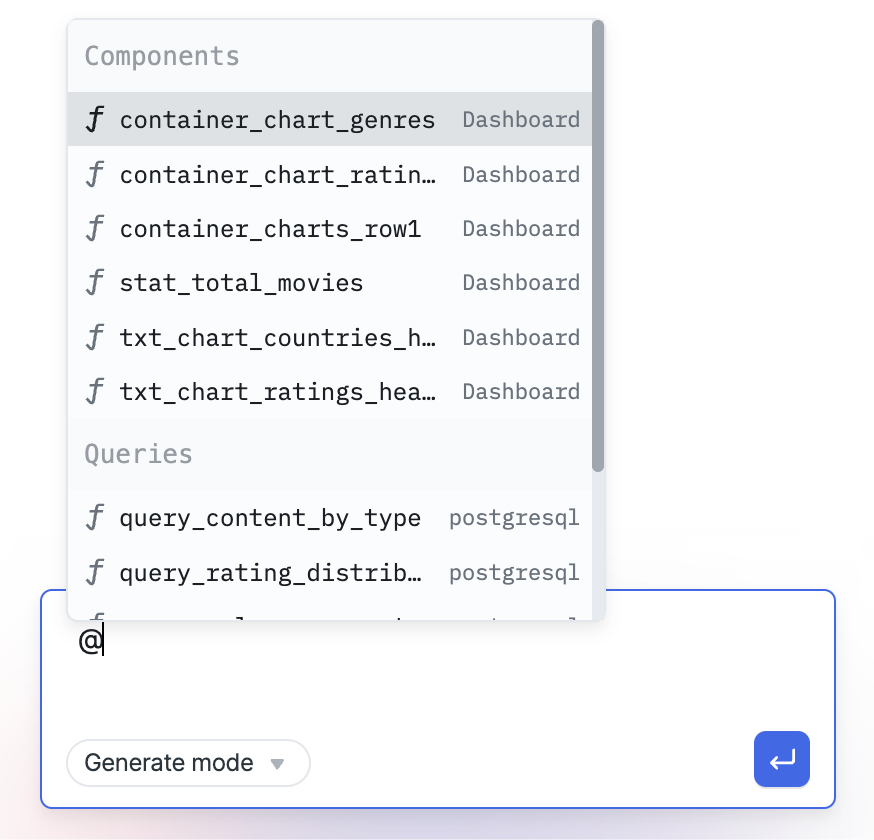
Selecting from the Canvas or Query Panel
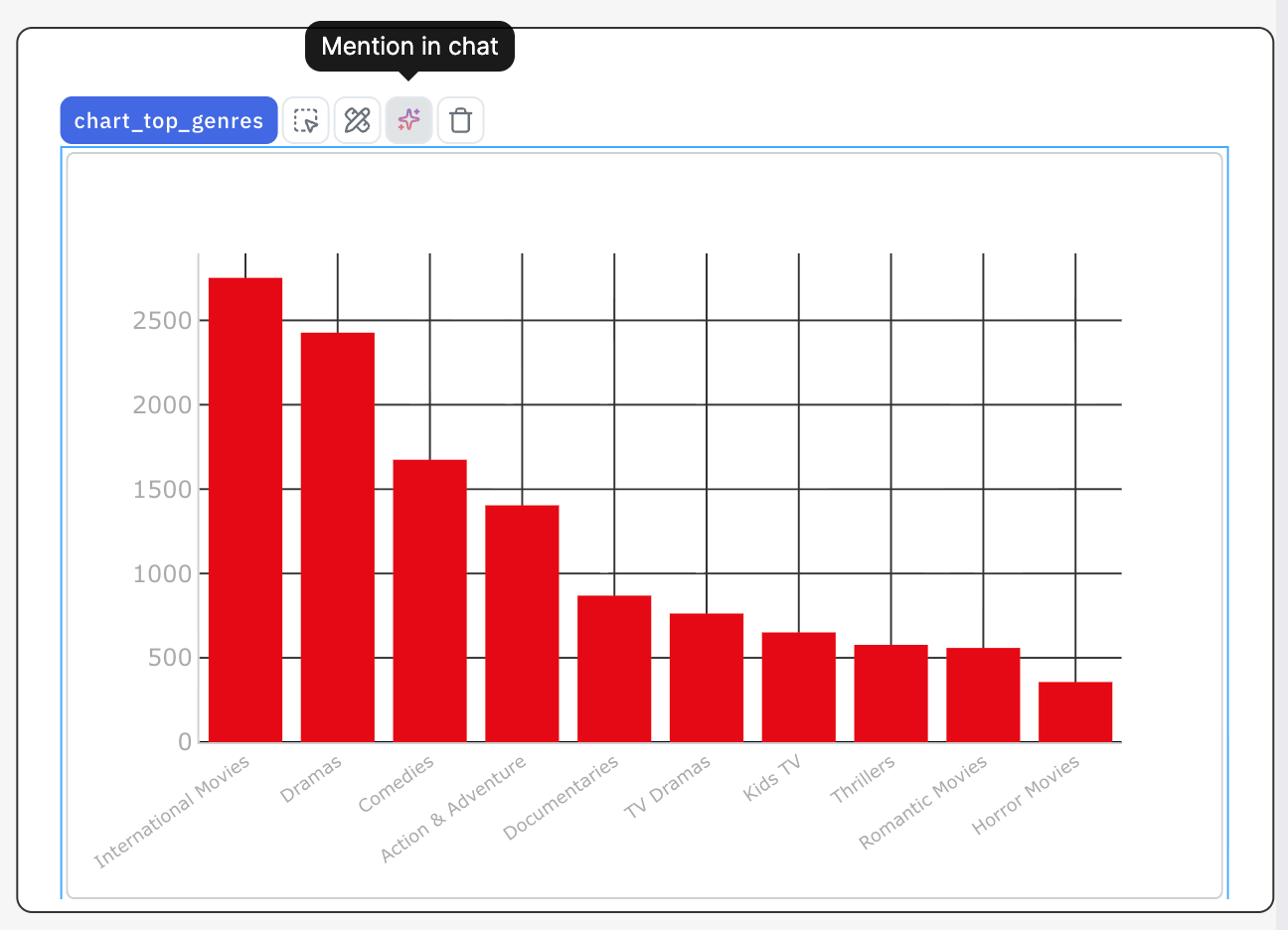
You can also mention a component or query without typing in chat:
- For components: Select a component on the canvas. An option to mention it in the AI chat will appear. Clicking it adds the component reference to the chat input.
- For queries — Select a query in the query panel. Similarly, you'll see an option to mention it in the AI chat.
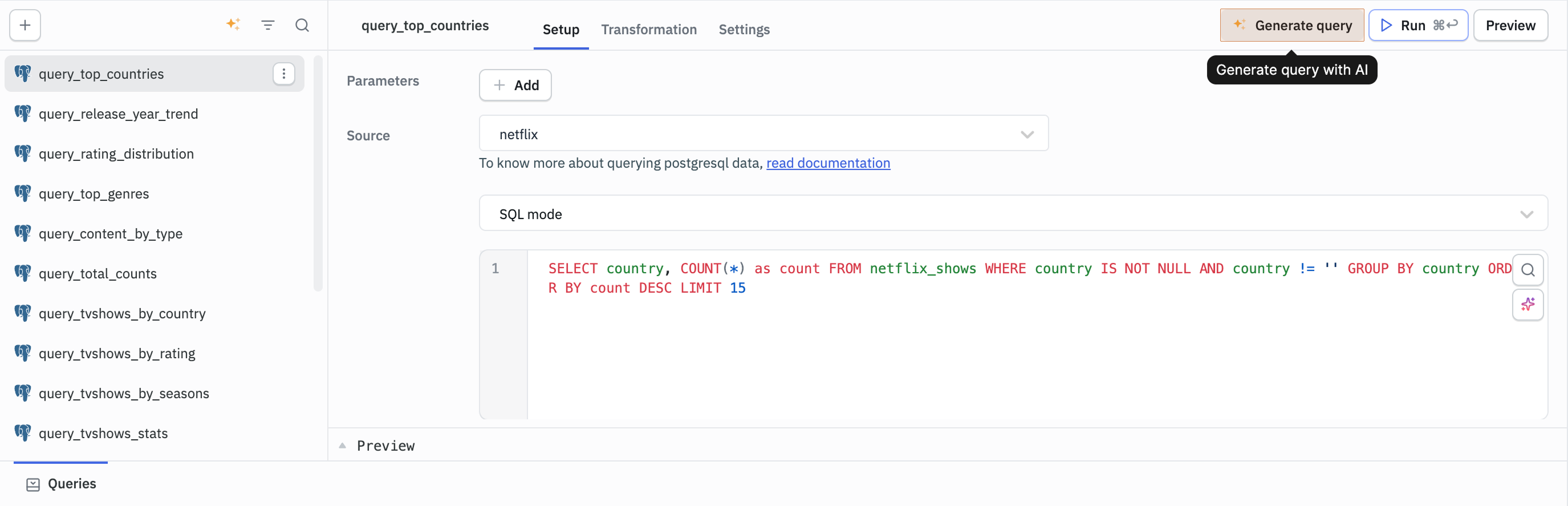
This is useful when you can see the component or query you want to work with but don't remember its exact name.