Generate Applications
This guide explains how to quickly generate and modify business applications using ToolJet. You can create an app from scratch with a single prompt or enhance an existing app with AI-powered assistance.
Creating Application
To create an application, follow these steps:
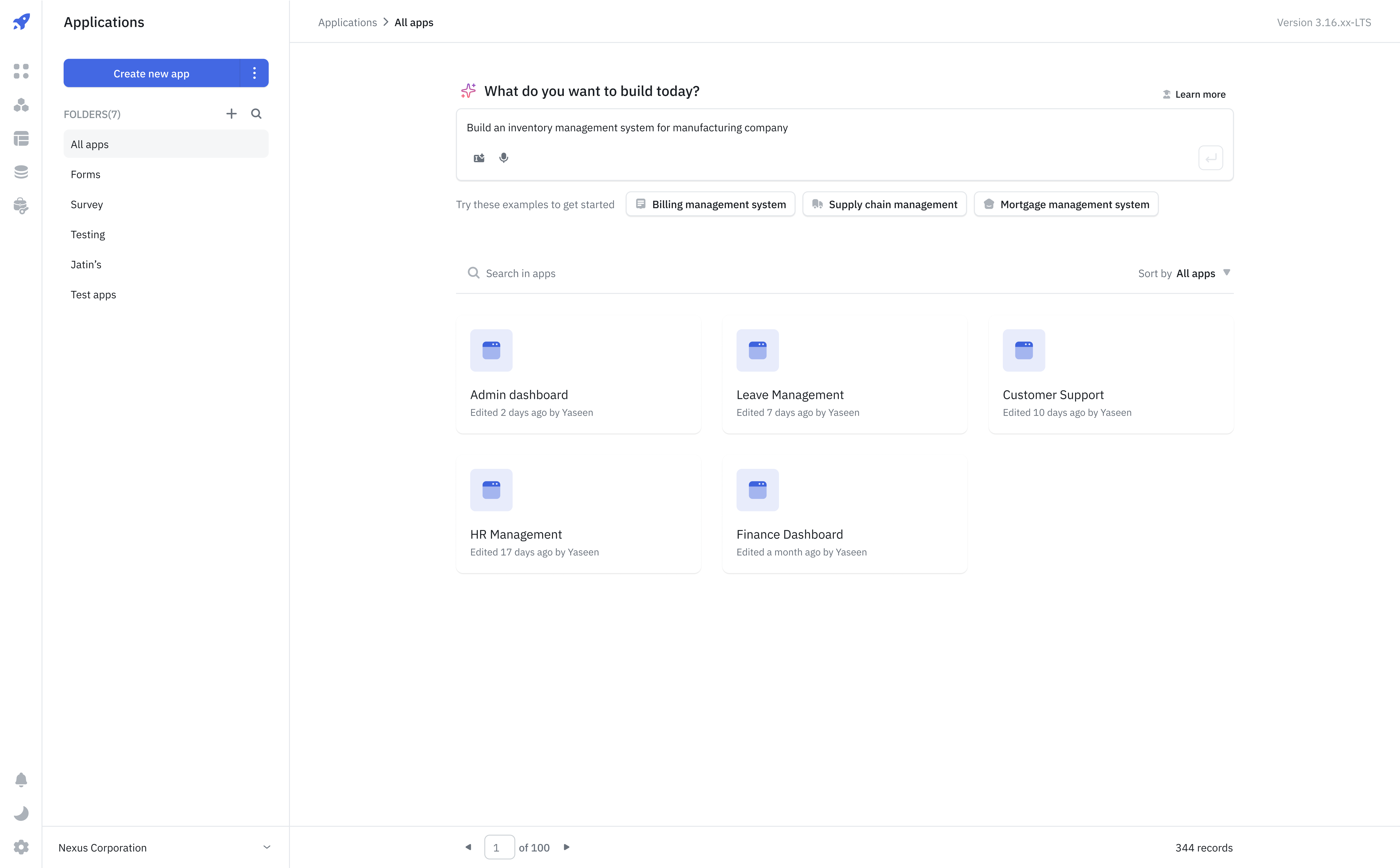
- Enter a prompt – Describe the business application you want to build in the prompt input on the dashboard.
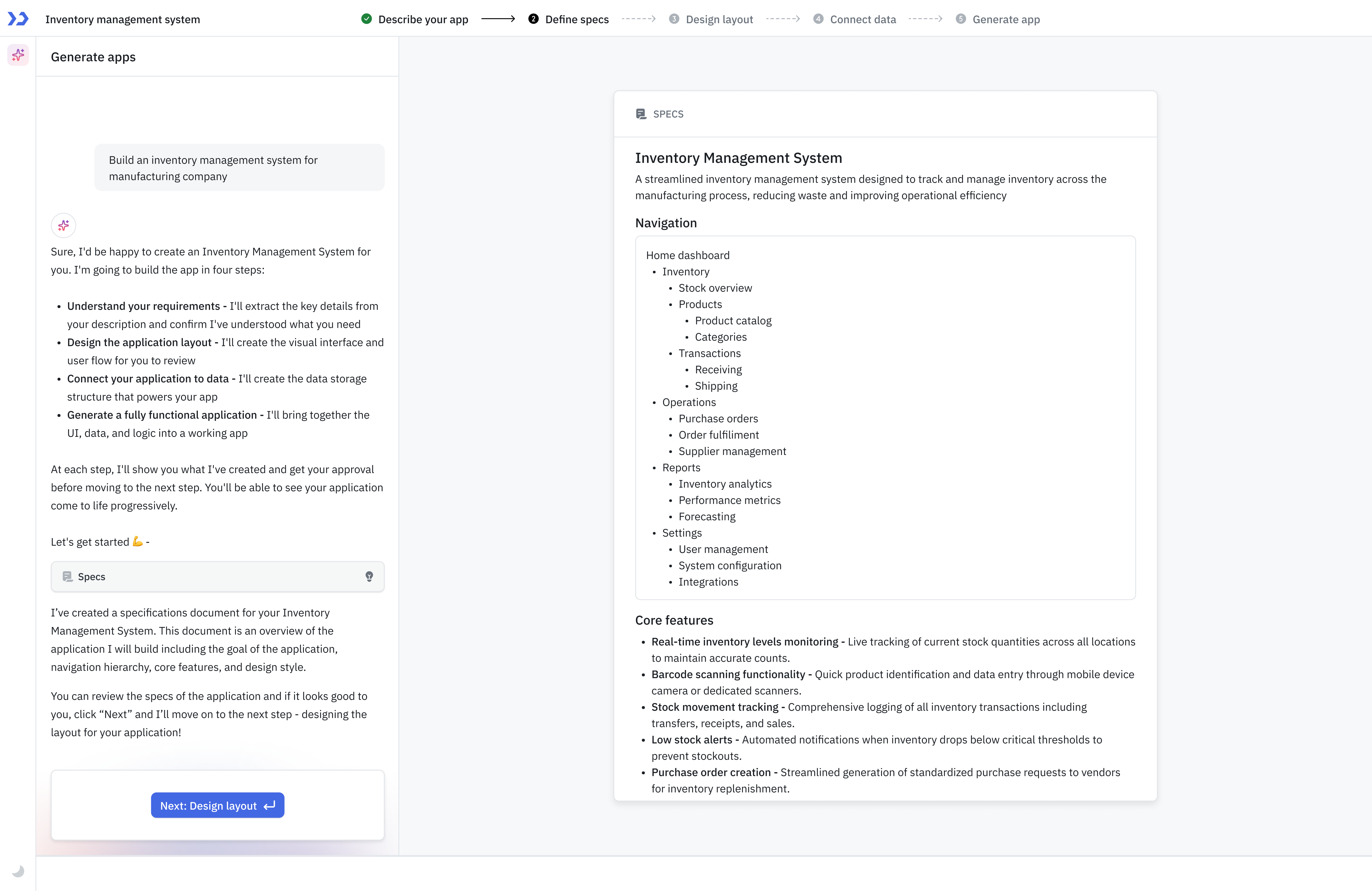
- Check Specs File – After submitting your prompt, a new app will be created, and you’ll be taken to the App Builder, where a specs files will be generated including list of features, navigation, etc.
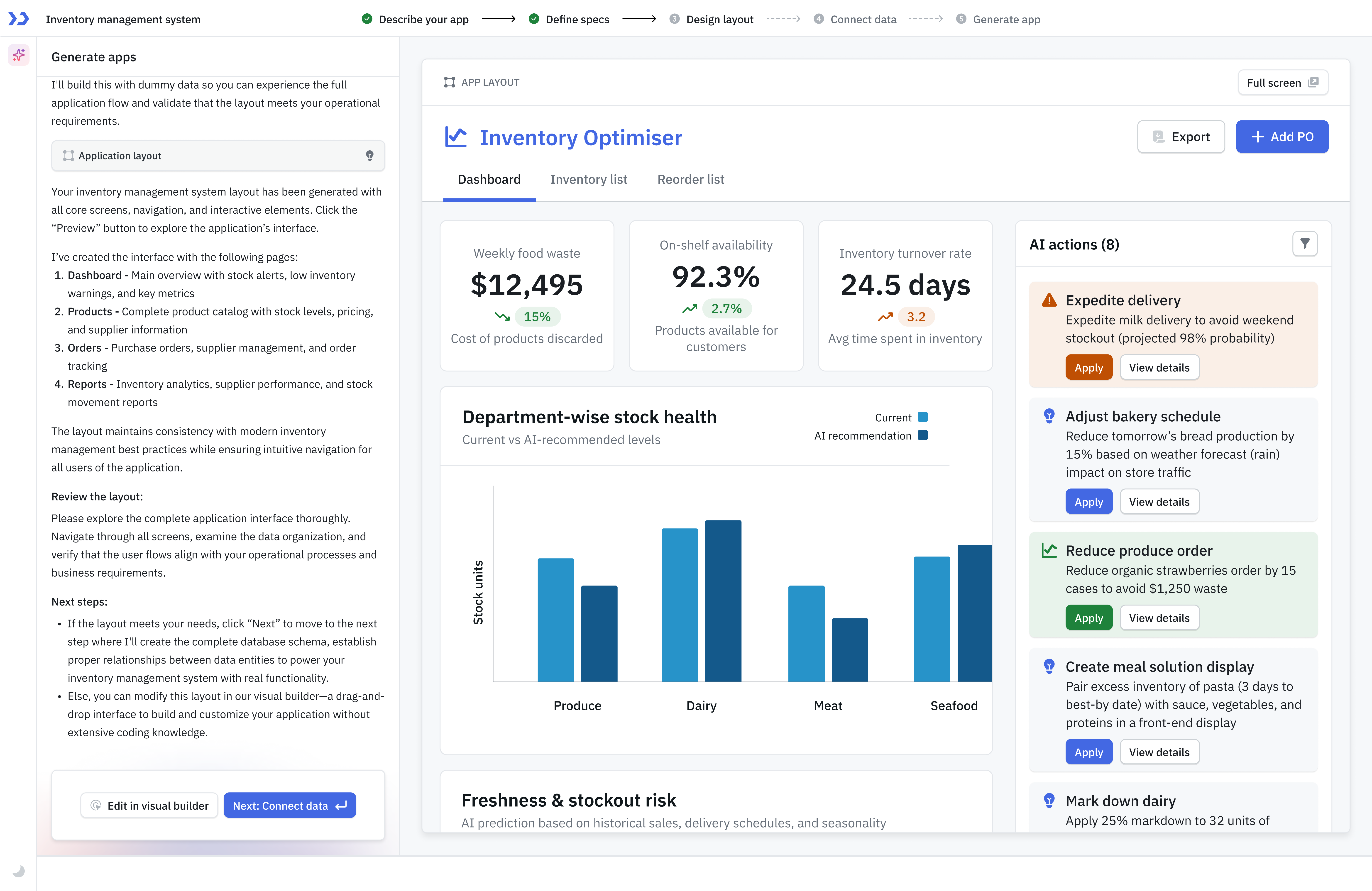
- Design Layout - Once you accept the specs then a Design Layout will be generated, you can either accept it or modify it in the visual builder.
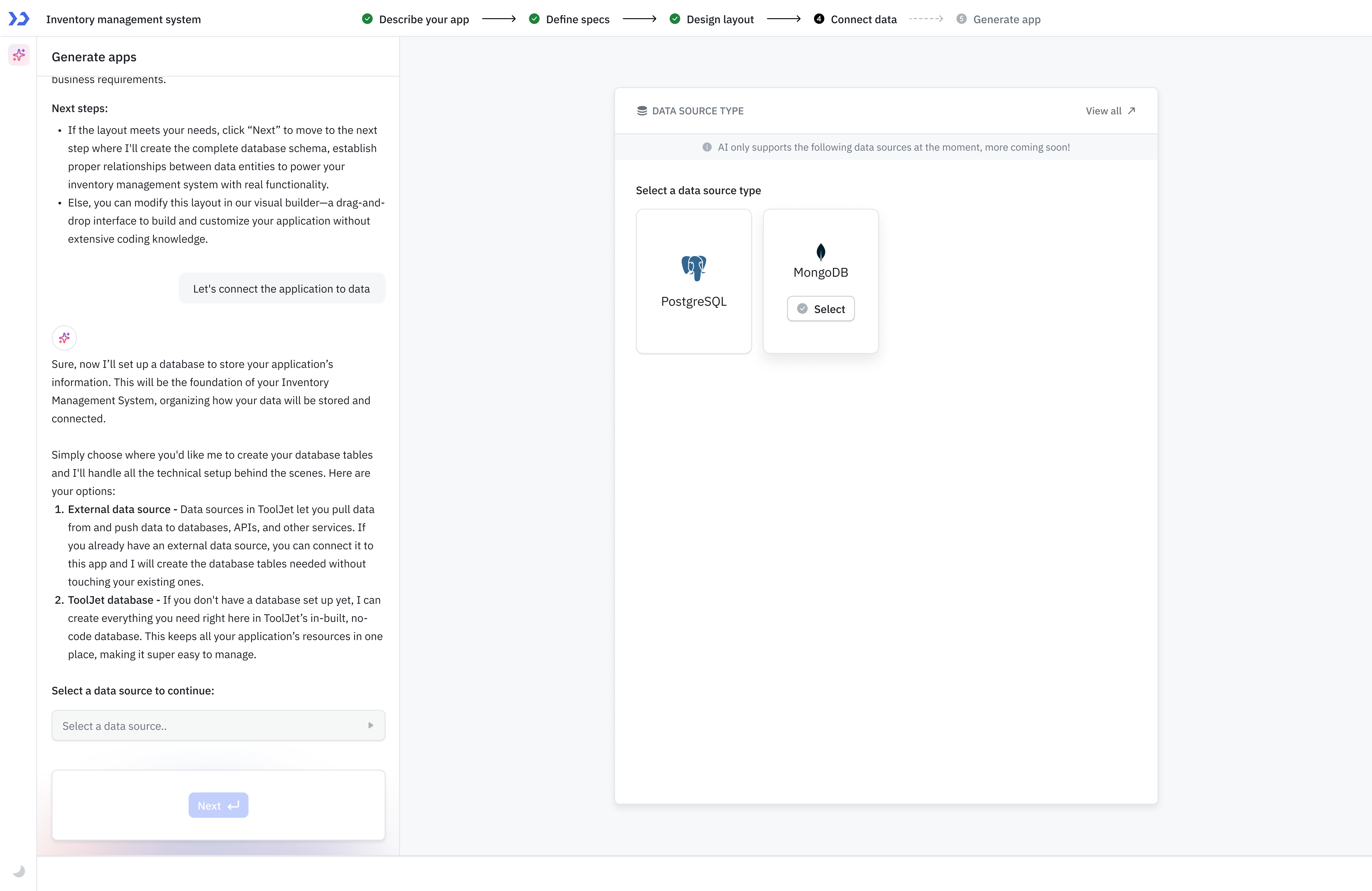
- Select Data Source - After approving the design layout, you need to select the data source, ToolJet AI Builder currently supports two data sources - PostgreSQL and MongoDB.
- Database Schema - After selecting the data source you can approve or modify the database schema.
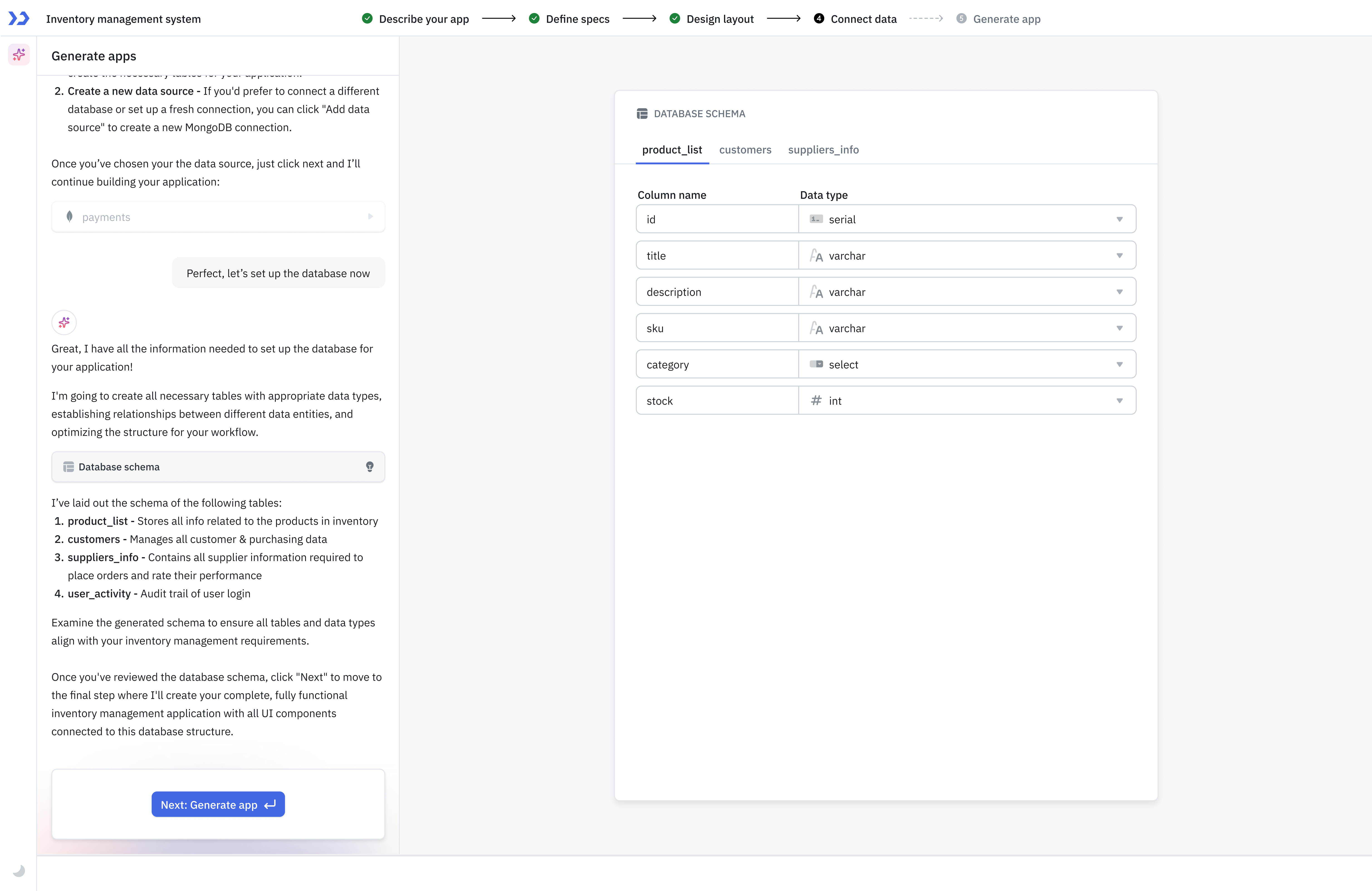
- App Generation – Once you confirm all the requirements then a fully fucntional app will be generated.
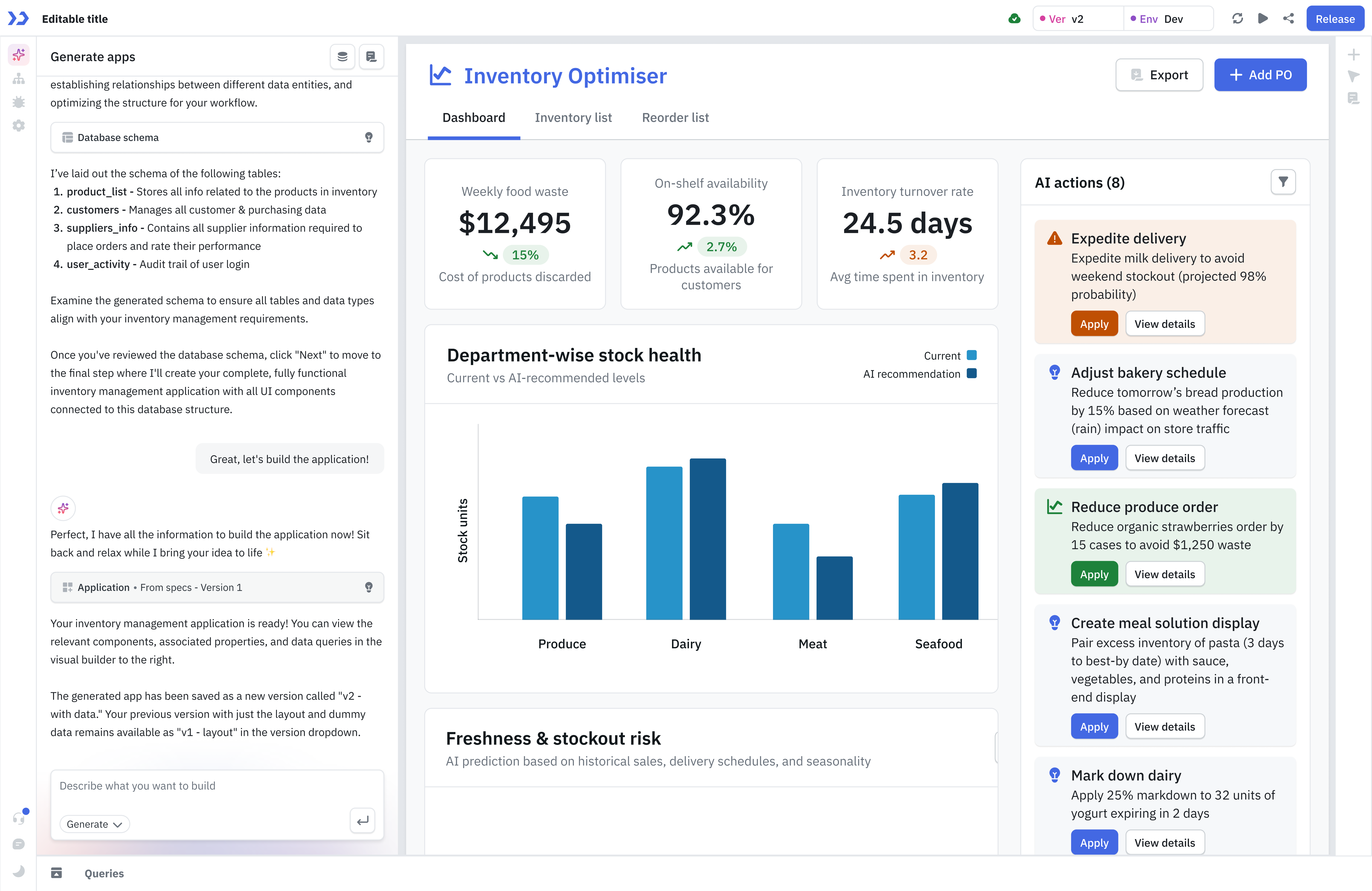
Modifying Application
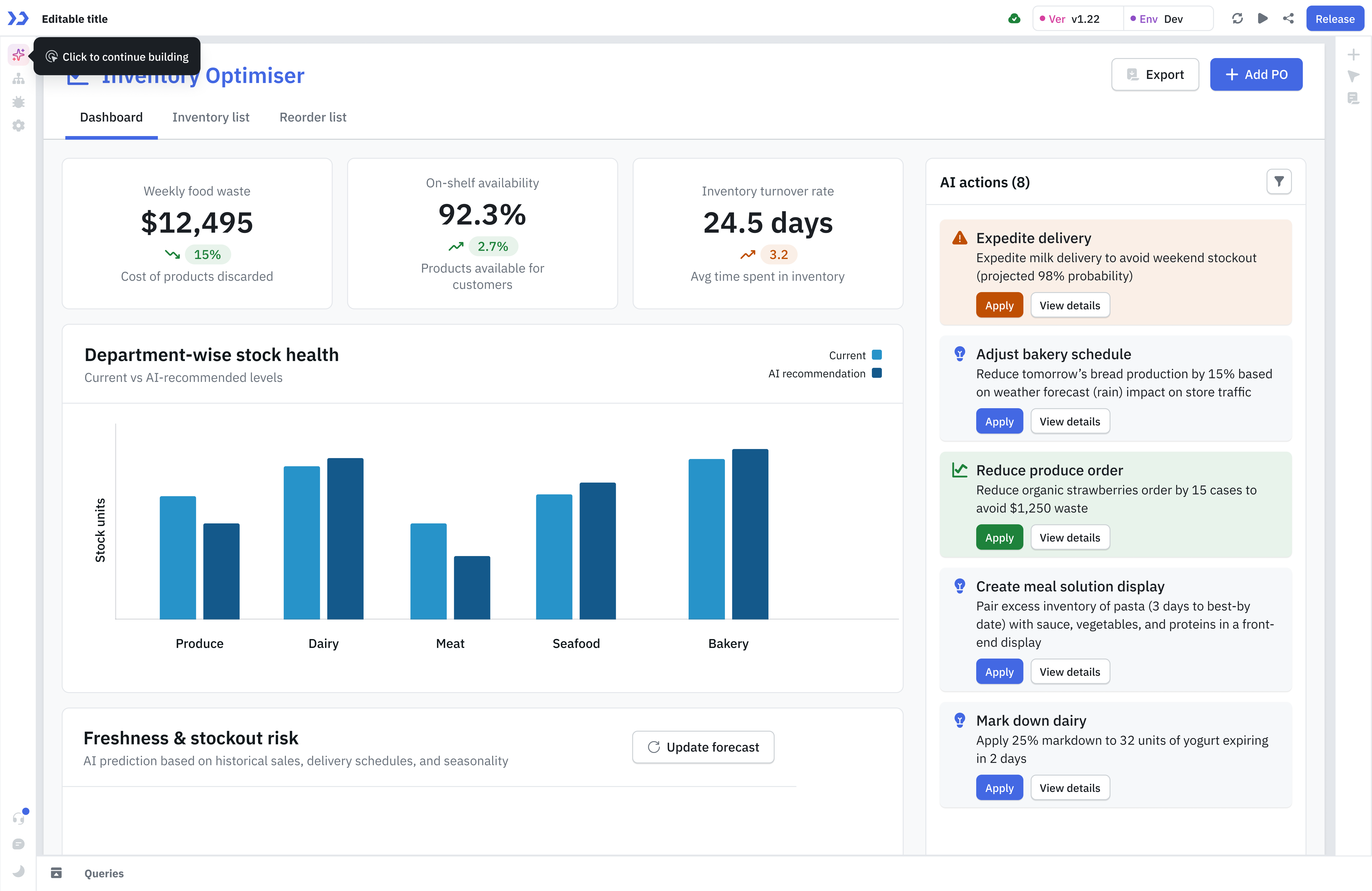
You can modify any application in ToolJet with AI assistance, whether it's a newly created app or an existing one. You can update components and queries within your application with just a prompt.
Creating Modules
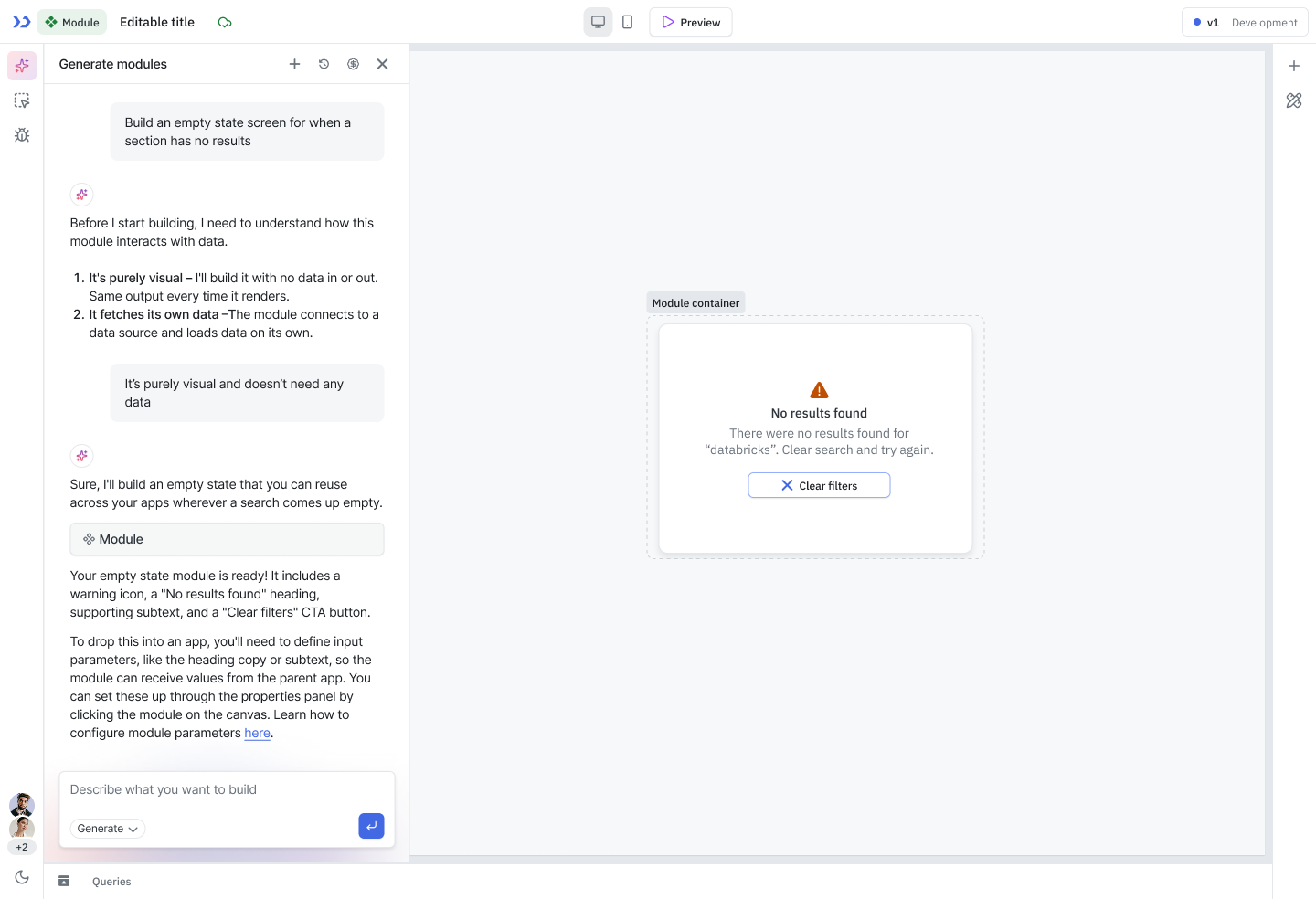
ToolJet AI can be used to quickly generate Modules, which can then be reused across multiple applications. To generate a module using ToolJet AI, open the Module Builder and enter your prompt describing the UI you want to create.
Limitation
Currently, AI-generated modules focus only on UI generation. Data sources, queries, and input/output configurations are not included in the AI generation flow and must be configured manually.
Generate Query
ToolJet AI can generate complete, fully-configured queries directly from the AI chat. It creates an actual query in your query panel — with parameters and configuration all set up.
To generate a query:
- Add a query on the query panel.
- Open the AI chat in the App Builder.
- Type a prompt describing the query you need by referencing the specific query.
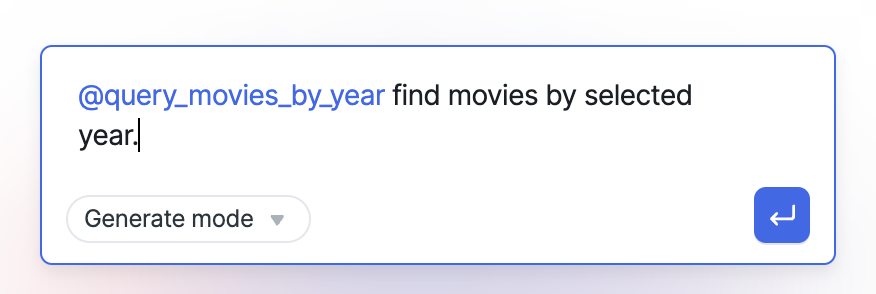
- The AI generates the query with all the parameters and required fields.
You can use Referencing App Resources to reference an existing query and ask the AI to modify it.
Limitations
ToolJet AI supports generating queries for the following data sources:
Generating Code
ToolJet lets you generate JavaScript and Python code snippets directly using AI. For generating complete database queries wired to a data source, see Generate Query above.
- Click the AI icon in the query panel to open the AI code generator.
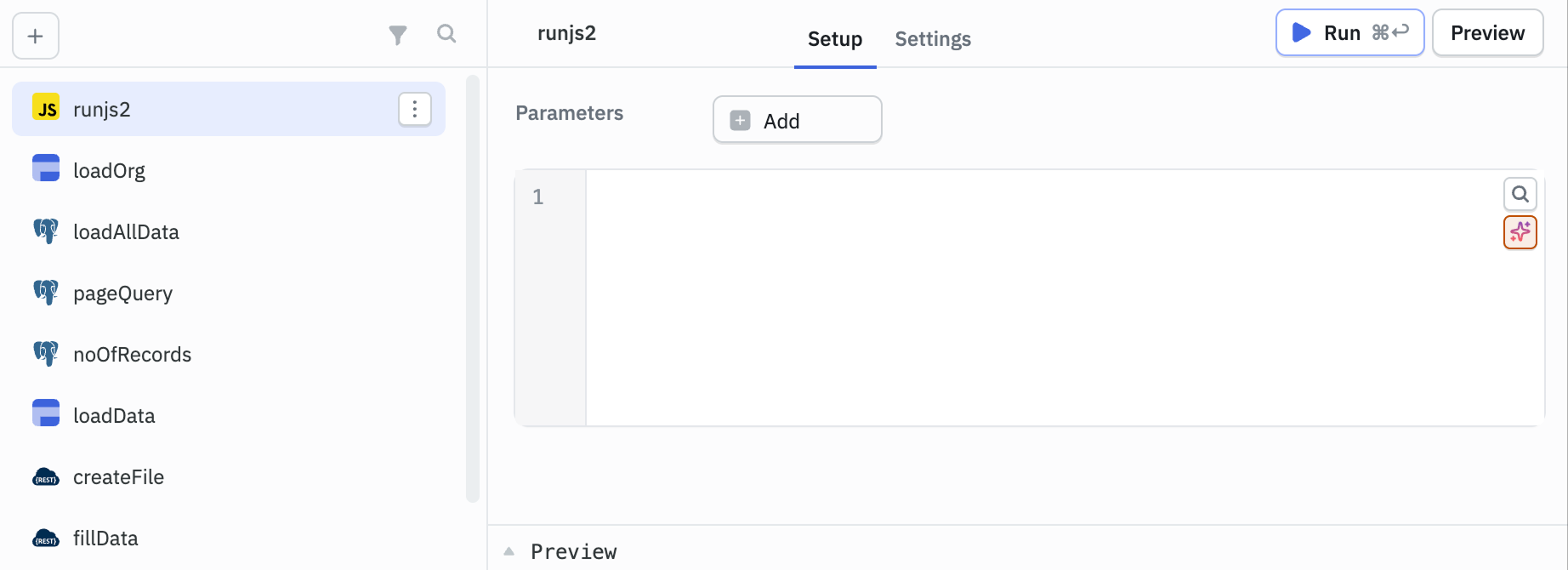
- Enter a prompt describing the logic or query you want to build.
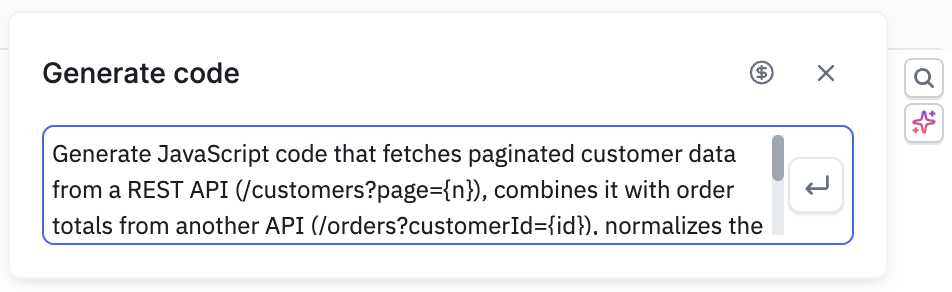
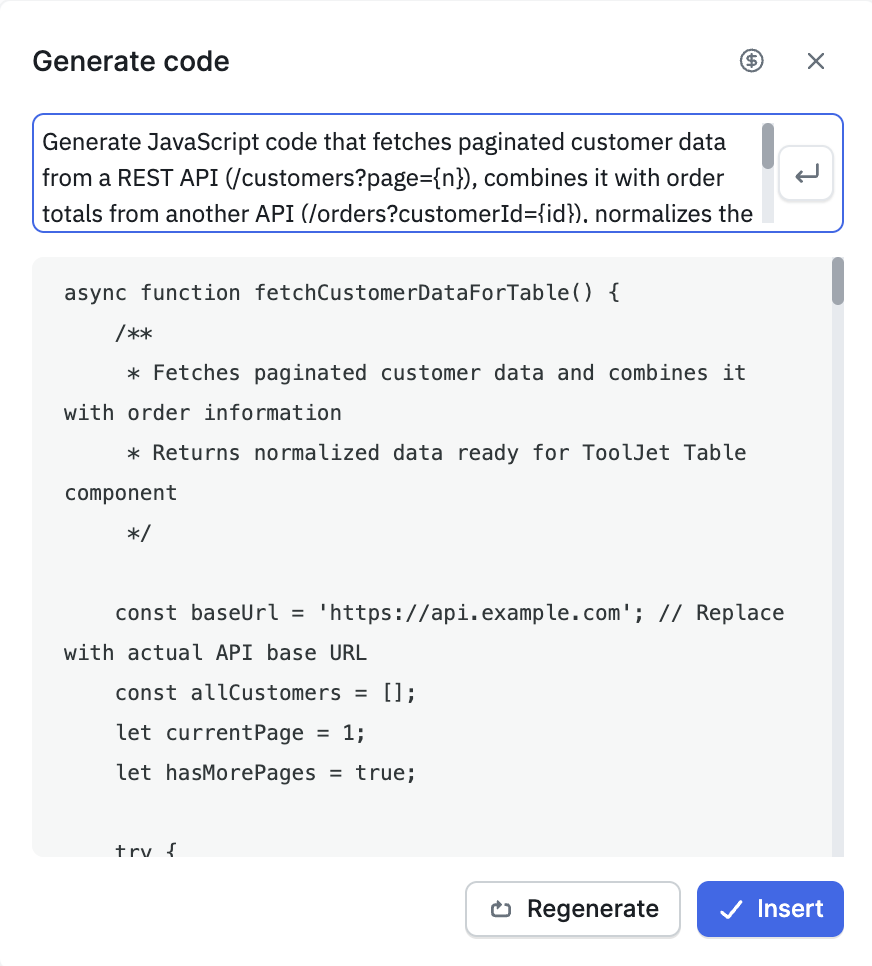
- Check the generated code and either insert it directly or click Regenerate to try a different version.
Auto-sort Queries
As applications grow, queries can accumulate without clear organization. The Auto-sort feature groups your queries into folders automatically based on their names.
To use Auto-sort:
- Open the query panel.
- Click the Auto-sort unsorted queries into folders option.
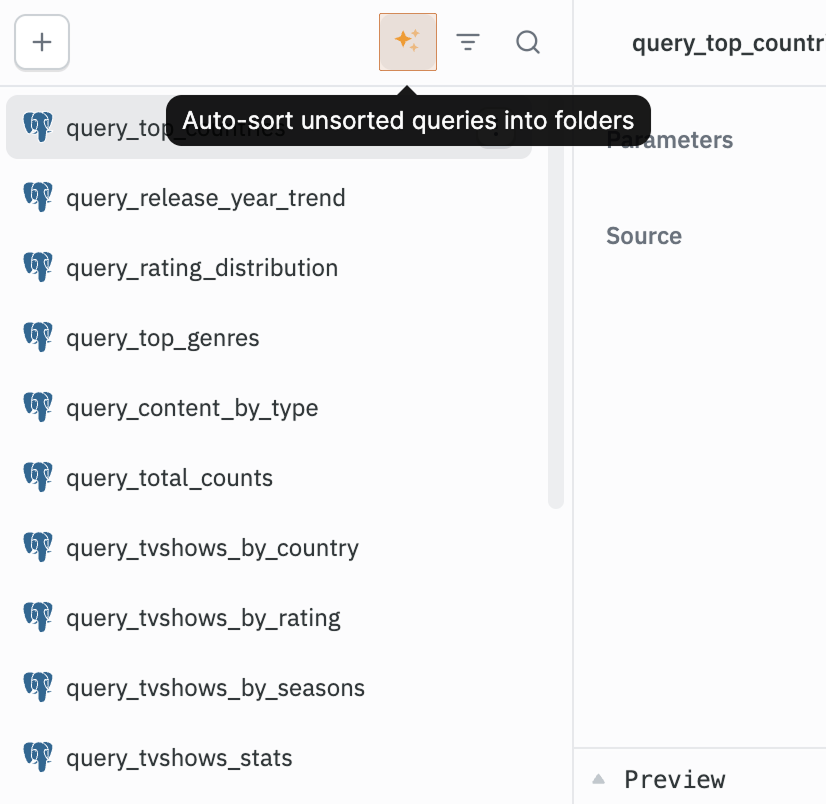
- The AI analyzes your query names and organizes them into folders.
How it works:
- If folders already exist in your app, queries are mapped to the closest matching folder where applicable, and new folders are created for the rest.
- If no folders exist, new folders are created based on query name groupings.
- Only query names are sent to the AI - no query content or data source credentials are shared, for compliance reasons.
- Results depend on descriptive query names. Generic names like
postgres_1,postgres_2will produce less precise groupings.