Use Axios in RunJS
ToolJet allows you to make HTTP requests inside Run JavaScript (Run JS) queries using Axios, a promise-based HTTP client. Axios enables you to interact with internal or external APIs, perform authenticated requests, fetch dynamic data, and handle complex request logic using methods such as GET, POST, PUT/PATCH, and DELETE—all within a single Run JS query.
Importing Axios
Axios is available by default inside Run JavaScript environments:
const axios = require("axios");
GET Requests
We'll use JSONPlaceholder, a free API, to demonstrate GET and PUT requests.
- Create a RunJS query from the query builder and paste the code below:
var url = "https://jsonplaceholder.typicode.com/users/1";

var data = (await axios.get(url)).data;

return data;
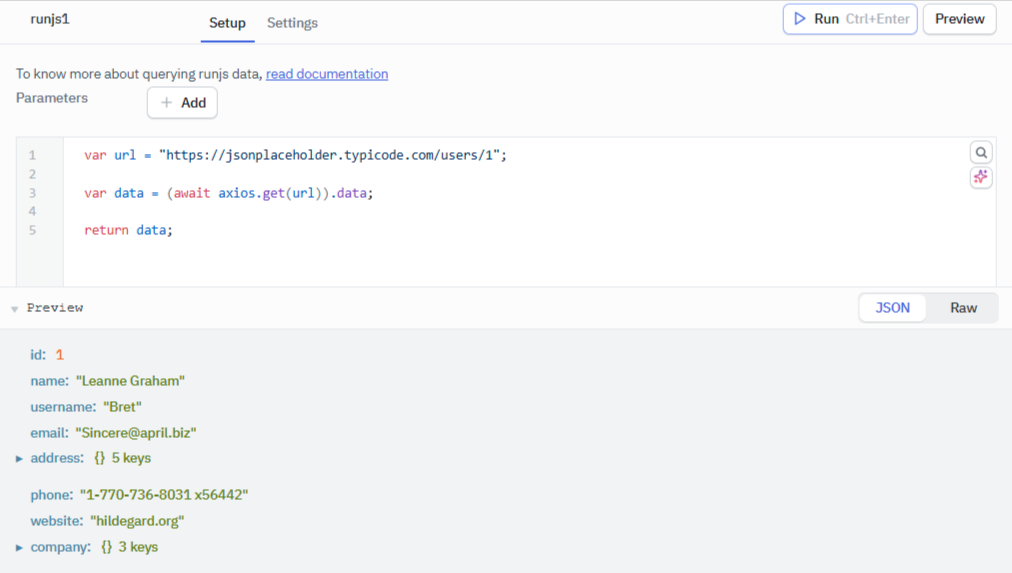
This code sets up a URL variable, makes a GET request to the API, and returns the data. Preview the query to see the API's response.
POST Requests
- Create a RunJS query from the query builder and paste the code below:
var url = "https://jsonplaceholder.typicode.com/users";

var data = axios.post(url, {
  id: 11,
  name: "Michael Brown",
  username: "mbrown99",
  email: "[email protected]",
});

return data;
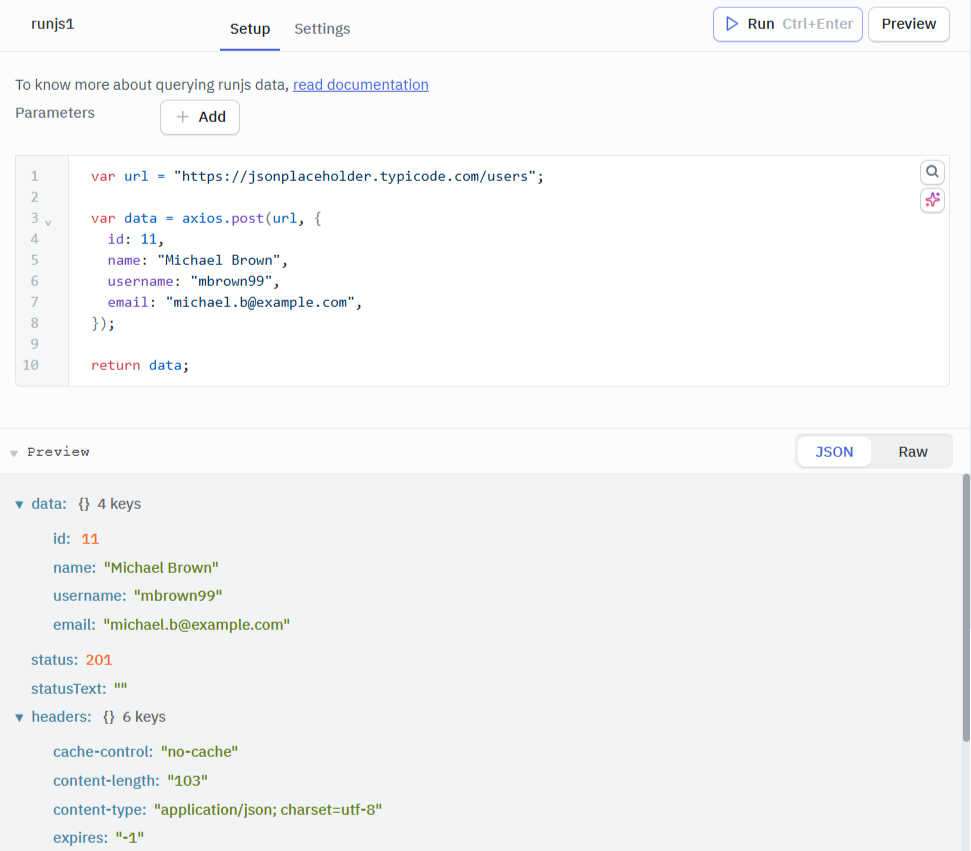
This POST request sends user details to the server. The server's response, as shown below, includes Status: 201 indicating successful resource creation.
Example Queries
Here are some real world examples of how you can leverage Axios in ToolJet.
Fetching Paginated API Data
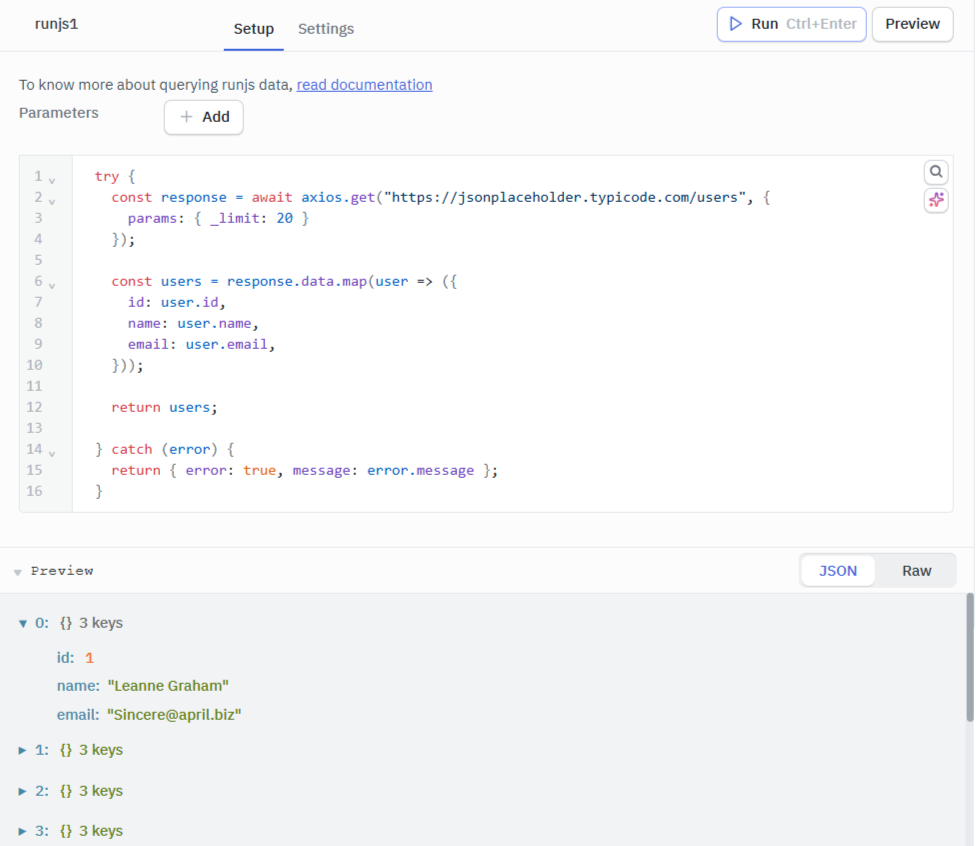
This example retrieves a list of users from an external API, handle pagination, and return only the relevant fields.
try {
  const response = await axios.get("https://jsonplaceholder.typicode.com/users", {
    params: { _limit: 20 }
  });

  // Simplify the response
  const users = response.data.map(user => ({
    id: user.id,
    name: user.name,
    email: user.email,
  }));

  return users;

} catch (error) {
  return { error: true, message: error.message };
}
Authenticated API Request (Token-Based)
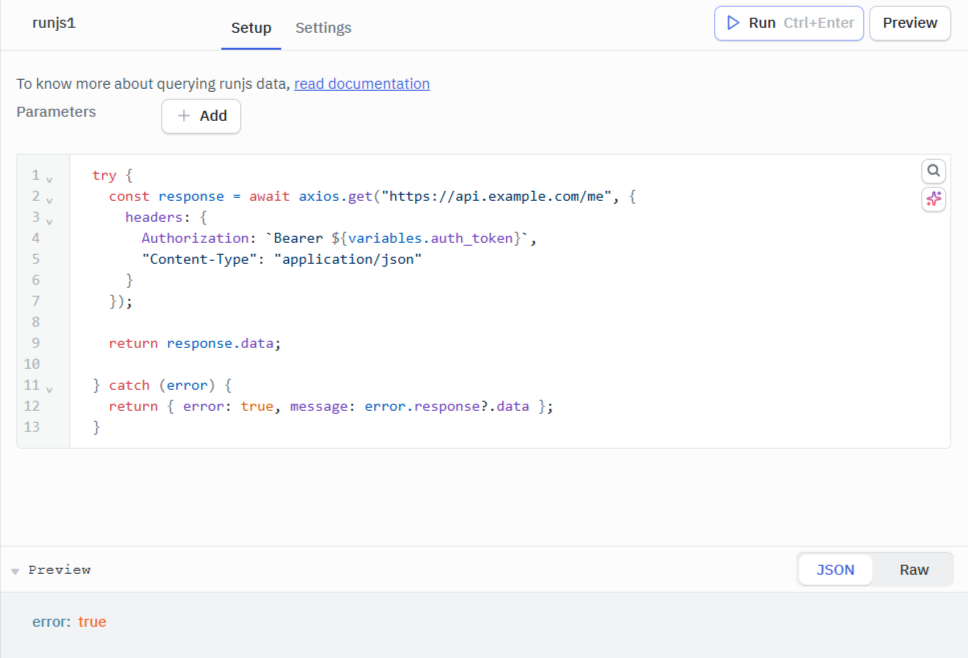
Use a Bearer token stored in ToolJet variables for authenticated requests.
try {
  const response = await axios.get("https://api.example.com/me", {
    headers: {
      Authorization: `Bearer ${variables.auth_token}`,
      "Content-Type": "application/json"
    }
  });

  return response.data;

} catch (error) {
  return { error: true, message: error.response?.data };
}
To see Axios in action in a project, check out this tutorial: Build GitHub star history tracker.