Google Cloud Spanner
Integrating Google Cloud Spanner with ToolJet allows you to connect your Spanner databases and interact with them directly from your application. You can run SQL queries, fetch data, and perform write operations on your Cloud Spanner instances.
NOTE
Before following this guide, it is assumed that you have already completed the process of Using Marketplace plugins.
Connection
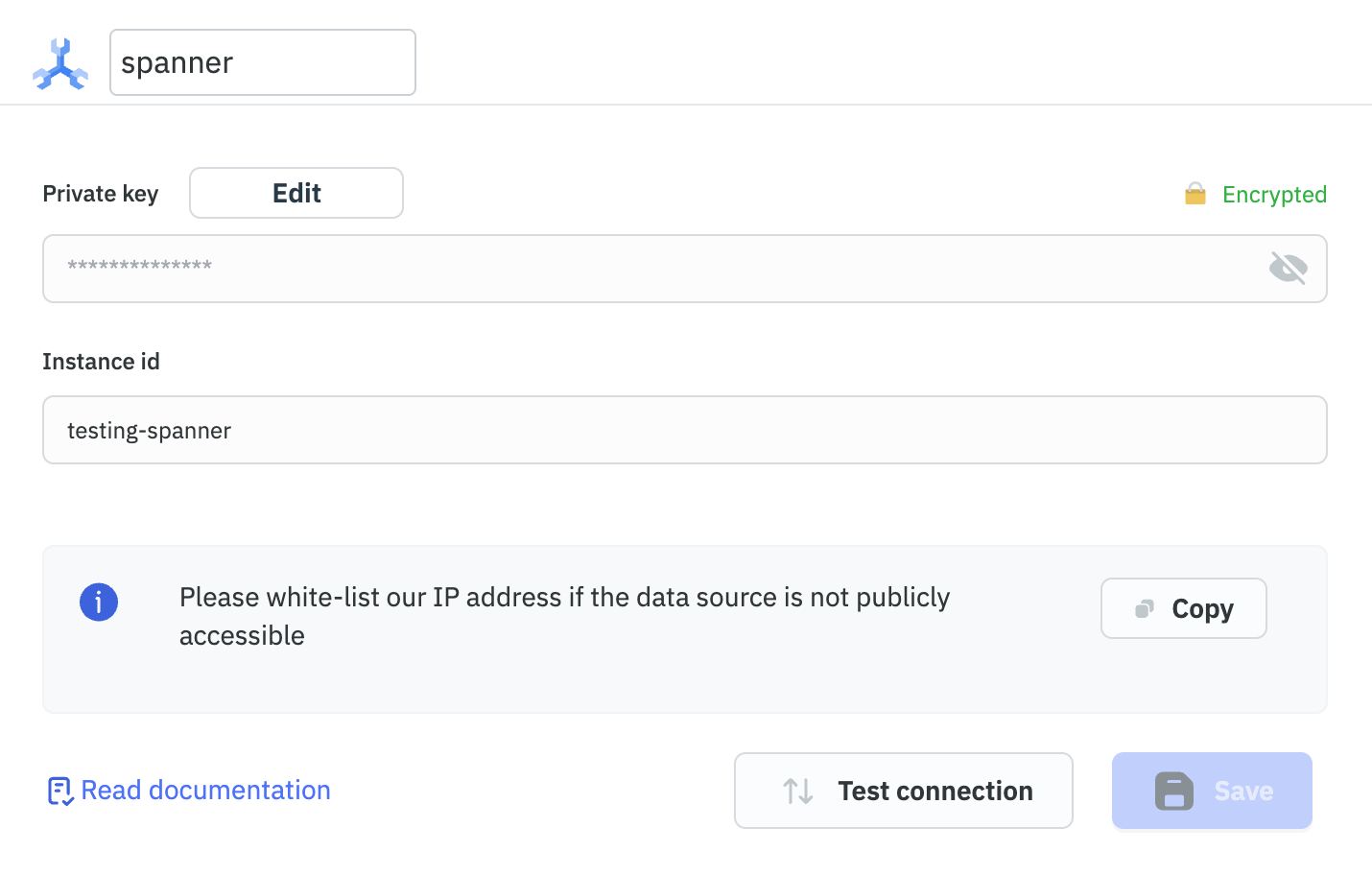
You will need the Private key and Instance id to connect with the Google Cloud Spanner.
Supported SQL Dialects
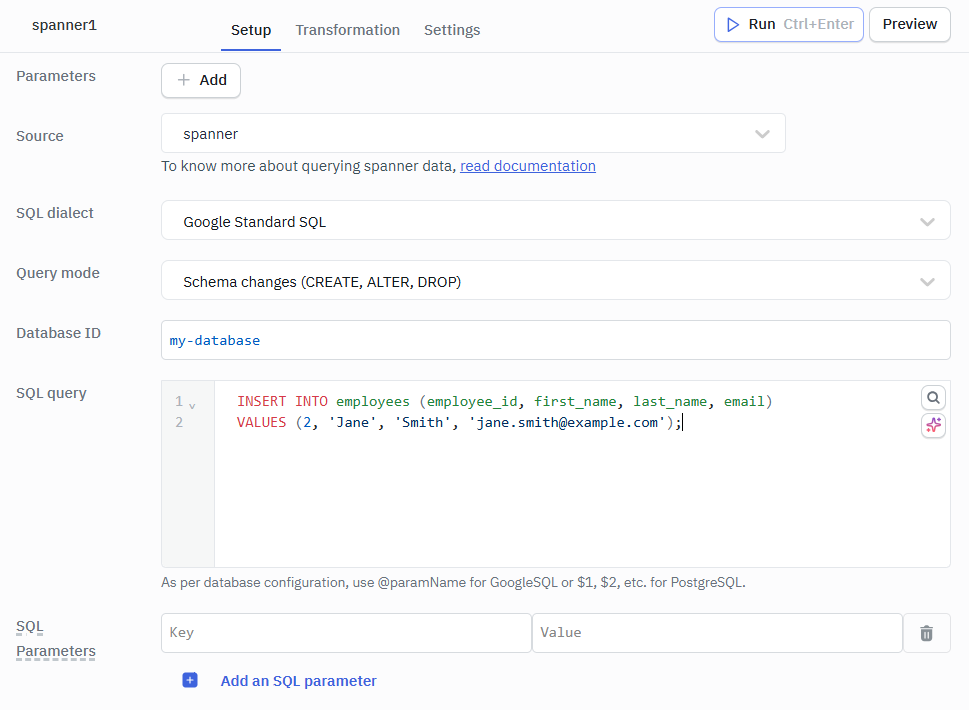
Google Standard SQL
Use this to access Spanner’s native features and leverage its full scalability and consistency capabilities.
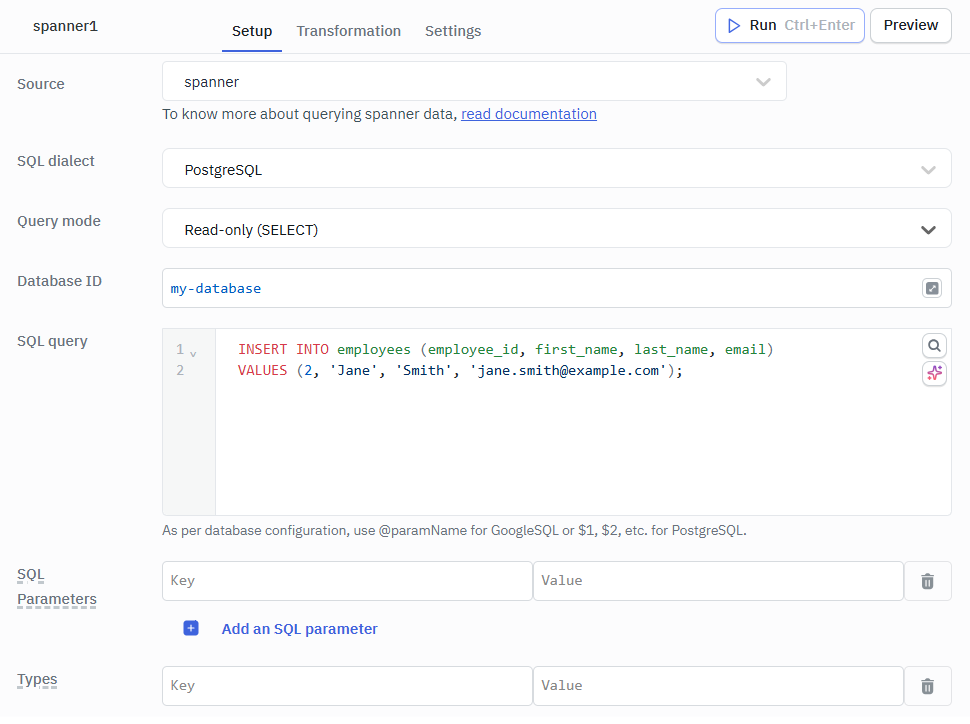
Parameters
- Database ID: Identifier of the Spanner database to connect and execute queries against.
- SQL Query: The SQL statement to be executed on the selected Spanner database.
- Query Mode : Specifies the type of operation to perform on the database, such as executing read/write queries or applying schema changes (CREATE, ALTER, DROP).
- SQL Parameters: Key-value pairs used to safely pass dynamic values into the SQL query.
- Types: Data types assigned to each SQL parameter to ensure correct query execution.
- Options: Additional settings to customize query behavior.
INSERT INTO employees (employee_id, first_name, last_name, email)
VALUES (2, 'Jane', 'Smith', '[email protected]');
PostgreSQL
Use this to access Spanner with PostgreSQL-compatible syntax and tooling, ideal for migrating existing PostgreSQL workloads.
Parameters
- Database ID: Identifier of the Spanner database to connect and execute queries against.
- SQL Query: The SQL statement to be executed on the selected Spanner database.
- SQL Parameters: Key-value pairs used to safely pass dynamic values into the SQL query.
- Types: Data types assigned to each SQL parameter to ensure correct query execution.
- Options: Additional settings to customize query behavior.