Enable/Disable a Component Using Current User's Property
ToolJet provides several exposed variables that can be accessed within components and queries. One of these exposed variables is globals, which provides access to the currently logged-in user’s information at globals.currentUser.
To explore the exposed variables, click the Inspector icon on the left sidebar.
Exposed Variables under globals.currentUser
The globals.currentUser object contains information about the currently logged in user.
- email:
{{globals.currentUser.email}} - firstName:
{{globals.currentUser.firstName}} - lastName:
{{globals.currentUser.lastName}} - groups:
{{globals.currentUser.groups}} - role:
{{globals.currentUser.role}} - ssoUserInfo:
{{globals.currentUser.ssoUserInfo}}
About groups
The groups variable is an array that contains the names of the groups the user belongs to. Example usage:
{{ globals.currentUser.groups.includes("admin") }}
Example: Disable a Button if the User Is Not an Admin
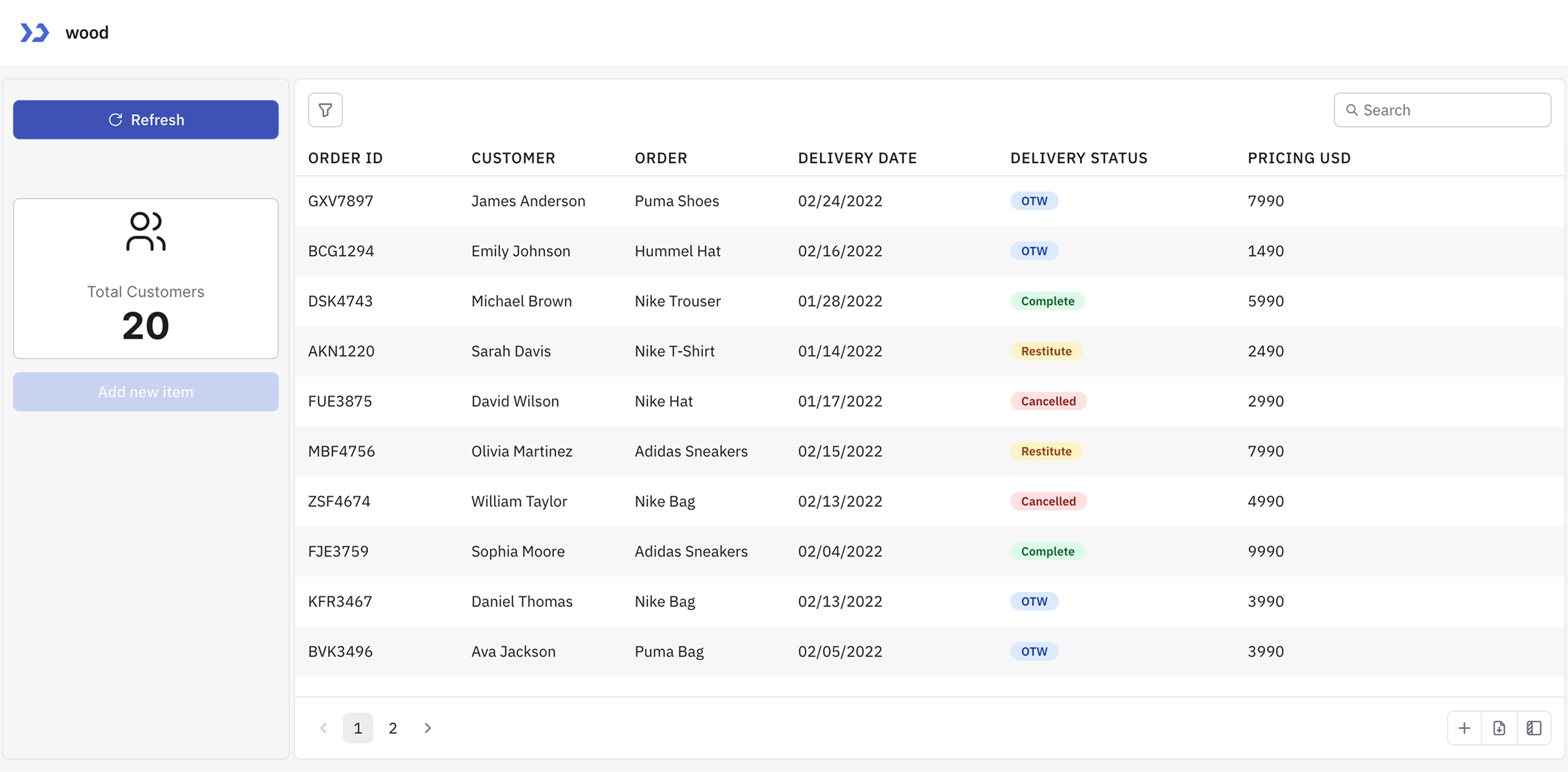
In this example, we'll disable the Add new item button for the users who are not a part of the admin group.
-
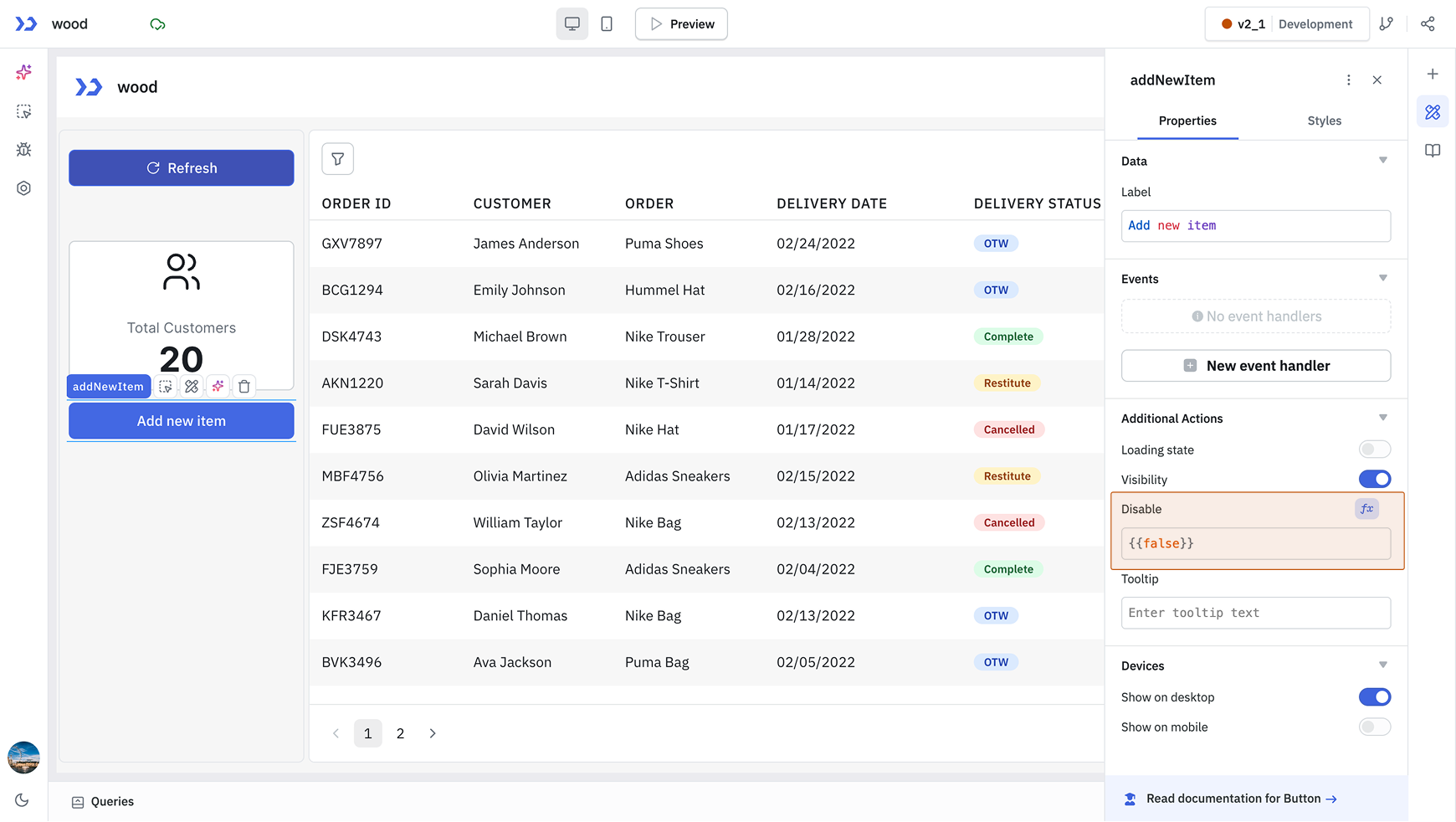
Click on the Button handle to open its properties and go to the Disable property.
-
Configure the Disable Property
Set the Disable field to check whether the user belongs to the admin group. If the user is not part of the admin group, the button will be disabled. You can use the following code.{{ !globals.currentUser.groups.includes("admin") }}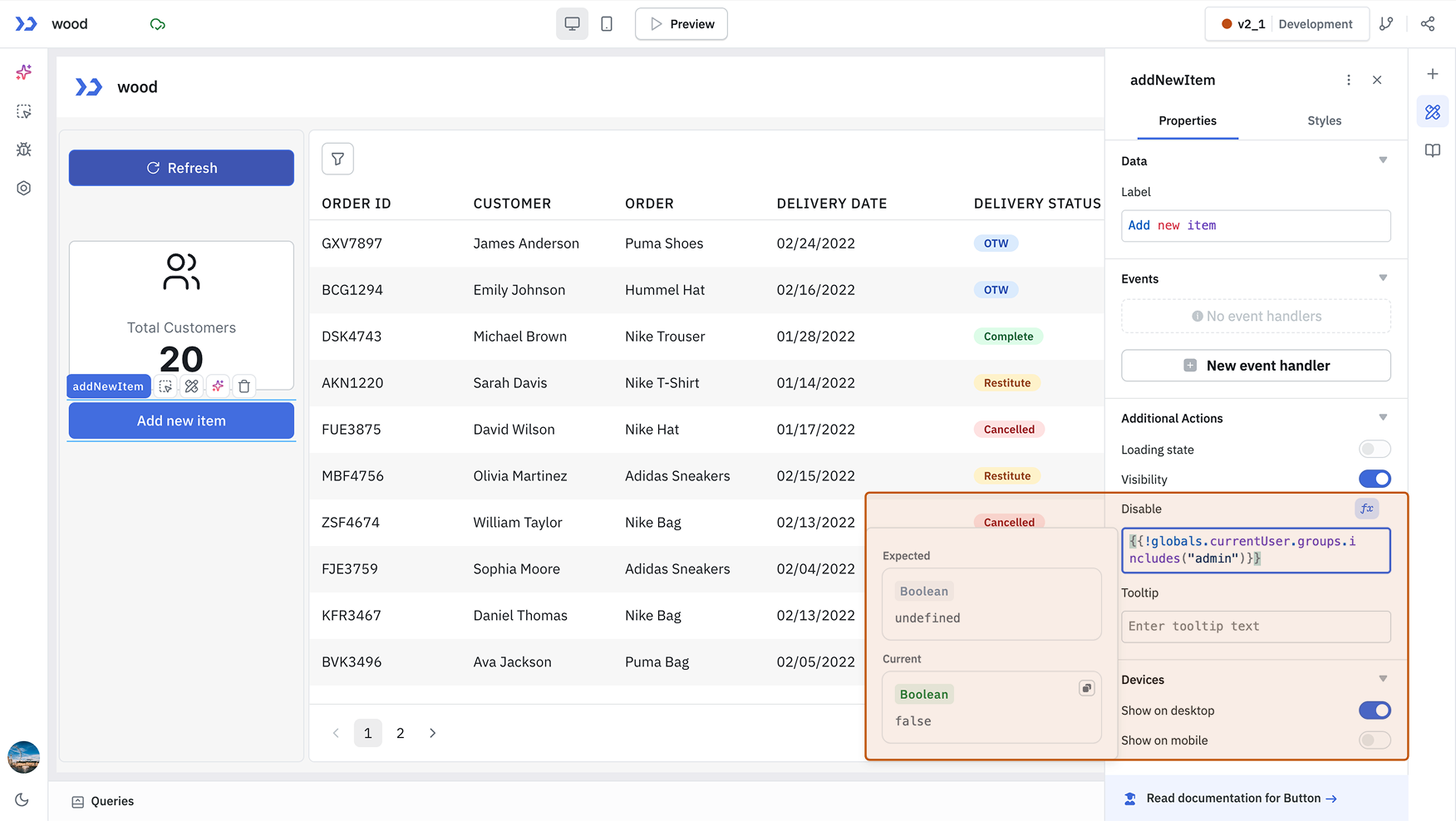
-
After releasing the application, non-admin users will see the button in a disabled state.