IBM DB2
ToolJet can connect to IBM DB2 databases to read and write data using SQL queries.
Connection
To establish a connection with the IBM DB2 datasource, you can either click on the + Add new Data source button located on the query panel or navigate to the Data Sources page through the ToolJet dashboard.
ToolJet requires the following to connect to your IBM DB2 database:
- Host
- Port: Defaults to
50000, the standard IBM DB2 port. - Database: Optional. DB2 for Linux, UNIX, and Windows (LUW) typically requires a database name; DB2 for z/OS does not.
- Username
- Password
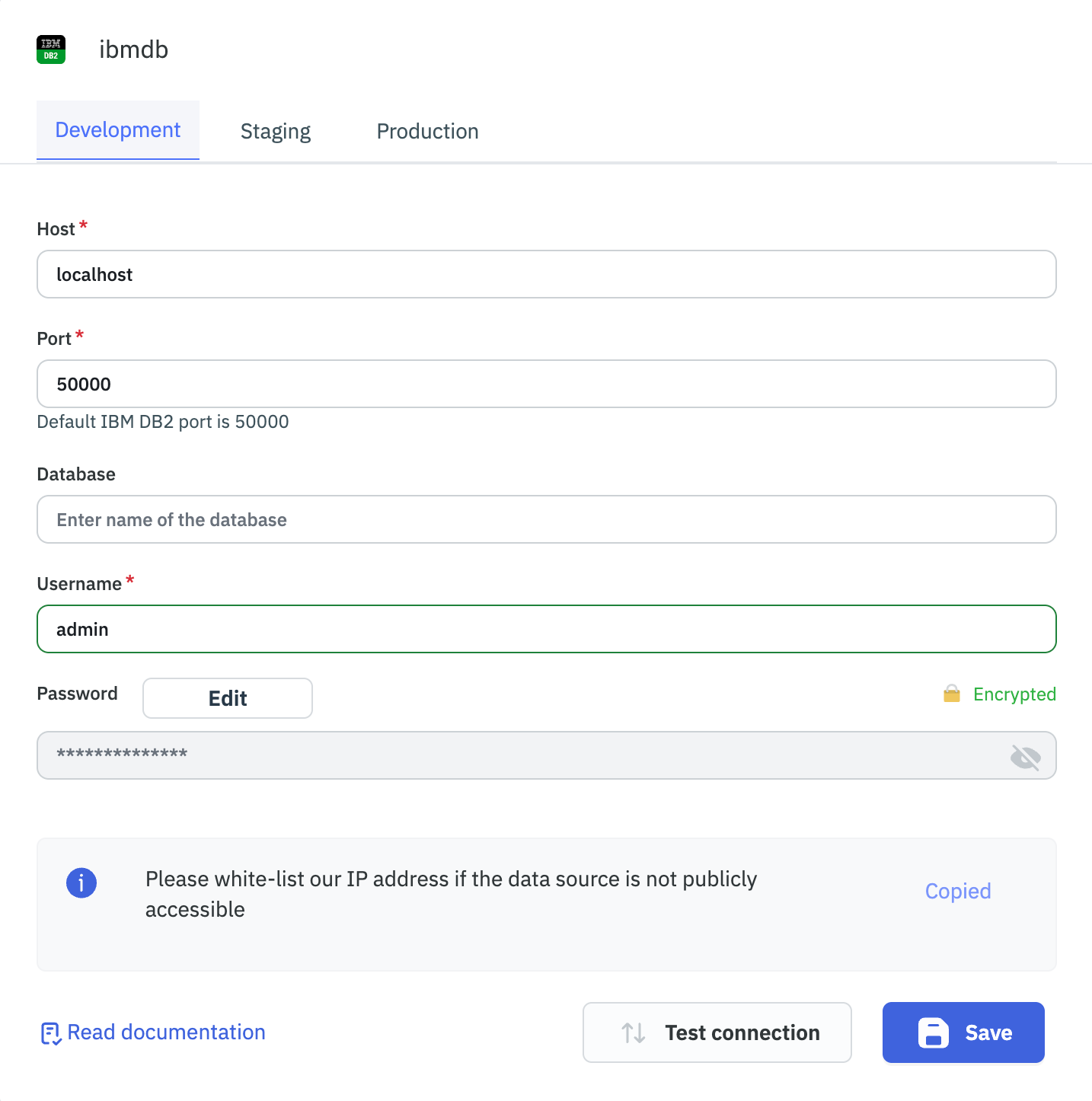
Please make sure the Host/IP of the database is accessible from your VPC if you have self-hosted ToolJet. If you are using ToolJet cloud, please whitelist our IP address: 130.131.224.28.
Querying IBM DB2
- Create a new query and select the IBM DB2 data source.
- Enter the SQL query in the editor.
- Click on the Run button to run the query.
Example:
SELECT * FROM SYSIBM.SYSTABLES
Parameterized Queries
ToolJet supports parameterized SQL queries for IBM DB2:
- Use
:parameter_nameas placeholders in your SQL query where you want to insert parameters. - In the SQL Parameters section below the query editor, add key-value pairs for each parameter.
- The keys should match the parameter names used in the query (without the colon).
- The values can be static values or dynamic values using the
{{ }}notation.
Example:
Query: SELECT * FROM employees WHERE department = :department
SQL Parameters:
- Key: department
- Value: sales or
{{ components.department.value }}
Parameter values are substituted into the query as safely-escaped literals before it's sent to the database — string values are quote-escaped, and numbers/booleans are inserted as-is. This is because the underlying DB2 driver only supports positional (?) parameter binding, not named parameters.