RethinkDB
ToolJet can connect to RethinkDB databases to read and write data. For more info visit this Rethink Docs.
Connection
To establish a connection with the RethinkDB data source, you can either click on the + Add new Data source button located on the query panel or navigate to the Data Sources page through the ToolJet dashboard.
ToolJet requires the following to connect to a RethinkDB data source:
- Database
- Host
- Username
- Password
- Port

Querying RethinkDB
- Click on + Add button of the query manager at the bottom panel of the editor.
- Select the RethinkDB data source added in the previous step.
- Select the desired operation.
- Click on the Preview button to preview the output or Click on the Run button to trigger the query.
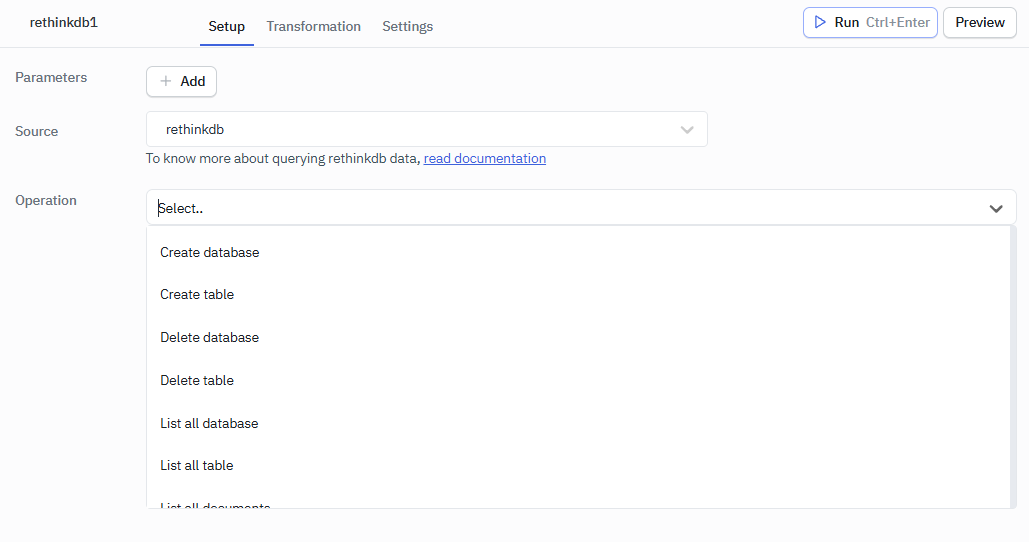
Supported Queries
- Create database
- Create table
- Delete database
- Delete table
- List all database
- List all table
- List all documents
- Insert document
- Retrieve document by key
- Update document using ID
- Update all documents
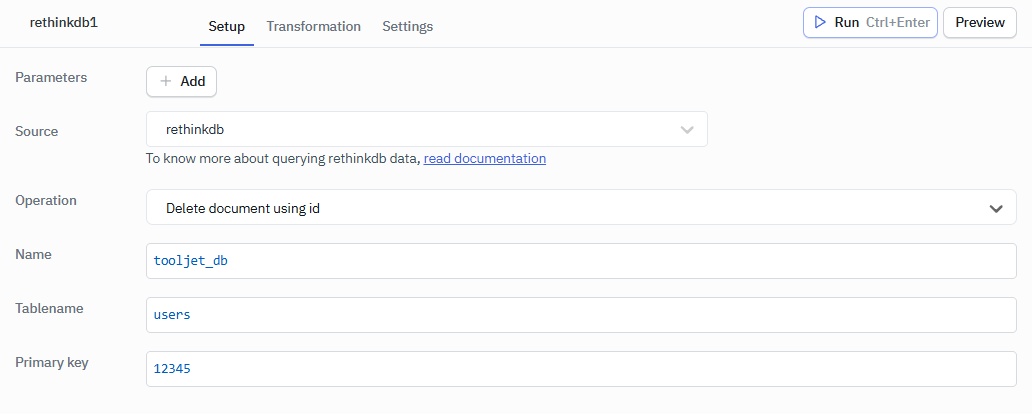
- Delete document using ID
- Delete all documents
NOTE: The name field in all operations is the database name if not given will take the default database used for the connection.
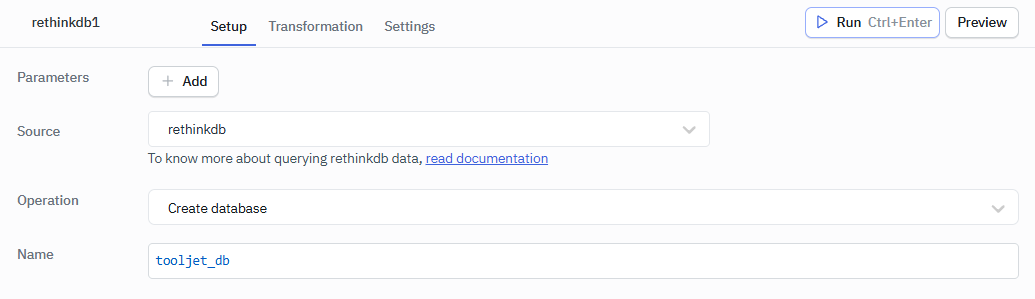
Create Database
Creates a new database in RethinkDB.
Required Parameter
- Database Name
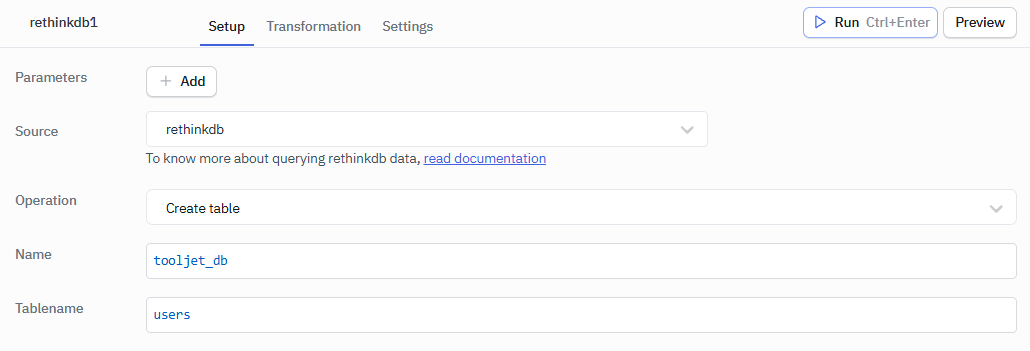
Create Table
Creates a new table in a specified database.
Required Parameter
- Database Name
- Tablename
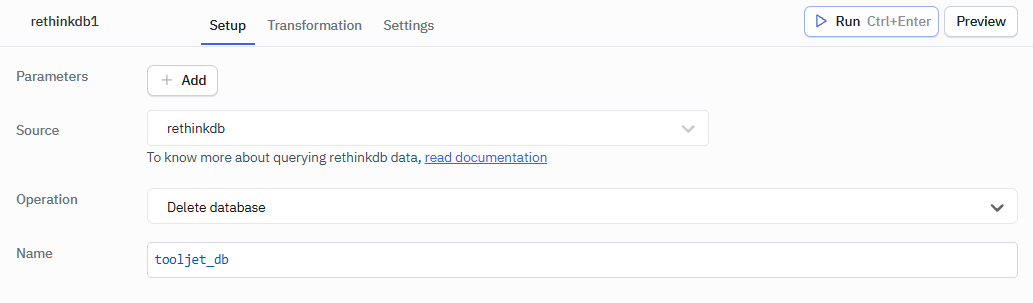
Delete Database
Deletes an existing database in RethinkDB.
Required Parameter
- Database Name
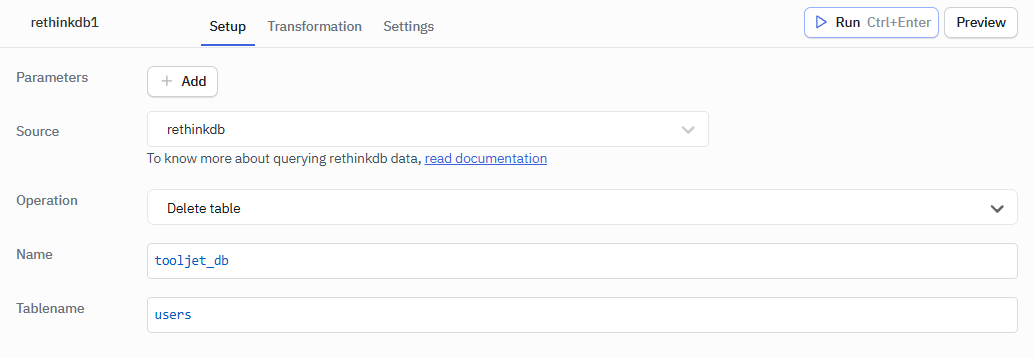
Delete Table
Deletes a table from a specified database.
Required Parameter
- Database Name
- Tablename
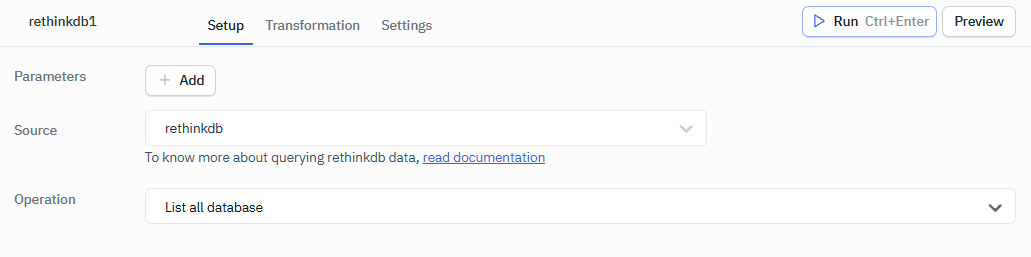
List All Database
Lists all available databases.
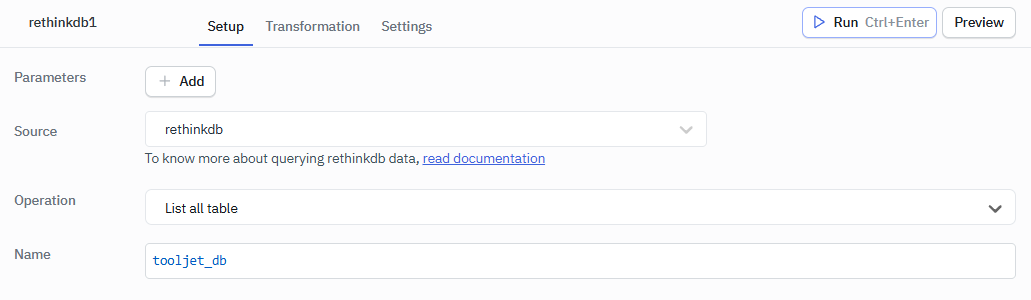
List All Table
Lists all tables in a specified database.
Required Parameter
- Database Name
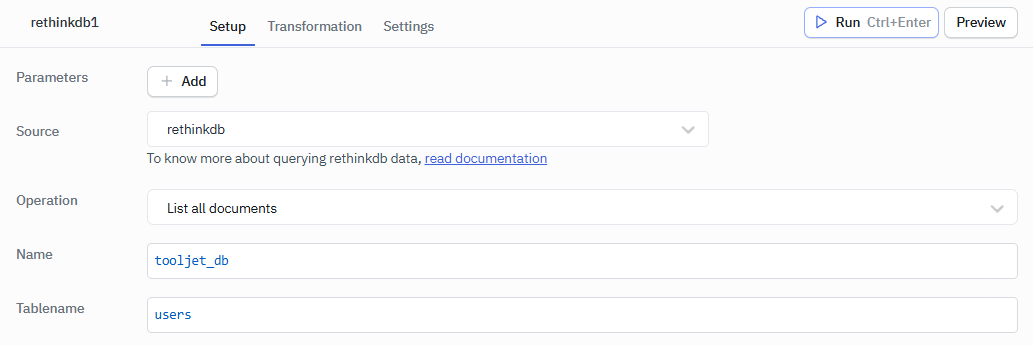
List All Documents
Retrieves all documents from a specified table.
Required Parameter
- Database Name
- Tablename
Insert Document
Inserts a new document into a specified table.
Required Parameter
- Database Name
- Tablename
- Data
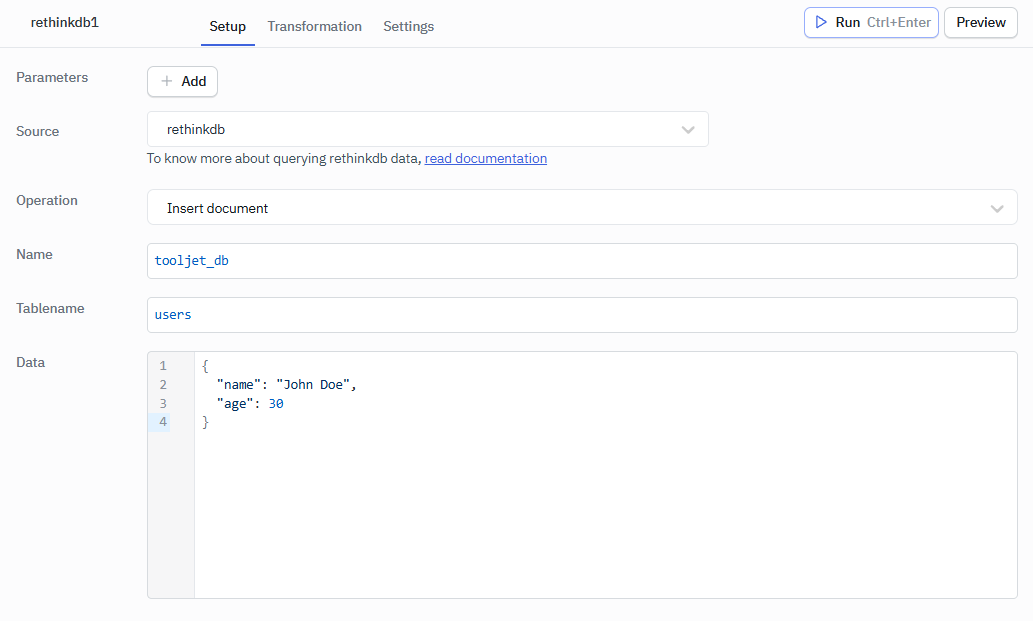
Example
{
  "name": "John Doe",
  "age": 30
}
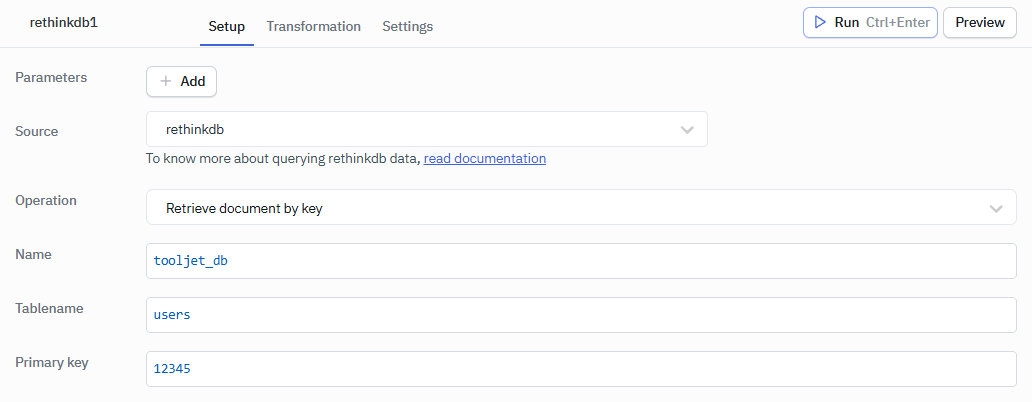
Retrieve Document by Key
Fetches a document from a specified table by its key.
Required Parameter
- Database Name
- Tablename
- Primary key
Update Document Using ID
Updates a specific document in a table using its ID.
Required Parameter
- Database Name
- Tablename
- Primary key
- Data
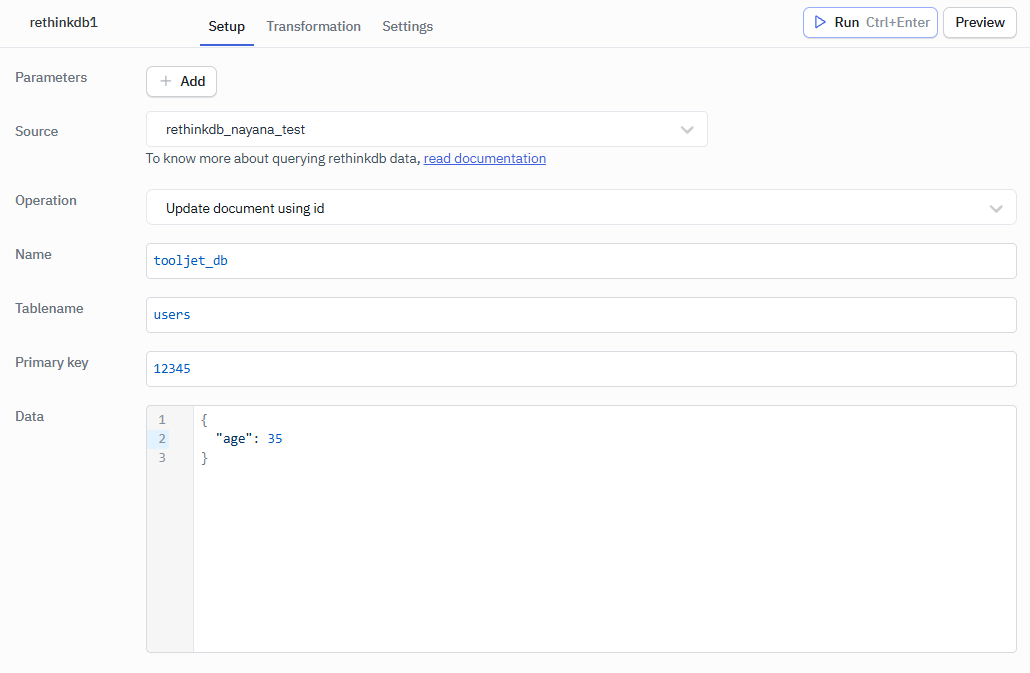
Example
{
  "age": 35
}
Update All Documents
Updates all documents in a specified table.
Required Parameter
- Database Name
- Tablename
- Data
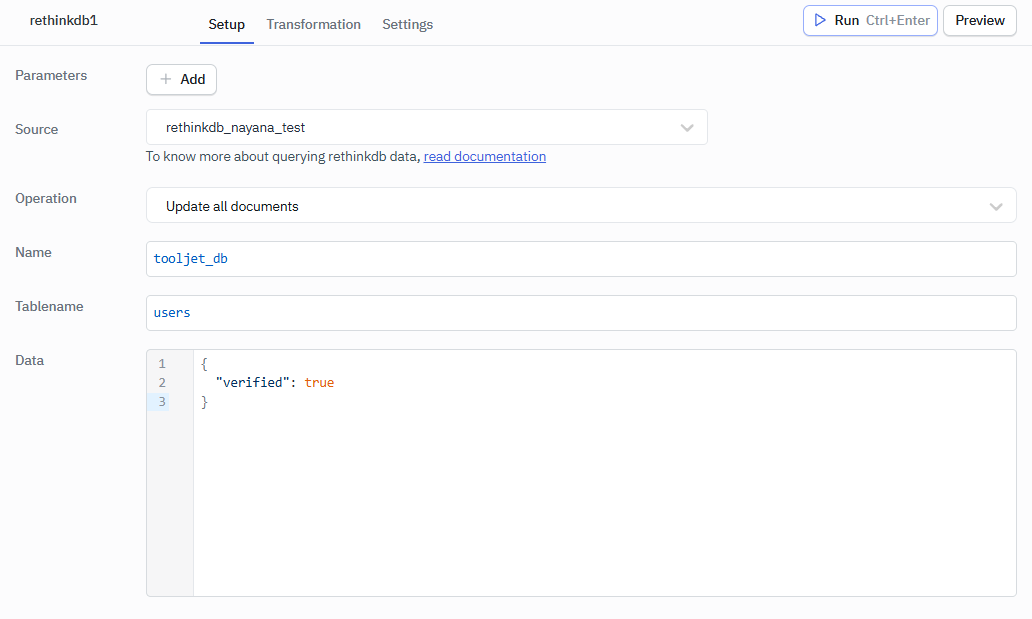
Example
{
  "verified": true
}
Delete Document Using ID
Deletes a specific document in a table using its ID.
Required Parameter
- Database Name
- Tablename
- Primary key
Delete All Documents
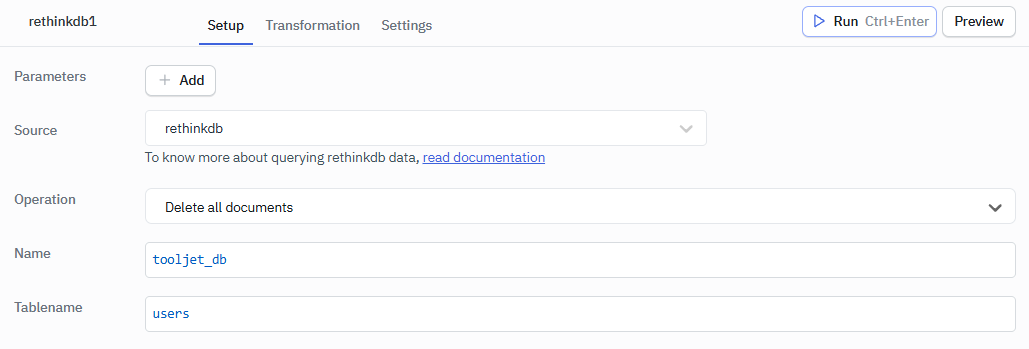
Deletes all documents from a specified table.
Required Parameter
- Database Name
- Tablename