Embedding a Public ToolJet Application
ToolJet applications can be embedded publicly that is accessible to anyone without requiring authentication. This is ideal when the embedded application does not expose sensitive data and is intended for broad access.
Public embeds are commonly used for feedback forms, marketing dashboards, surveys, or customer-facing widgets where ease of access is more important than access control.
When to Use a Public Application
- The data displayed or collected is non-sensitive
- The app is intended for external or anonymous users
When an Application is Embedded Publicly
- The app is rendered inside an iframe
- No authentication or login is required
- Anyone with the embed URL can view and interact with the app
Example
For example, if you run an inventory management portal and want to share stock levels publicly — for vendors, partner stores, or customers — you can embed the ToolJet inventory dashboard publicly on your portal. It lets viewers see item names, quantities, and availability, and filter by “Available” or “Out of Stock,” providing a transparent, interactive view of your inventory without requiring any login.
By embedding the application in the portal, you can achieve:
- Reduce context switching by letting users check inventory without leaving the portal
- Faster decision-making with immediate access to stock levels
- Transparent collaboration with partners or vendors in real time
- Interactive insights through filtering, highlighting available and out-of-stock items
- Consistent public access without requiring logins or additional tools
Steps to Embed a Public Application
- Create and release your ToolJet application.
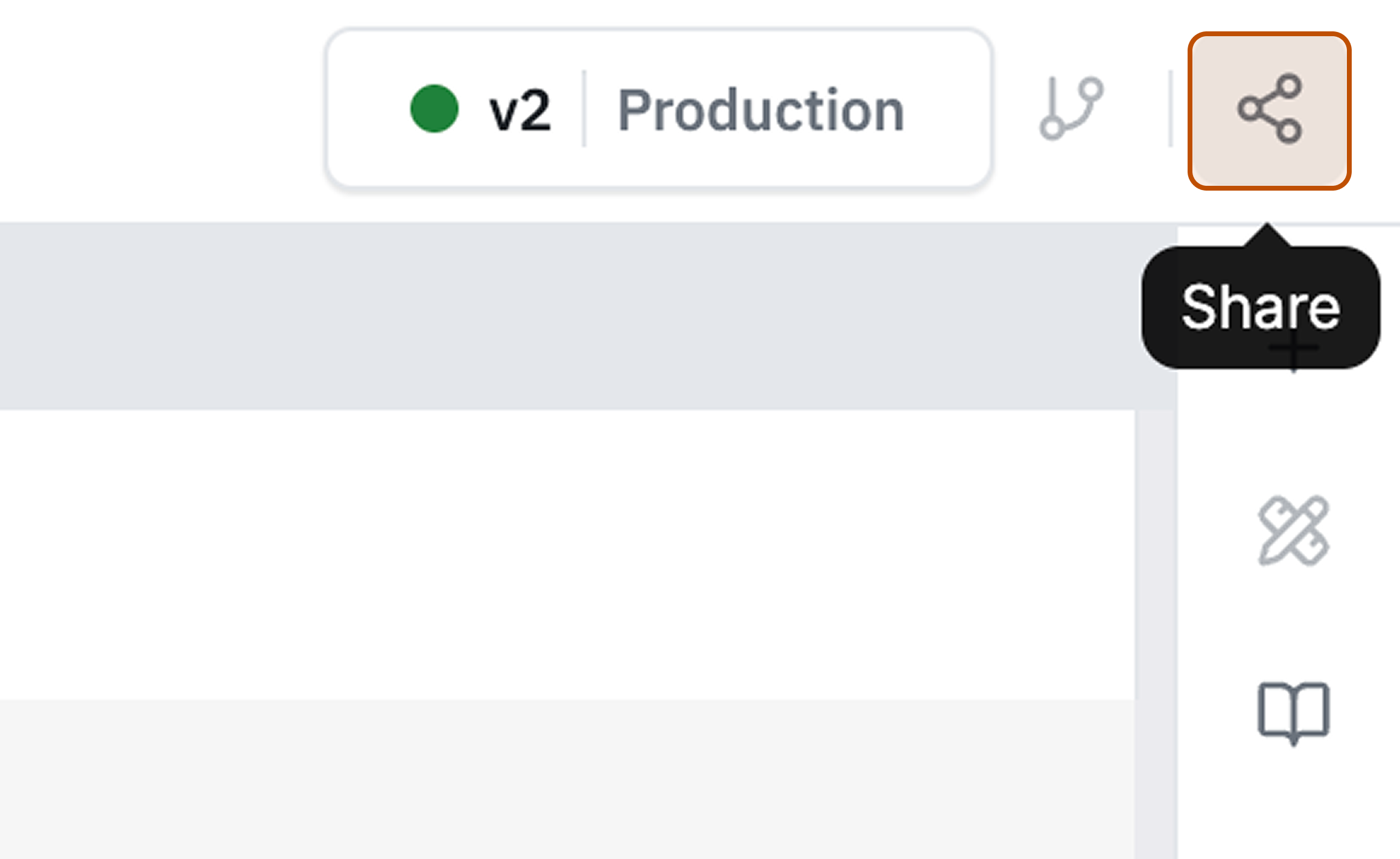
- Click the Share button on the top-right corner of the application builder.
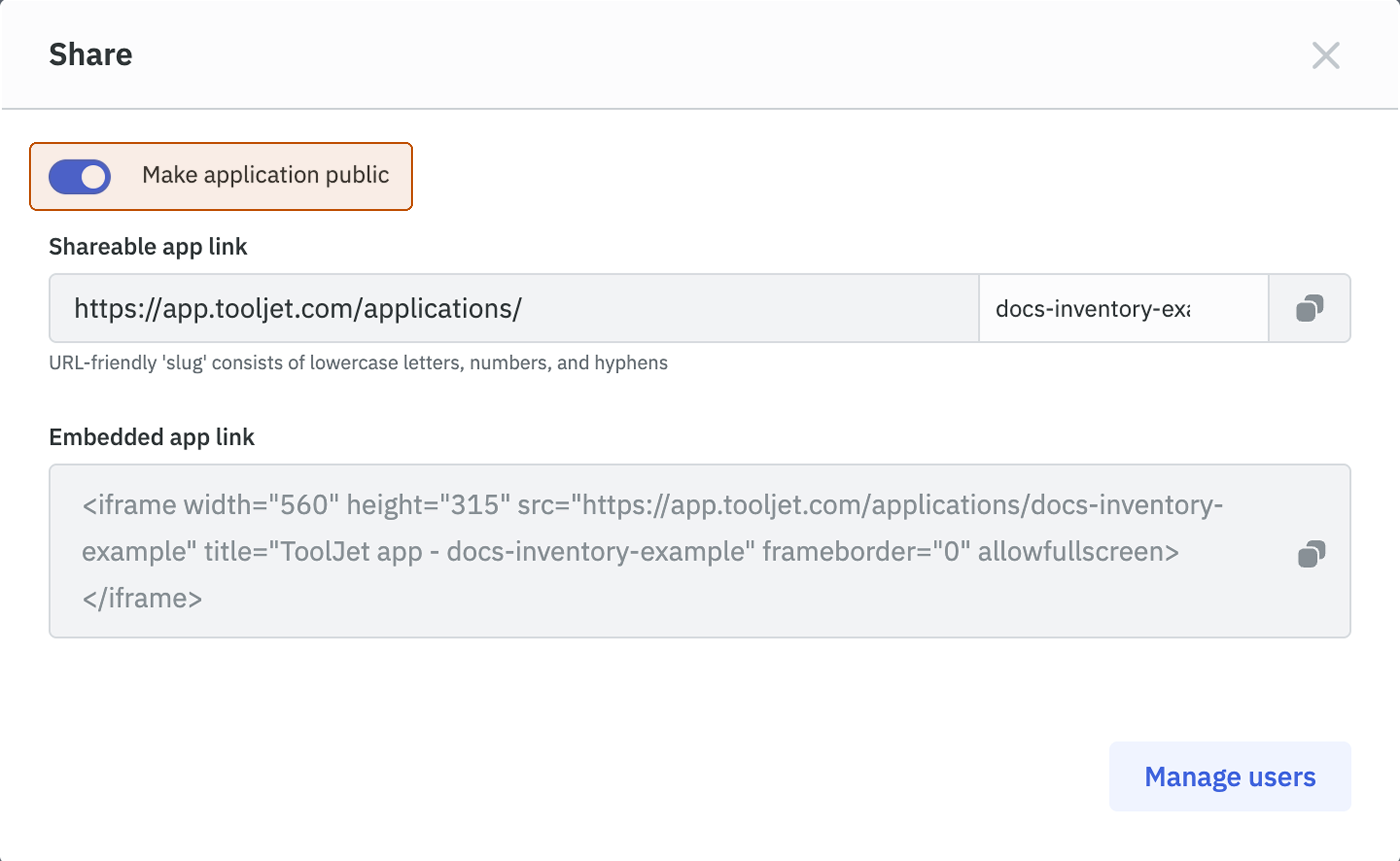
- Enable Make application public by toggling it on.
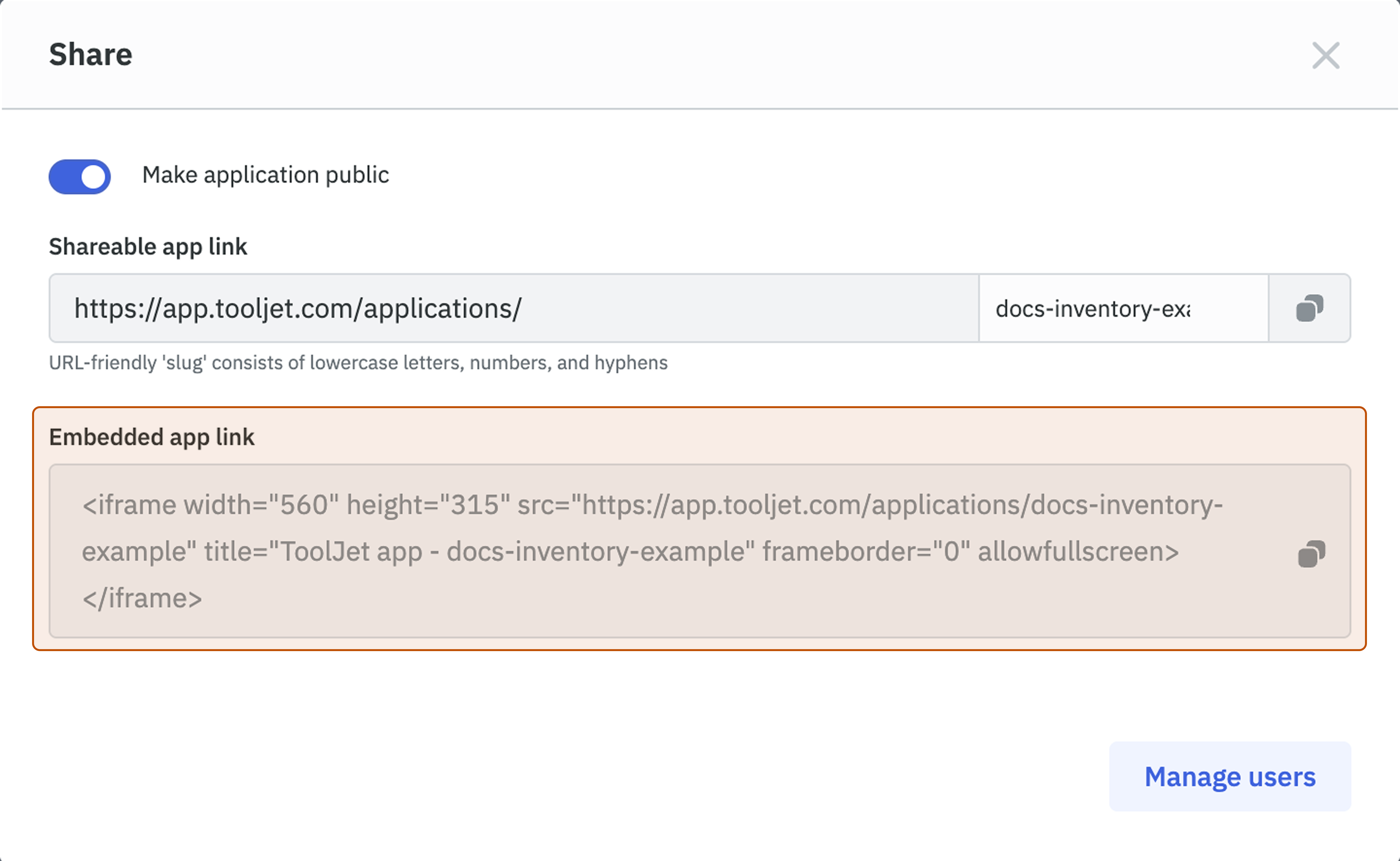
- Copy the iframe code from the Embedded app link and paste it on your portal or web page wherever you want to embed the application.