App Generation
This guide explains how to generate and modify applications and modules with ToolJet AI, using nothing but a prompt.
This page covers Start with a prompt, the AI built into ToolJet. To build the same apps from Claude Code, Codex, or another coding agent, see ToolJet MCP instead.
Creating Application
Enter a prompt on the home page describing the business application you want to build, and ToolJet generates it for you. There are no intermediate steps to confirm; the app is built directly from your prompt.
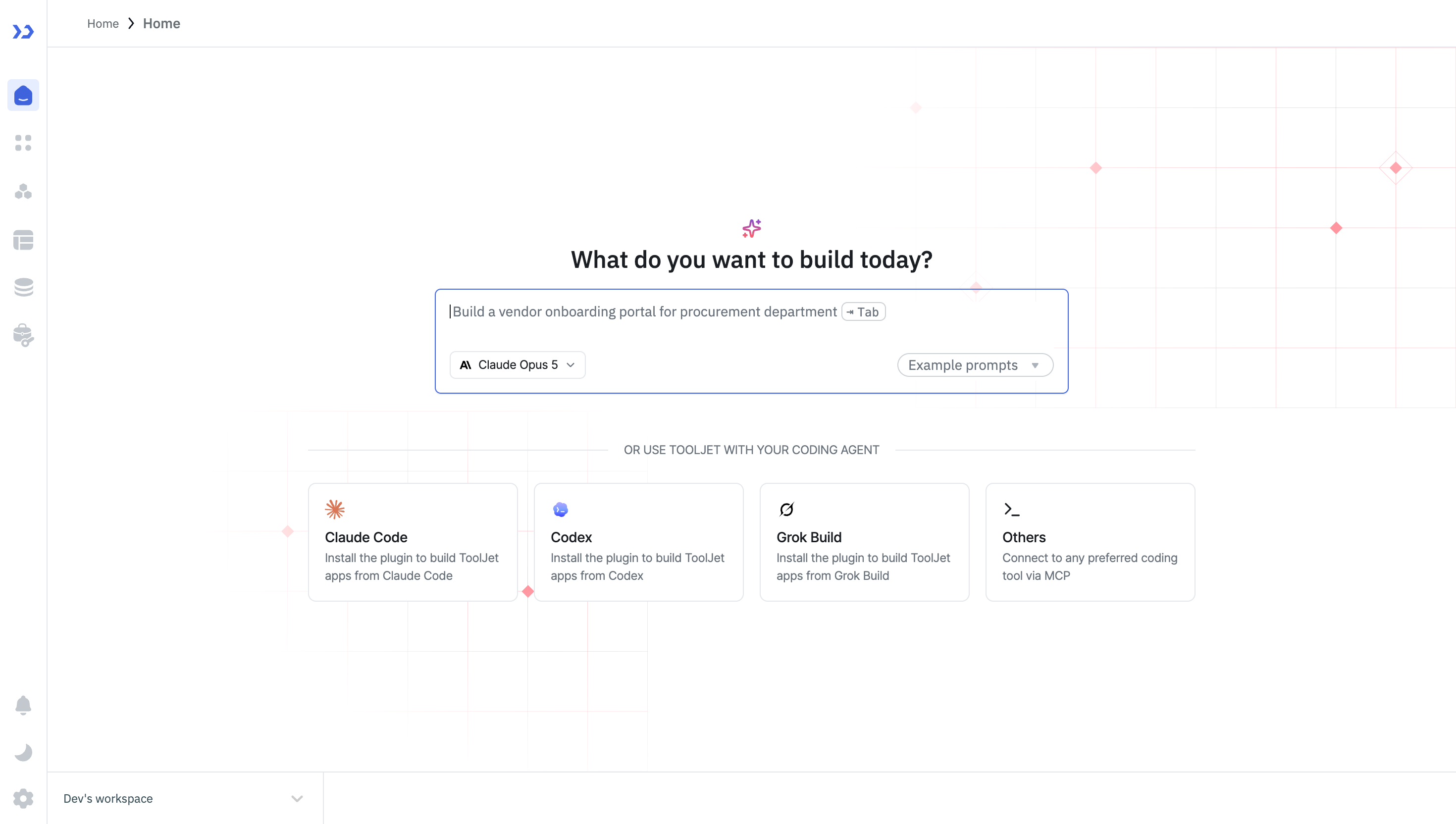
Once generation finishes, you are taken to the App Builder with a fully functional app: UI components, queries, and data bindings are already configured, and you can customize anything from there.
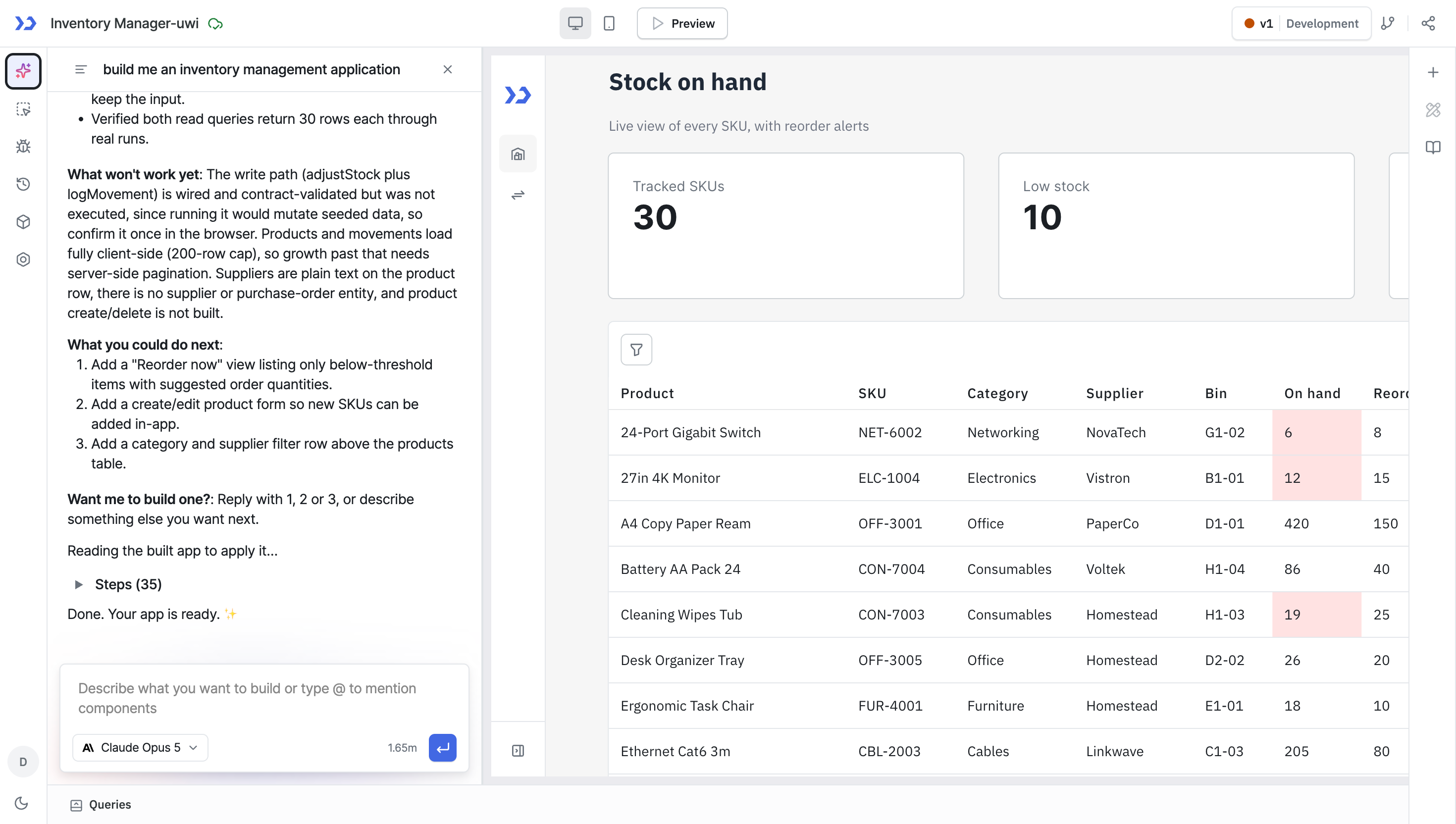
Modifying Application
You can modify any application in ToolJet with AI assistance, whether it's a newly created app or an existing one. You can update components and queries within your application with just a prompt.
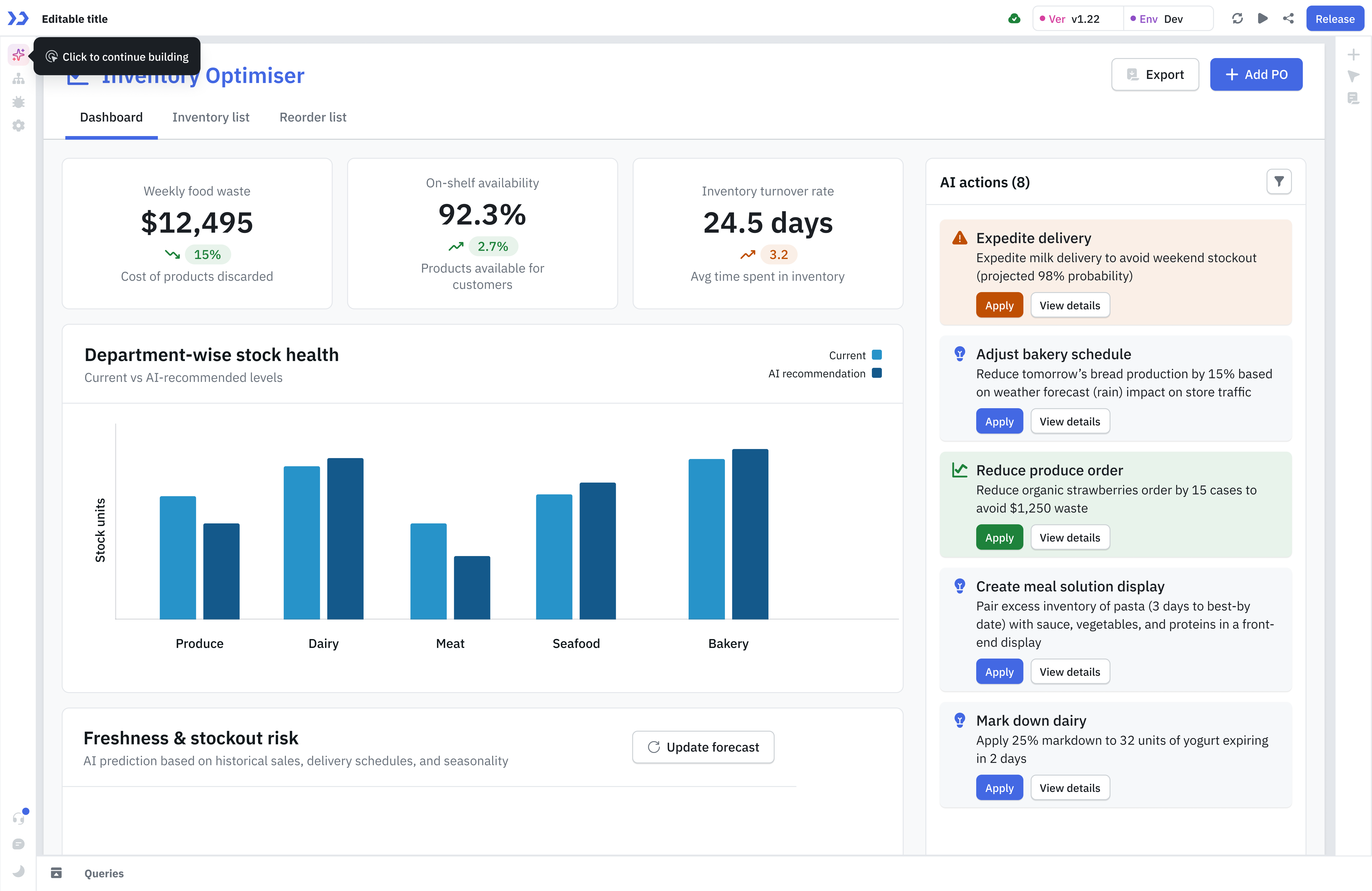
To change one specific component or query rather than letting the AI infer the target, @mention it in the chat.
Creating Modules
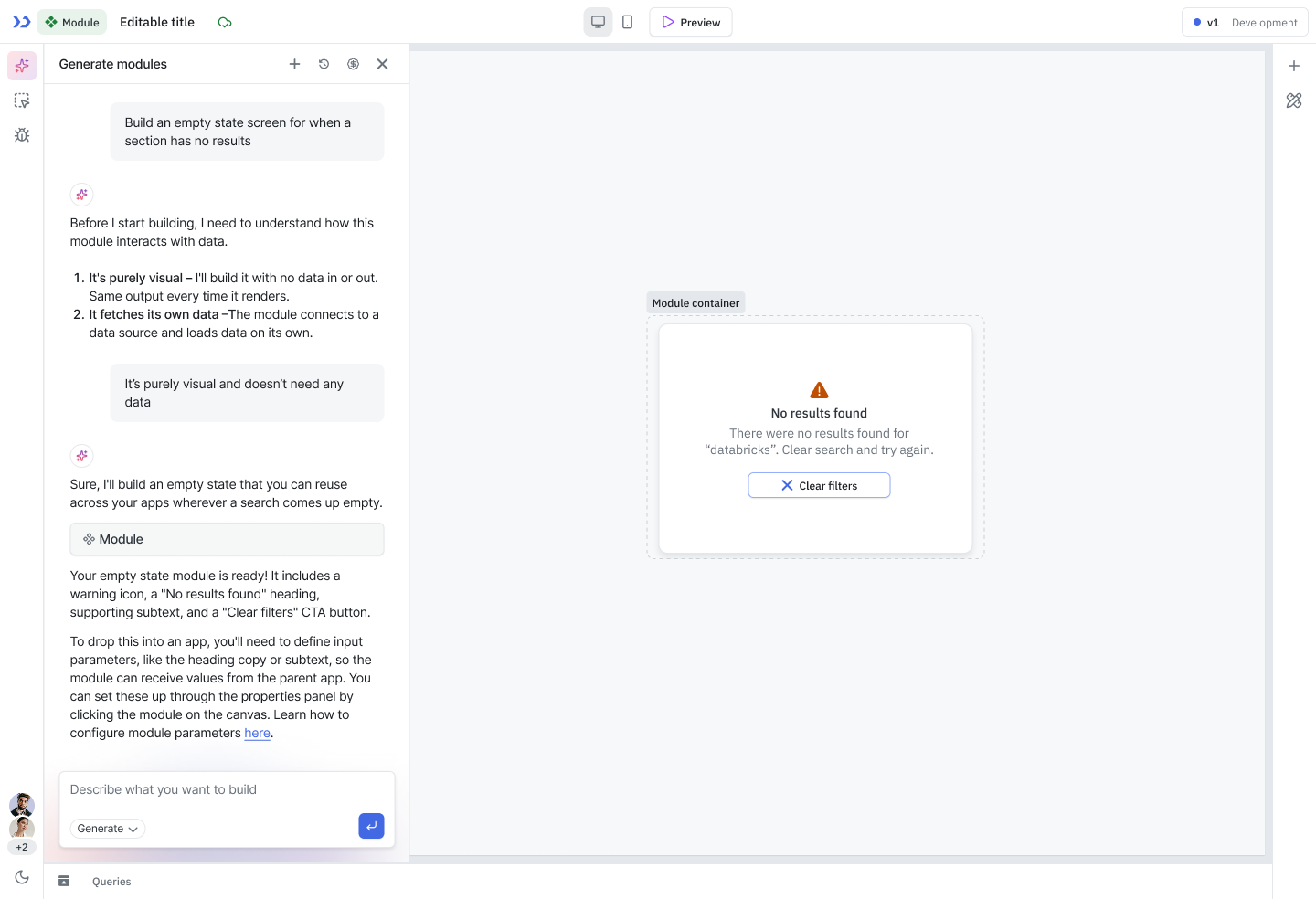
ToolJet AI can be used to quickly generate Modules, which can then be reused across multiple applications. To generate a module using ToolJet AI, open the Module Builder and enter your prompt describing the UI you want to create.
Related
- Query Generation — generate queries, code, and organize your query panel
- @mention in AI Chat — target an exact component or query
- Understanding AI Credits — how much an operation costs