Query Generation
Beyond generating whole applications, ToolJet AI works at the query level: it can create fully configured queries, write JavaScript and Python snippets, and tidy up a query panel that has grown unwieldy.
Generate Query
ToolJet AI can generate complete, fully-configured queries directly from the AI chat. It creates an actual query in your query panel — with parameters and configuration all set up.
To generate a query:
- Add a query on the query panel.
- Open the AI chat in the App Builder.
- Type a prompt describing the query you need by referencing the specific query.
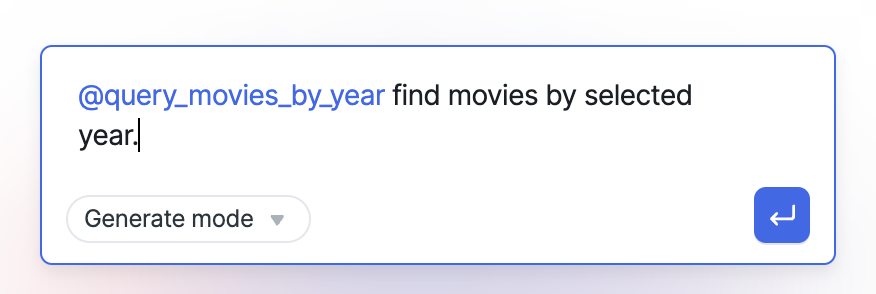
- The AI generates the query with all the parameters and required fields.
You can use @mention in AI Chat to reference an existing query and ask the AI to modify it.
Generating Code
ToolJet lets you generate JavaScript and Python code snippets directly using AI.
- Click the AI icon in the query panel to open the AI code generator.
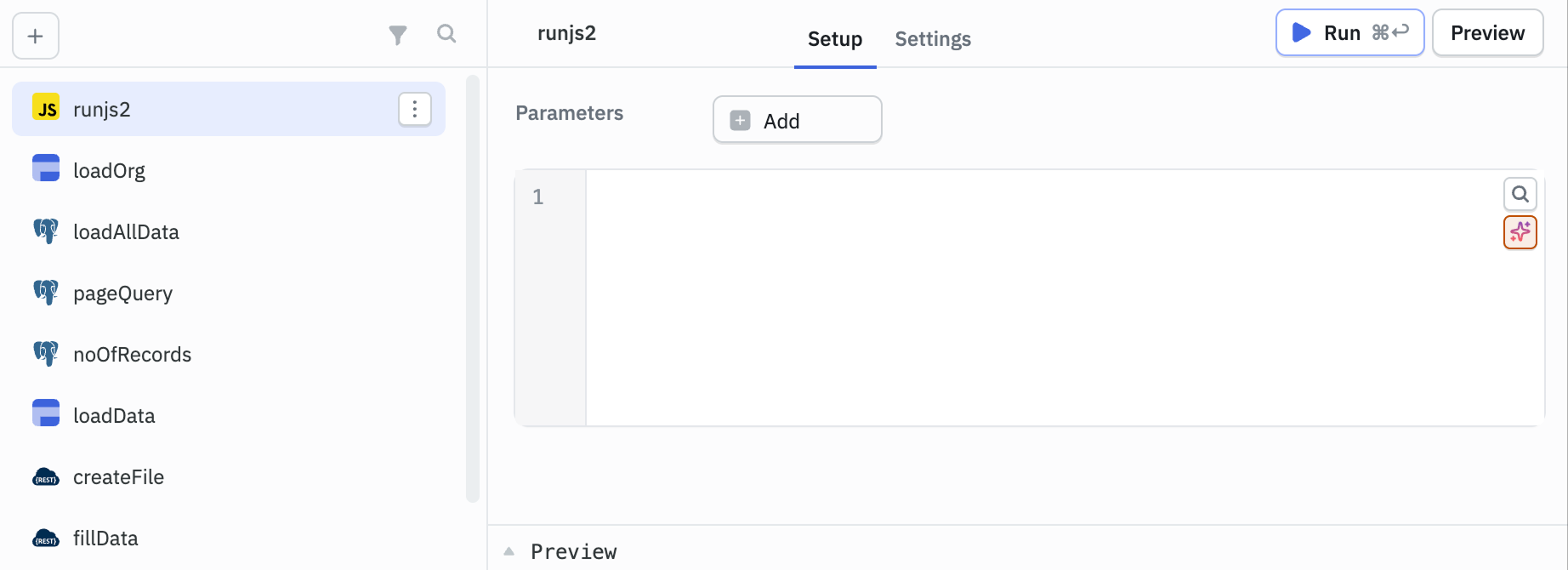
- Enter a prompt describing the logic or query you want to build.
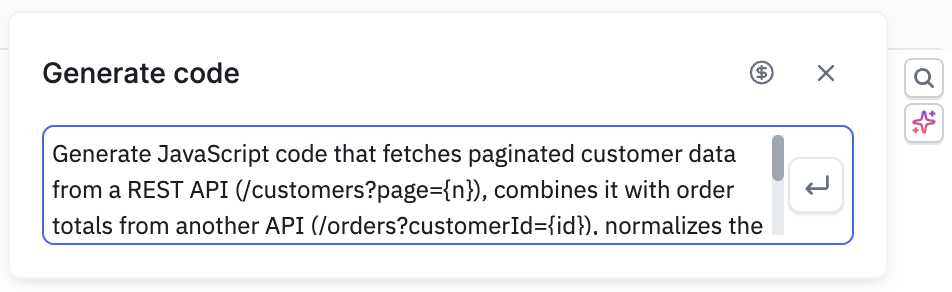
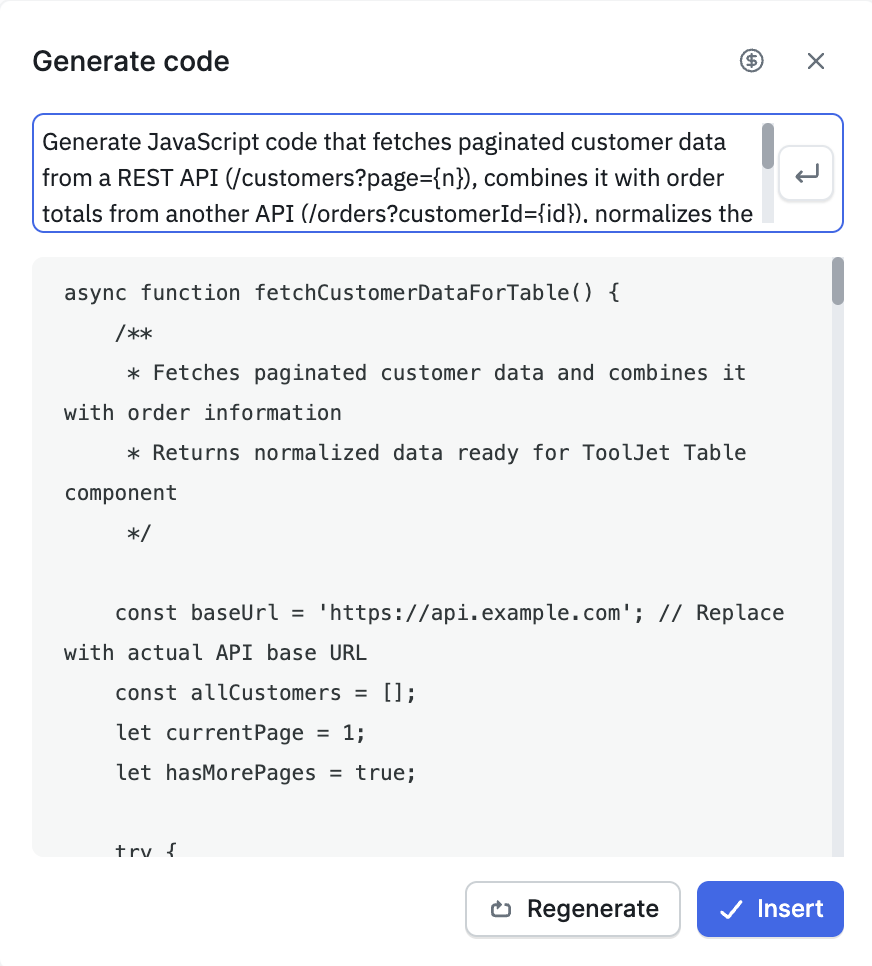
- Check the generated code and either insert it directly or click Regenerate to try a different version.
Auto-sort Queries
As applications grow, queries can accumulate without clear organization. The Auto-sort feature groups your queries into folders automatically based on their names.
To use Auto-sort:
- Open the query panel.
- Click the Auto-sort unsorted queries into folders option.
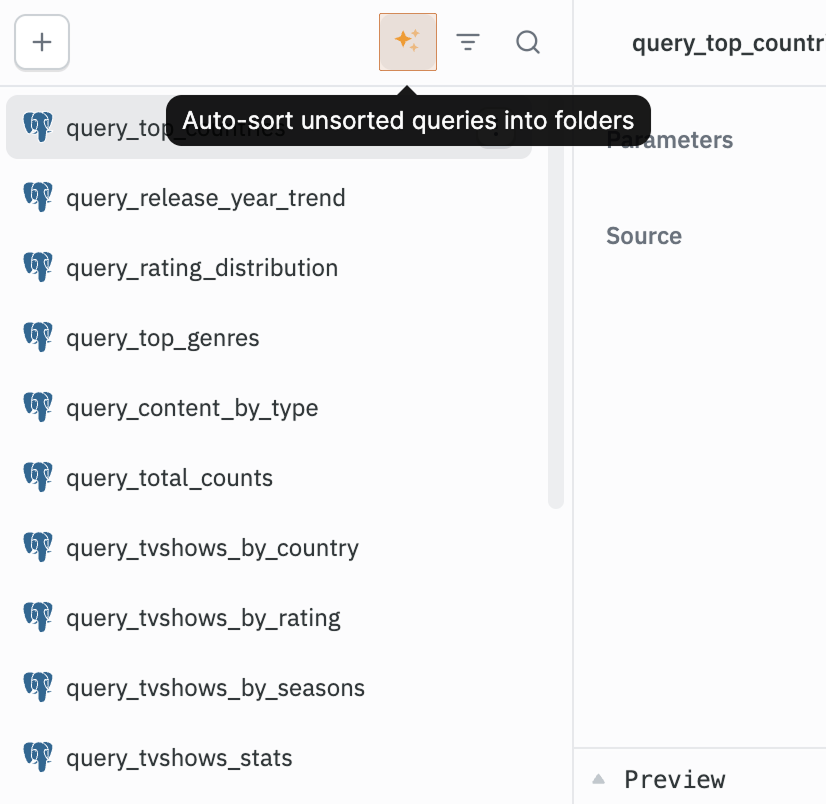
- The AI analyzes your query names and organizes them into folders.
How it works:
- If folders already exist in your app, queries are mapped to the closest matching folder where applicable, and new folders are created for the rest.
- If no folders exist, new folders are created based on query name groupings.
- Only query names are sent to the AI - no query content or data source credentials are shared, for compliance reasons.
- Results depend on descriptive query names. Generic names like
postgres_1,postgres_2will produce less precise groupings.