Show alert
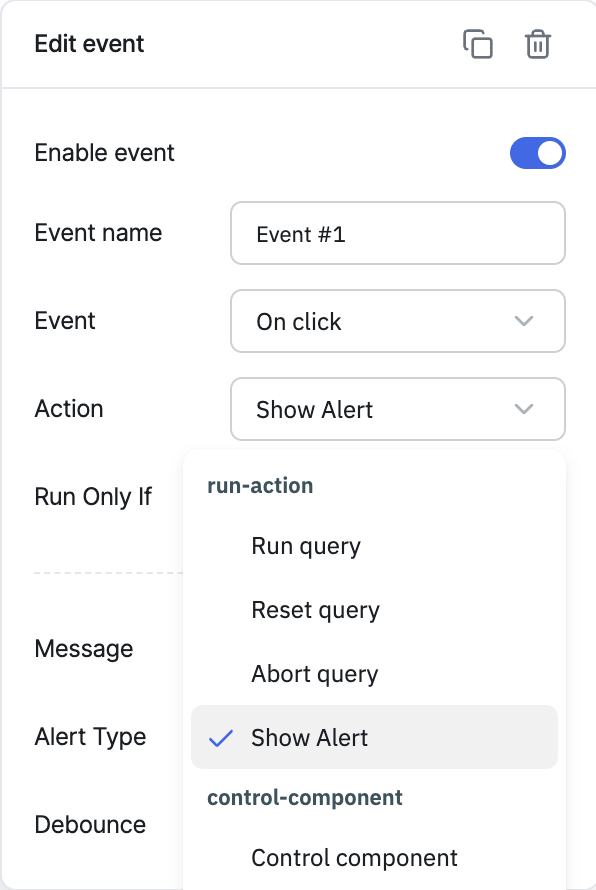
The Show alert action displays an alert message on the app's canvas. Use it to give users feedback after an event — for example, confirming a save, or warning about invalid input.
Configuration
| Parameter | Description | Default |
|---|---|---|
| Alert type | The style of the alert: Info, Success, Warning, or Error | Info |
| Message | The text to display in the alert | Empty |
| Debounce | Time in milliseconds to wait before executing the action | Empty (no delay) |
Triggering via RunJS
actions.showAlert('<alertType>', '<message>');
alertType is one of info, success, warning, or danger (danger maps to the Error type in the Events panel).
Example:
actions.showAlert('error', 'This is an error');
info
For a full quick-reference of all actions' RunJS syntax, see Run Actions from RunJS.