Control component (Component Specific Actions)
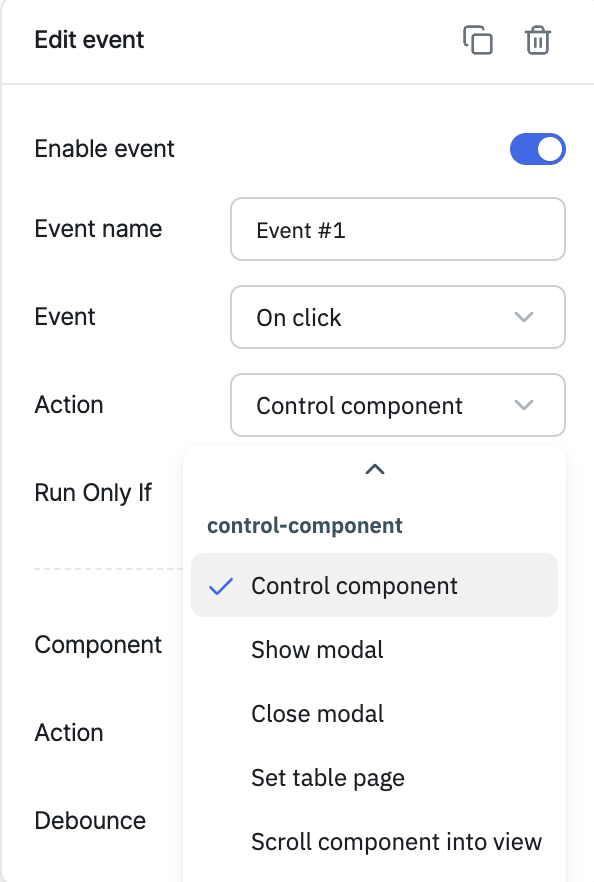
The Control Component action invokes a Component-Specific Action (CSA) — an exclusive action exposed by a particular component, such as setting a Text Input's value or clearing it. CSAs can be triggered either through event handlers or from a RunJS query.
You can find the list of CSAs available for a specific component in that component's own documentation. For example, the CSAs for the Bounded Box component are listed in the Bounded Box documentation.
Configuration
| Parameter | Description | Default |
|---|---|---|
| Component | The target component whose CSA you want to invoke | — |
| Action | The CSA to invoke on the selected component (e.g. Set text, Clear) | — |
| Action-specific fields | Additional fields depend on the CSA selected (e.g. the Text field for Set text) | — |
| Debounce | Time in milliseconds to wait before executing the action | Empty (no delay) |
info
Check out the demo of Component Specific Actions demonstrated in one of our community calls.