Athena
ToolJet can connect to Amazon Athena which is an interactive query service that makes it easy to analyze data in Amazon S3 using standard SQL.
Connection
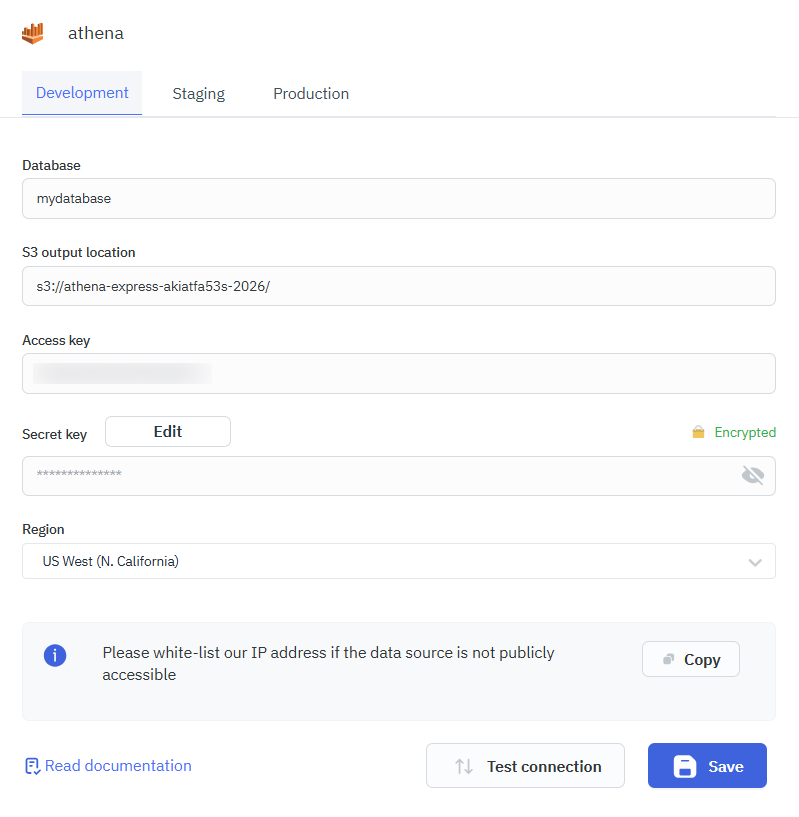
To establish a connection with the Amazon Athena data source, you can either click on the + Add new Data source button located on the query panel or navigate to the Data Sources page from the ToolJet dashboard and choose Amazon Athena as the data source.
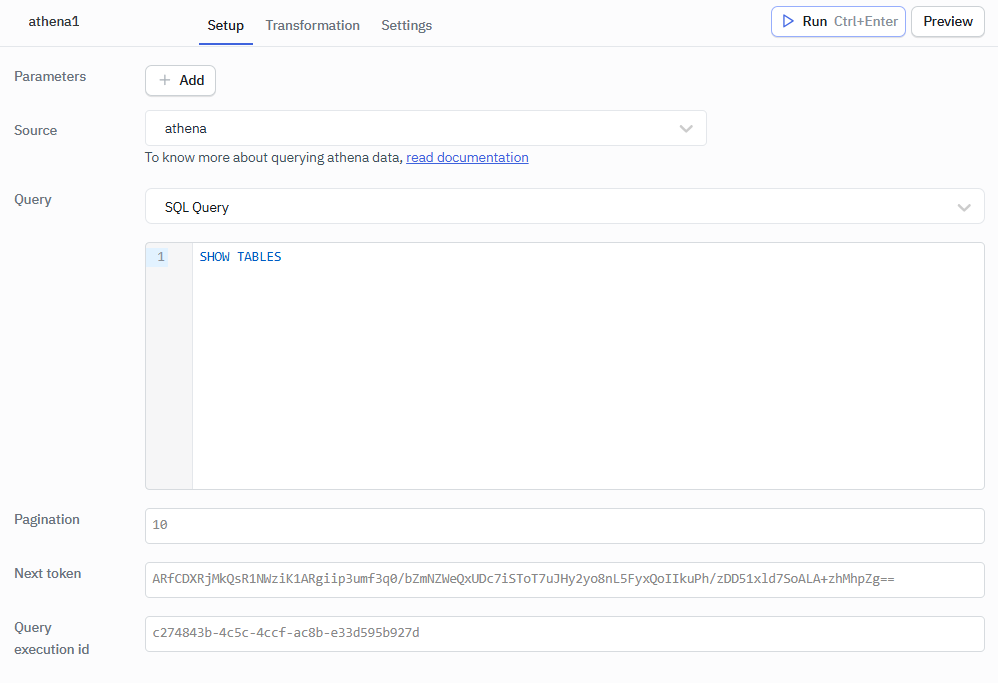
ToolJet requires the following to connect to your Athena.
- Database
- S3 output location
- Access key
- Secret key
- Region
Amazon Athena authenticates with an IAM access key and secret key only. Other AWS authentication methods, such as instance credentials or a role ARN, aren't available for this data source.
Querying Amazon Athena
- Click on + Add button of the query manager at the bottom panel of the editor.
- Select the Amazon Athena datasource added in previous step.
- Select the SQL Query from the dropdown and enter the query.
- Click on the Preview button to preview the output or Click on the Run button to trigger the query.
Refer Amazon Athena documentation for more information.
Pagination
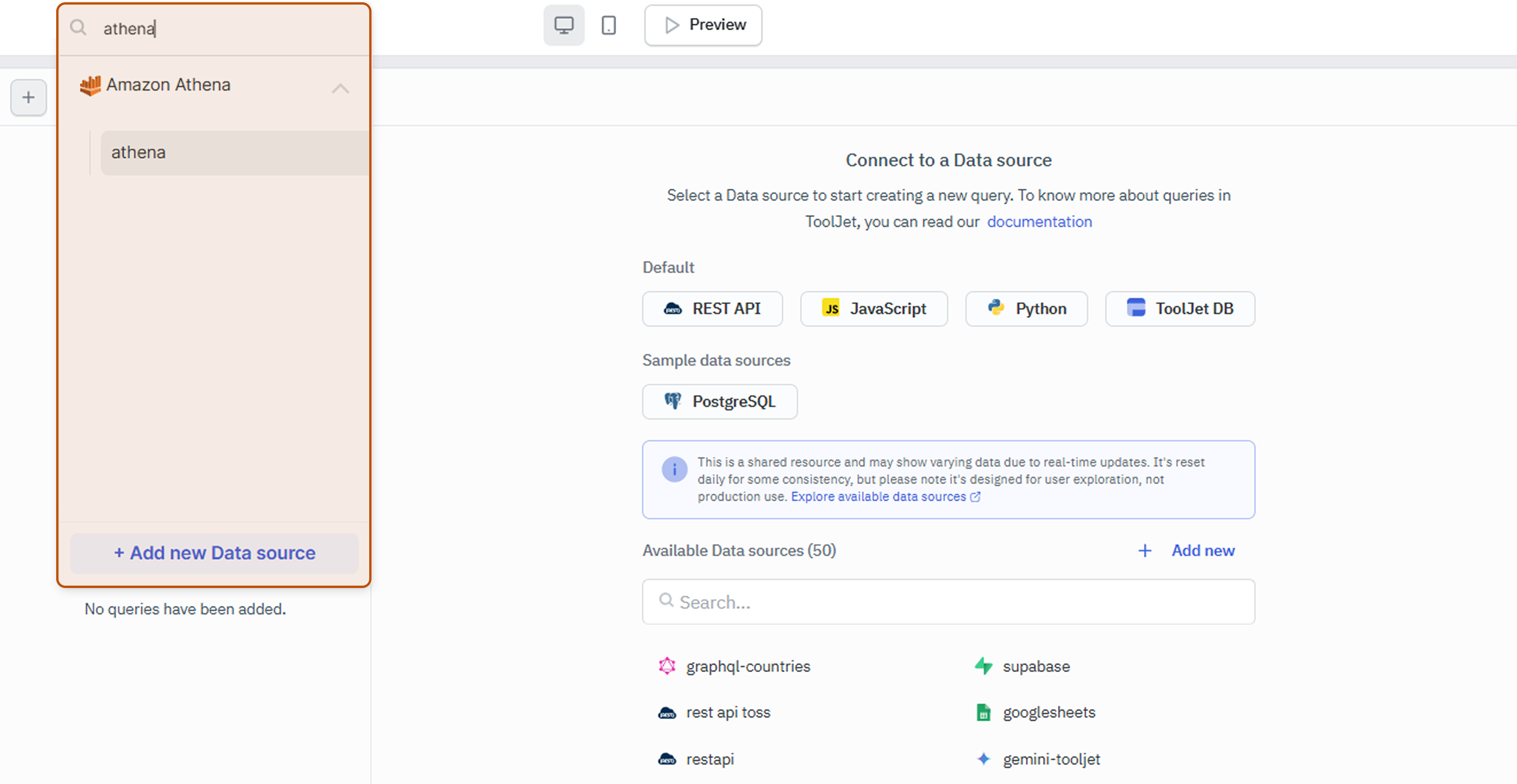
Use these optional fields below the query editor to page through large results:
| Field | Description |
|---|---|
| Pagination | Maximum number of rows to return per request. Leave it empty to let Athena decide the page size. |
| Next token | The NextToken value from a previous response. Fetches the next page of results. |
| Query execution id | The QueryExecutionId value from a previous response. When set, ToolJet doesn't run the SQL query again; it fetches the results of that execution. |
Each response returns the rows in Items, along with Count, QueryExecutionId, DataScannedInMB, QueryCostInUSD, EngineExecutionTimeInMillis, and S3Location. When more rows remain, the response also includes NextToken. To fetch the next page, set both Query execution id and Next token from the previous response, so ToolJet reads the next page of the same execution instead of running the query again.
SQL Query Examples
Creating Table
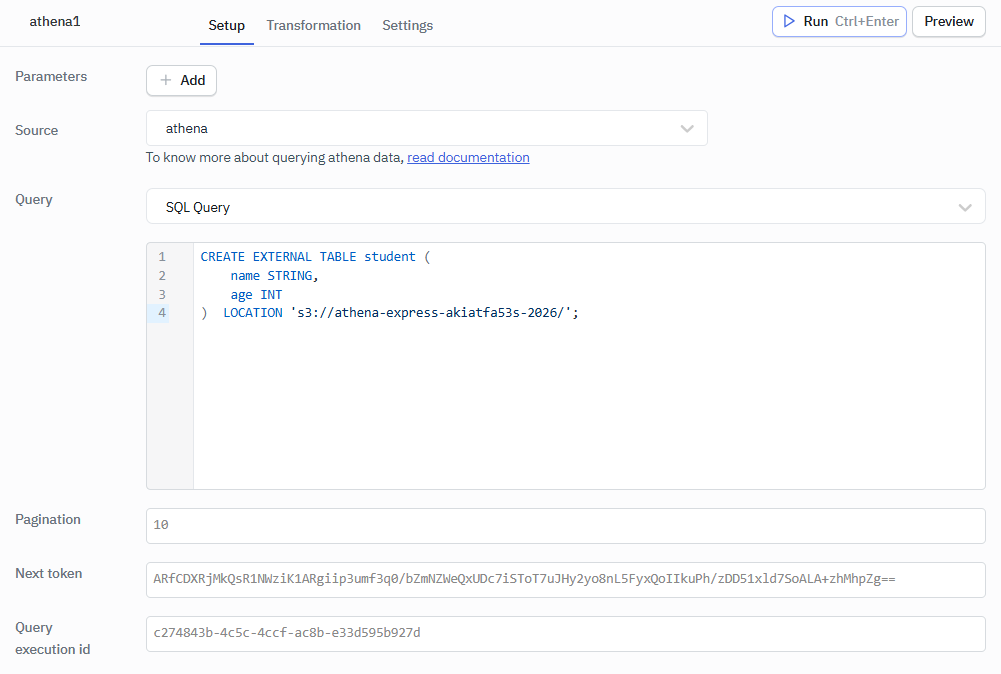
This query is used to create an external table within the database. The data for this table is stored in an S3 bucket at the provided URL (s3://athena-express-akiatfa53s-2026/ in this example).
CREATE EXTERNAL TABLE student (
    name STRING,
    age INT
)  LOCATION 's3://athena-express-akiatfa53s-2026/';
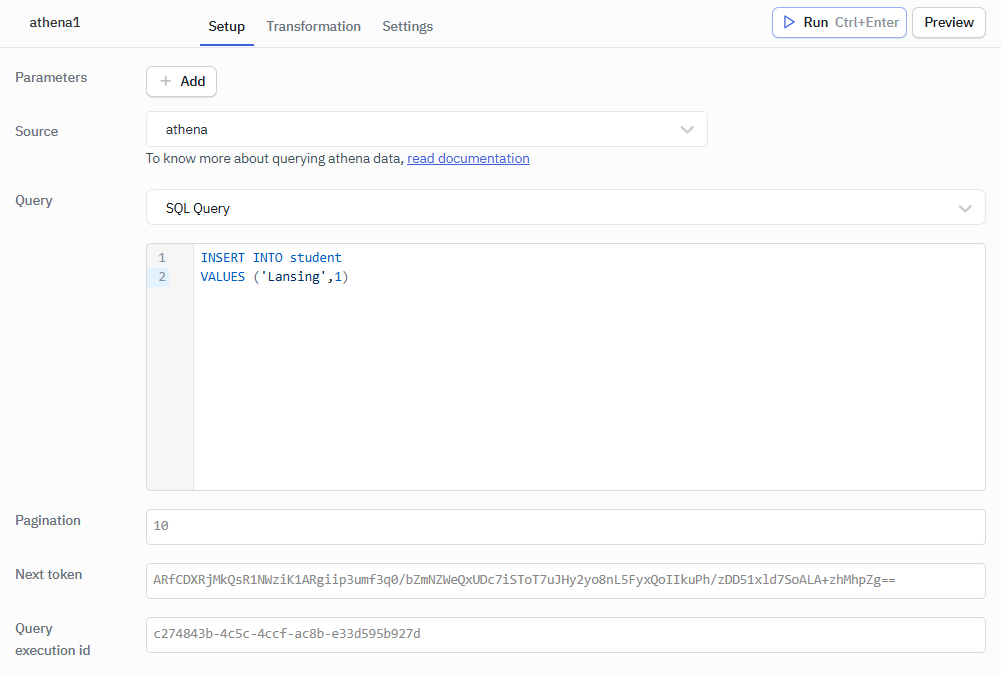
Inserting to Table
This query is attempting to insert a new record into the student table in a database.
INSERT INTO student
VALUES ('Lansing',1)
Select Operation
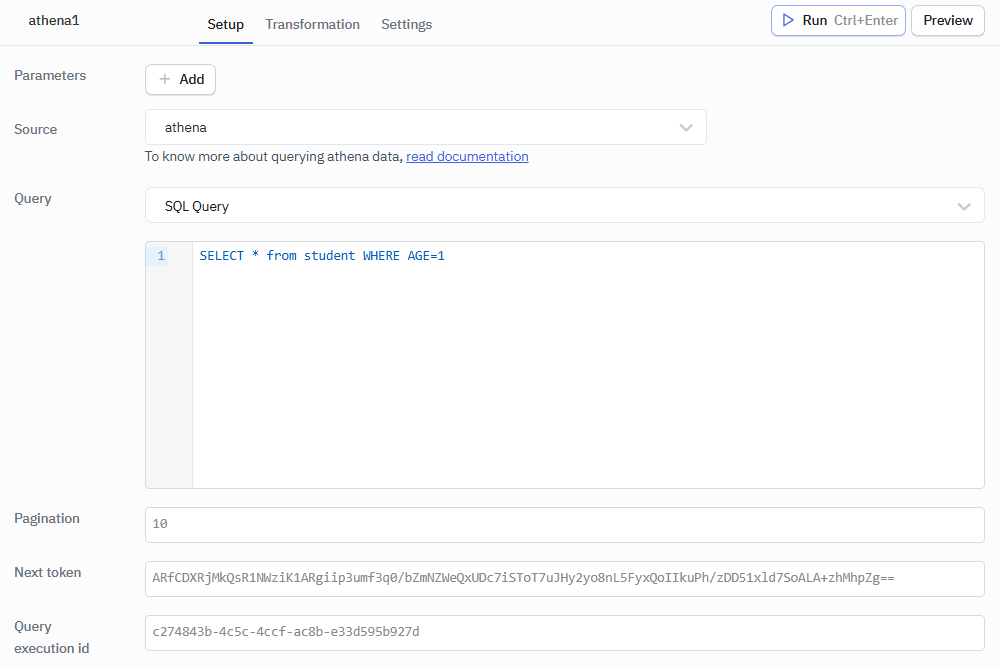
This query retrieves all records from the student table where the age of the student is exactly 1 year.
SELECT * from student WHERE AGE=1
List Tables
This query is used to display a list of all tables in the current database.
SHOW TABLES