NocoDB
ToolJet lets you connect with NocoDB to perform actions and retrieve data.
Connection
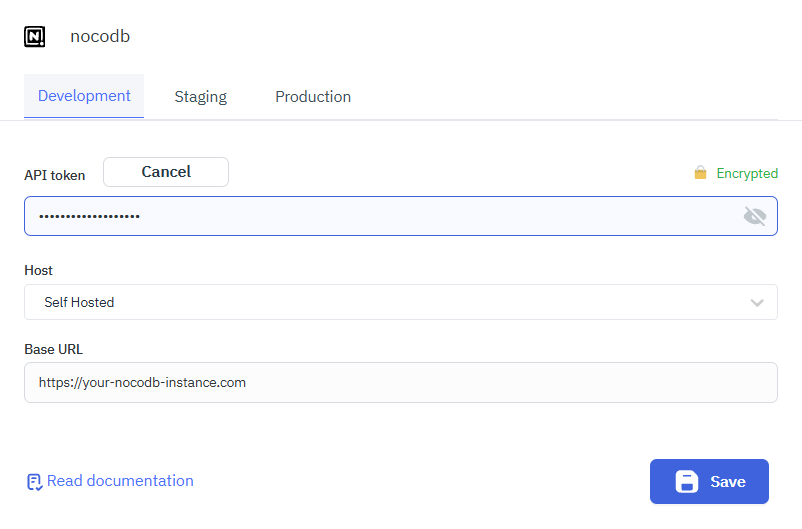
To connect to the NocoDB data source in ToolJet, you can either click on the + Add new data source button on the query panel or navigate to the Data Source page on the ToolJet Dashboard.
ToolJet allows you to connect to your NocoDB by two methods.They are NocoDB Cloud and Self Hosted.
NocoDB Cloud
Connect to the managed NocoDB Cloud service using an API token, with hosting and infrastructure fully handled by NocoDB.

Self-Hosted NocoDB
Connect to a self-hosted NocoDB instance by providing the API token and the base URL of your deployment.
Supported Operations
ToolJet supports the following operations for NocoDB:
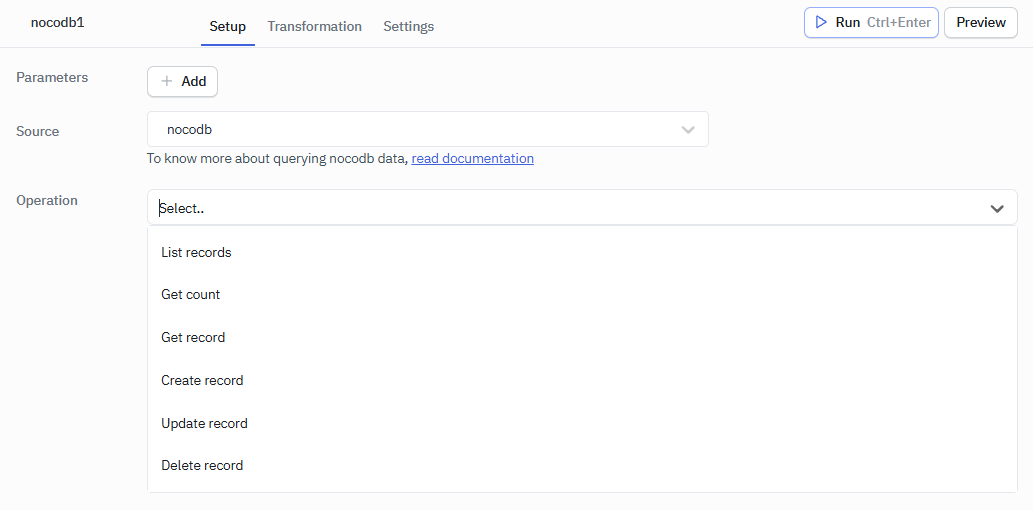
List Records
This operation retrieves a list of records present in the specified table.
Required Parameters
- Table ID
Optional Parameters
- Query String
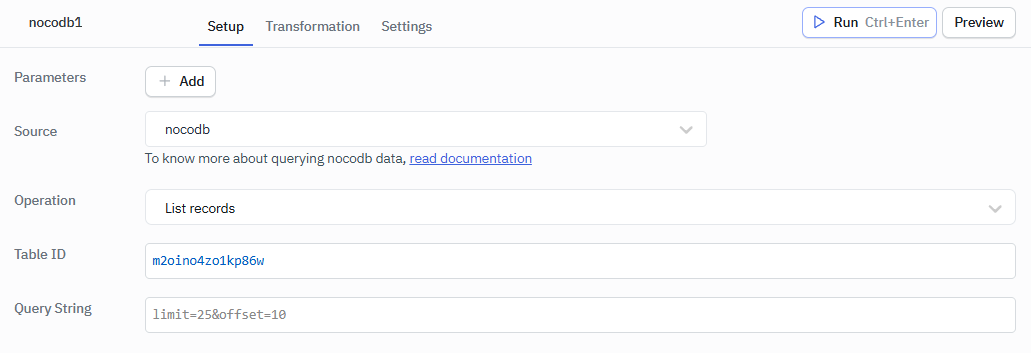
Example Values
Table ID: your-table-id
Get Count
This operation can be used to fetch the number of records present in the table.
Required Parameters
- Table ID
Optional Parameters
- Query String
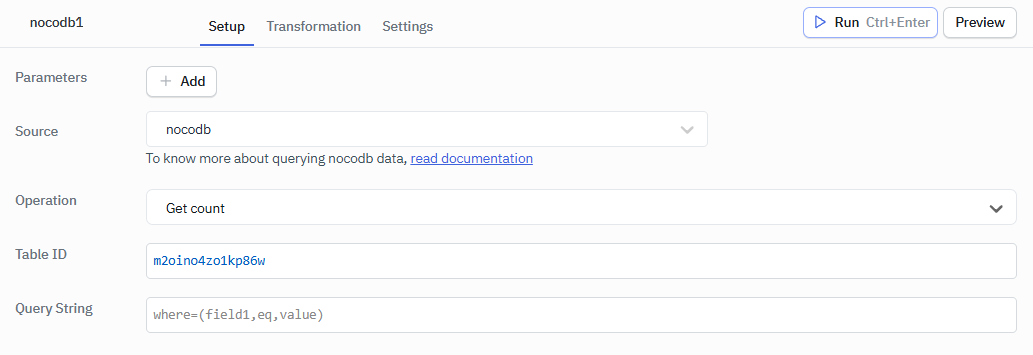
Example Values
Table ID: your-table-id
Get Record
This operation can be used to fetch the record specified by the Table ID and Row ID.
Required Parameters
- Table ID
- Row ID
Optional Parameters
- Query String
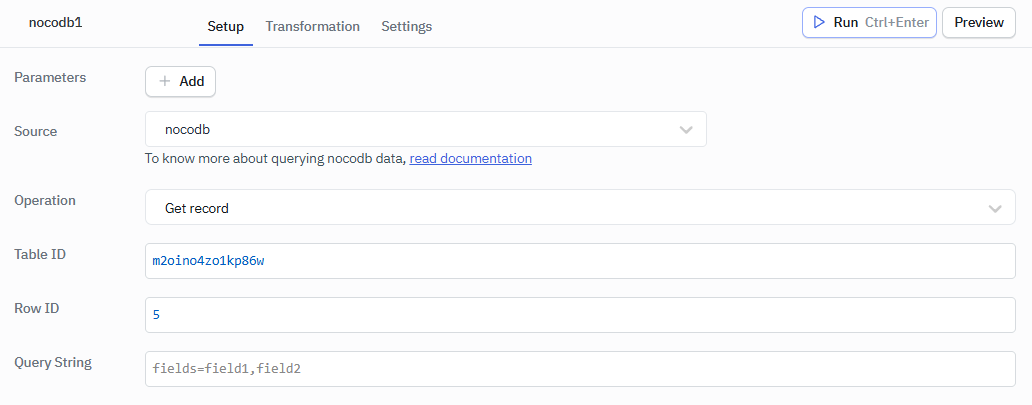
Example Values
Table ID: your-table-id
Row ID: your-row-id
Create Record
This operation can be used to create new records.
Required Parameters
- Table ID
- Records
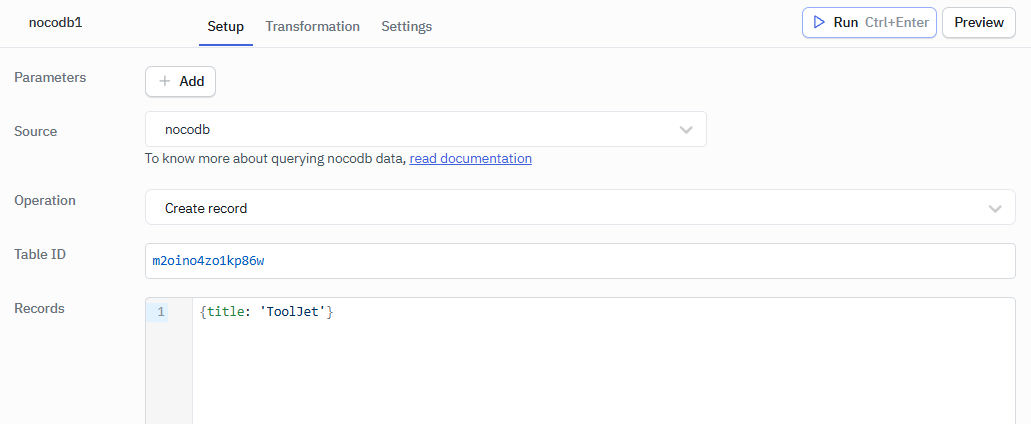
Example Values
Table ID: your-table-id
Records: {title: 'ToolJet'}
Update Record
This operation can be used to update the record.
Required Parameters
- Table ID
- Row ID
- Records
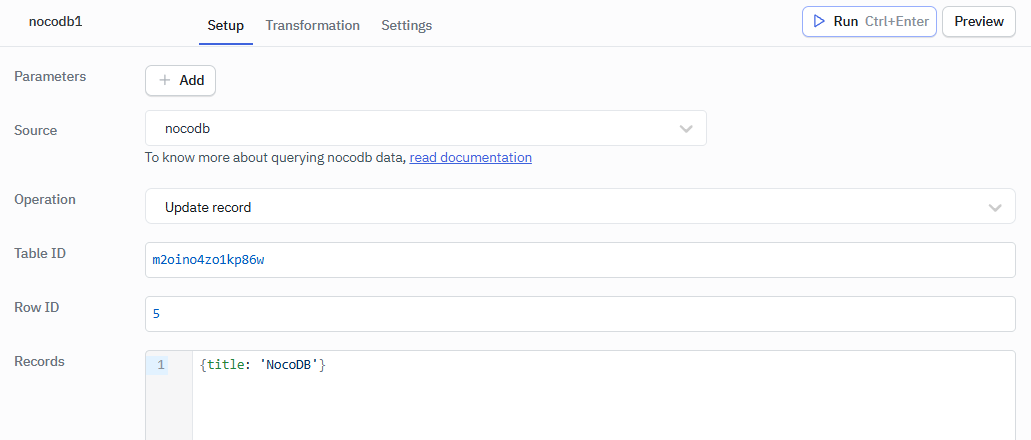
Example Values
Table ID: your-table-id
Row ID: your-row-id
Records: {title: 'NocoDB'}
Delete Record
This operation can be used to delete a record.
Required Parameters
- Table ID
- Row ID
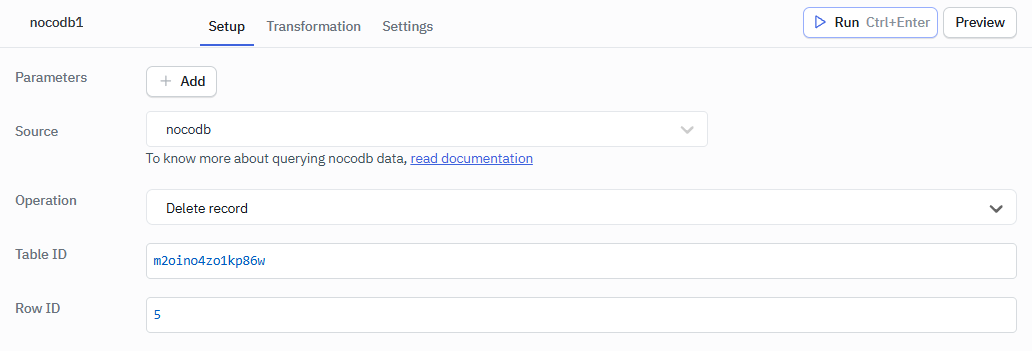
Example Values
Table ID: your-table-id
Row ID: your-row-id