Set localStorage
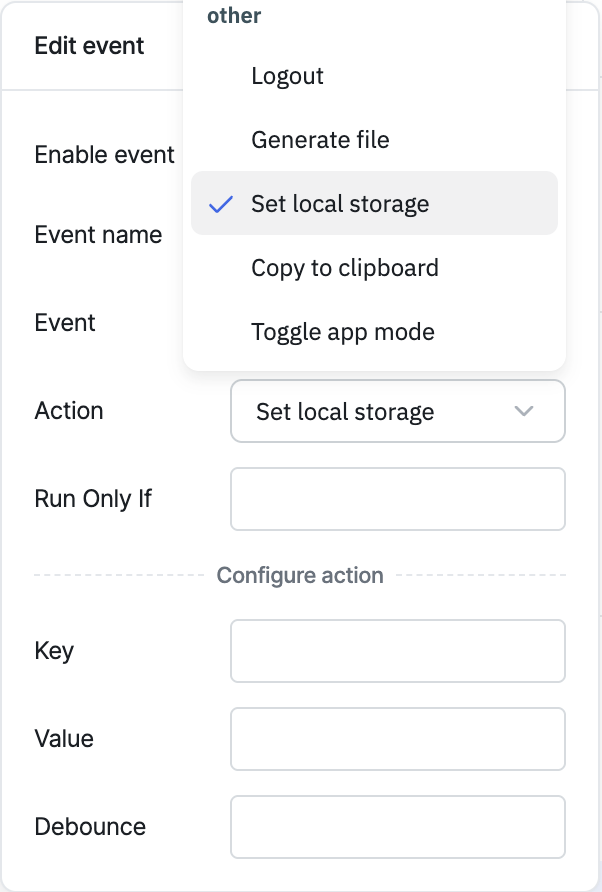
The Set localStorage action stores a key/value pair in the browser's local storage. This is useful for saving form values so users don't lose them on reload, or storing data that shouldn't be persisted to the database.
Configuration
| Parameter | Description | Default |
|---|---|---|
| Key | Name (string) under which the value is stored | — |
| Value | The value to store | — |
| Debounce | Time in milliseconds to wait before executing the action | Empty (no delay) |
Triggering via RunJS
actions.setLocalStorage('<key>', '<value>');
info
For a full quick-reference of all actions' RunJS syntax, see Run Actions from RunJS.