Click Up
ClickUp is a cloud-based project management and collaboration platform designed to help teams of all sizes manage projects, tasks, and workflows efficiently. By integrating ClickUp with ToolJet, you can build custom internal tools that interact with your ClickUp workspace to manage tasks, folders, lists, and more.
Before following this guide, it is assumed that you have already completed the process of Using Marketplace plugins.
Connection
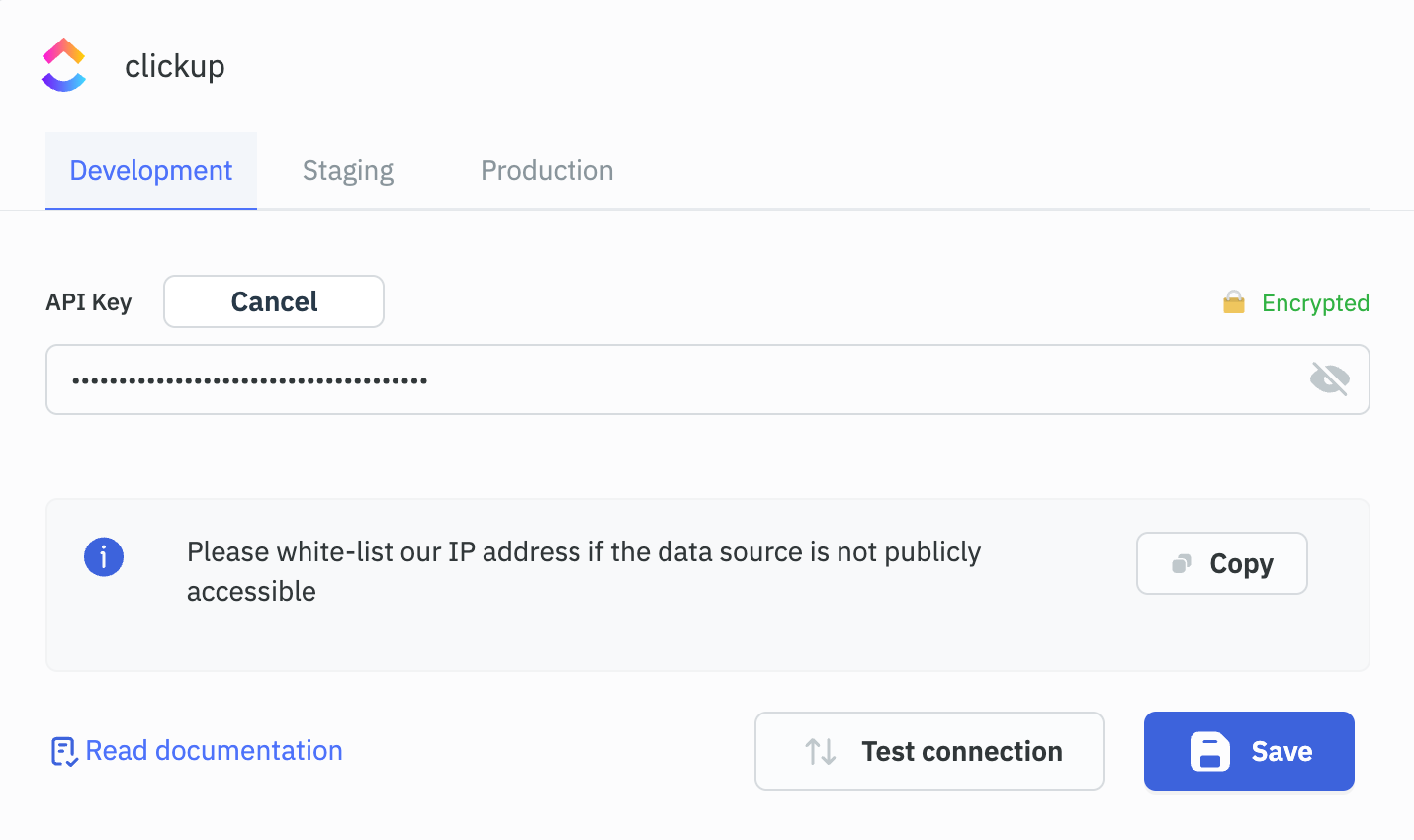
To connect with ClickUp, you will need an API Key, which can be generated from ClickUp Settings.
Supported Operations
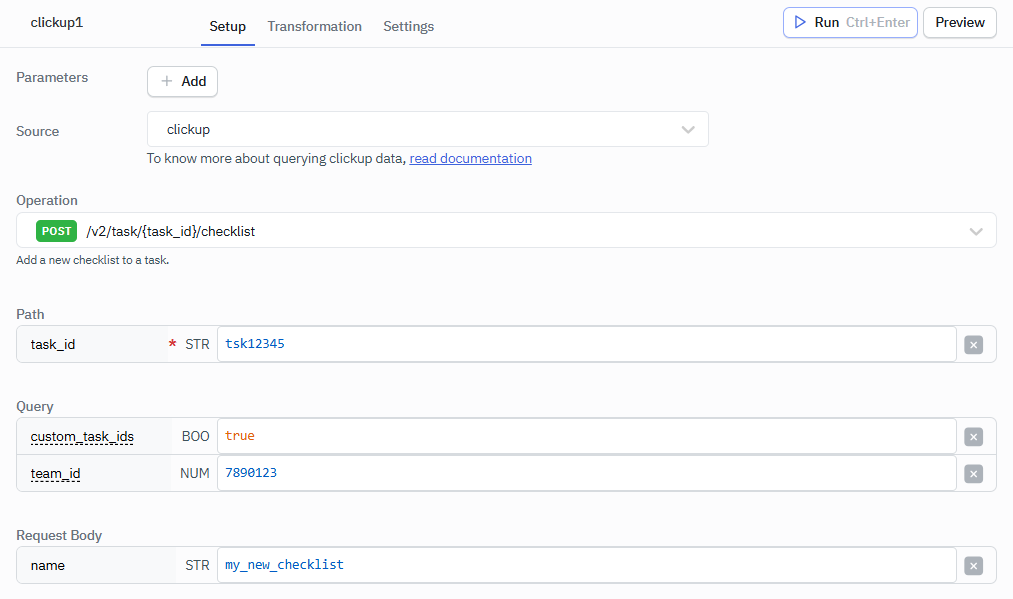
ToolJet supports a wide range of ClickUp operations, grouped into the following categories. Each category corresponds to a specific part of the ClickUp data model, allowing you to perform targeted actions across your workspace:
| Category | Description |
|---|---|
| Task | Create, retrieve, update, and delete tasks, and manage a task's comments, checklists, attachments, tags, dependencies, links, guests, custom field values, and tracked time. |
| OAuth | Exchange an OAuth authorization code for an access token. |
| User | Get the user that the API key belongs to. |
| Team | Work with a Workspace (the ClickUp API calls it a team): its seats and plan, spaces, goals, views, webhooks, users, guests, user groups, custom roles, custom fields, custom task types, task templates, filtered tasks, shared hierarchy, and time entries. |
| Checklist | Edit and delete checklists, and create, edit, and delete checklist items. Create a checklist from Task. |
| View | Get, update, and delete a view, and get its tasks and comments. |
| List | Get, update, and delete lists, and work with a list's tasks, comments, views, members, guests, and custom fields. |
| Comment | Update and delete comments, and get or create threaded replies. |
| Folder | Get, update, and delete folders, and work with a folder's lists, views, guests, and custom fields. |
| Space | Get, update, and delete spaces, and work with a space's folders, folderless lists, tags, views, and custom fields. |
| Goal | Get, update, and delete goals, and create key results. |
| Key Result | Edit and delete key results. |
| Group | Get, update, and delete user groups. Create a group from Team. |
| Webhook | Update and delete webhooks. List and create webhooks from Team. |
| Workspace | ClickUp API v3 operations: Docs and pages, audit logs, privacy and access settings, and Chat channels and messages. |
Operation Type
The plugin supports the following HTTP methods:
- GET – Retrieve data (e.g., fetch a task, list users).
- POST – Create new resources (e.g., create a task or comment).
- PUT – Update existing resources (e.g., update task details).
- PATCH – Partially update resources (e.g., update a Chat channel or message, or the privacy and access settings of an object).
- DELETE – Remove resources (e.g., delete a checklist item or webhook).
Navigating the ClickUp Hierarchy
ClickUp data structure is hierarchical, meaning many entities (like lists or views) are nested within others. To perform operations — such as fetching tasks from a specific view — you must first retrieve a chain of IDs step-by-step, as each one depends on the previous.
# ClickUp Hierarchy

User
└── Workspace / Team
    └── Space
        └── Folder
            └── List
                ├── Task
                │   ├── Checklist
                │   └── Comment
                └── View
    ├── Group
    ├── Webhook
    └── Goal
        └── Key Result
Example: Retrieving a view_id
To get a view_id (which is needed to access a specific list view like board, table, or list), you must go through the following steps:
- Get Team ID
- Operation:
GET /v2/team - returns a list of
team_idsavailable to the authenticated user.
- Operation:
- Get Space ID
- Operation:
GET /v2/team/{team_id}/space - returns the
space_idsunder that team.
- Operation:
- Get Folder ID
- Operation:
GET /space/{space_id}/folder - returns folder_ids in the selected space.
- Operation:
- Get List ID
- Operation:
GET /folder/{folder_id}/list - returns the
list_idsunder that folder.
If the space has lists directly (not inside folders), you can use: - Operation:
GET /space/{space_id}/list
- Operation:
- Get View ID
- Operation:
GET /list/{list_id}/view - returns
view_idsassociated with that list, such as Board view, List view, etc.
- Operation:
Example: Creating a Task
To create a task using the ClickUp plugin in ToolJet, you’ll need the list_id where the task should be created. Follow Click Up Hierarchy till step 4 to get the list id. Once you get the list id, select POST /v2/list/{list_id}/task operation.
Required Parameters:
- list_id: The ID of the list where the new task will be added.
- name: The name/title of the task to be created.
Sample Output: