Node Operations
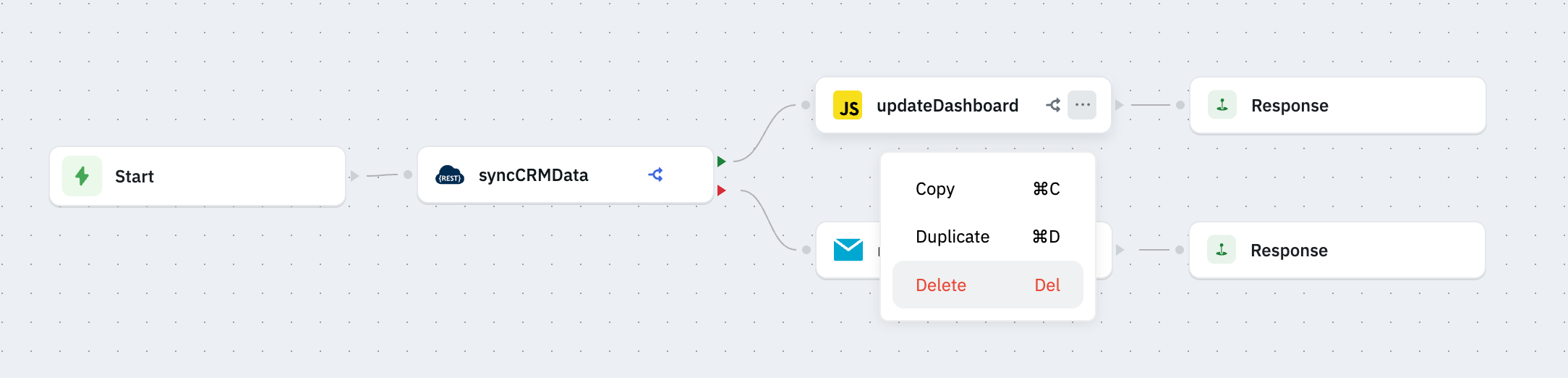
You can perform the following operation on the nodes:
Error Handling
The Error Handling node operation in ToolJet workflows lets you define different execution paths based on whether a node succeeds or fails. If a node runs successfully, the workflow continues along the success path, if it fails, the error path is triggered, allowing you to perform custom actions like logging, notifications, or retries.

Copy
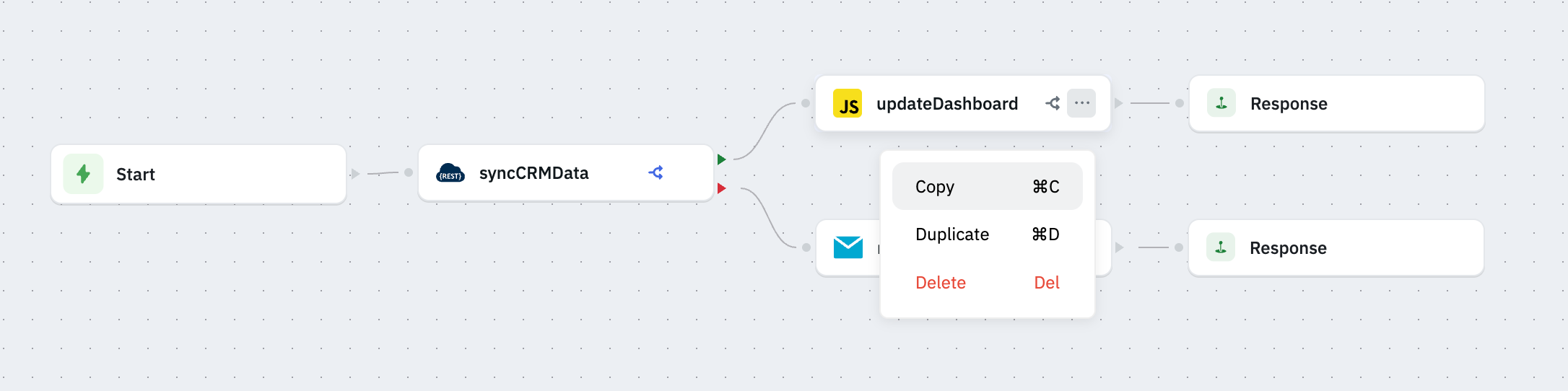
The Copy operation lets you copy a node’s configuration to your clipboard. You can then paste it into another part of the workflow or a different workflow for quick reuse.
Duplicate
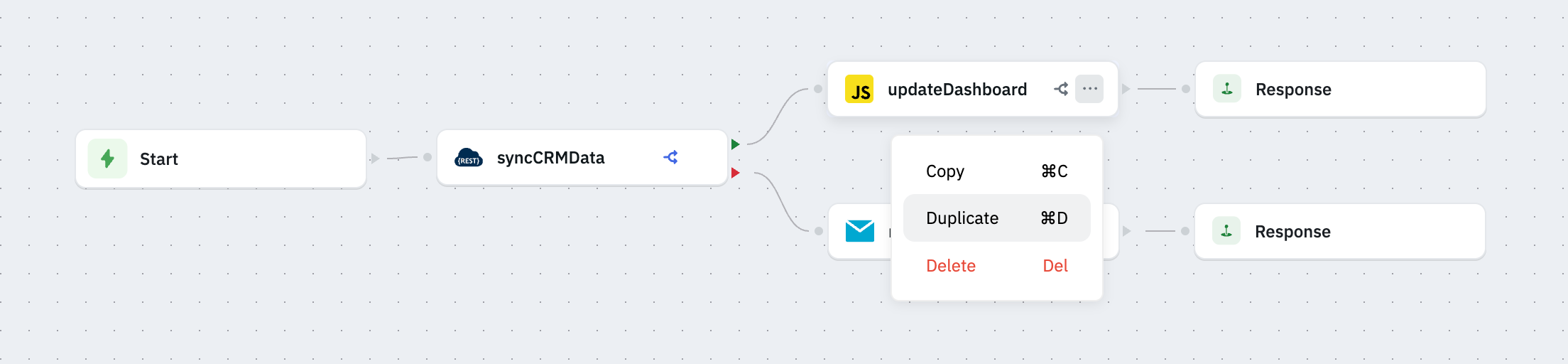
The Duplicate operation instantly creates a copy of the node in the same workflow. This helps speed up building workflows with similar nodes without reconfiguring from scratch.
Delete
The Delete operation removes a node and its connections from the workflow. Use this to clean up unused or obsolete nodes and keep your workflow organized.